
Release Notes: Better Xray Import, Enhanced AI Capabilities
 |
Enhanced Xray Import Functionality
The import process for Xray test cases now fully supports importing every test step and associated validation, significantly enhancing the test steps cohesion. This update includes importing the result column along with each test step when transferring test cases from Xray, which ensures completeness of imported test steps. In addition, the process automatically cleans attachments from steps if they are not actionable within the test workflow, improving clarity. Moreover, there is new support for handling Xray test steps that reference or call other test cases, enabling better integration and traceability in complex test scenarios. These improvements optimize test management and streamlining workflow automation when importing from Xray.
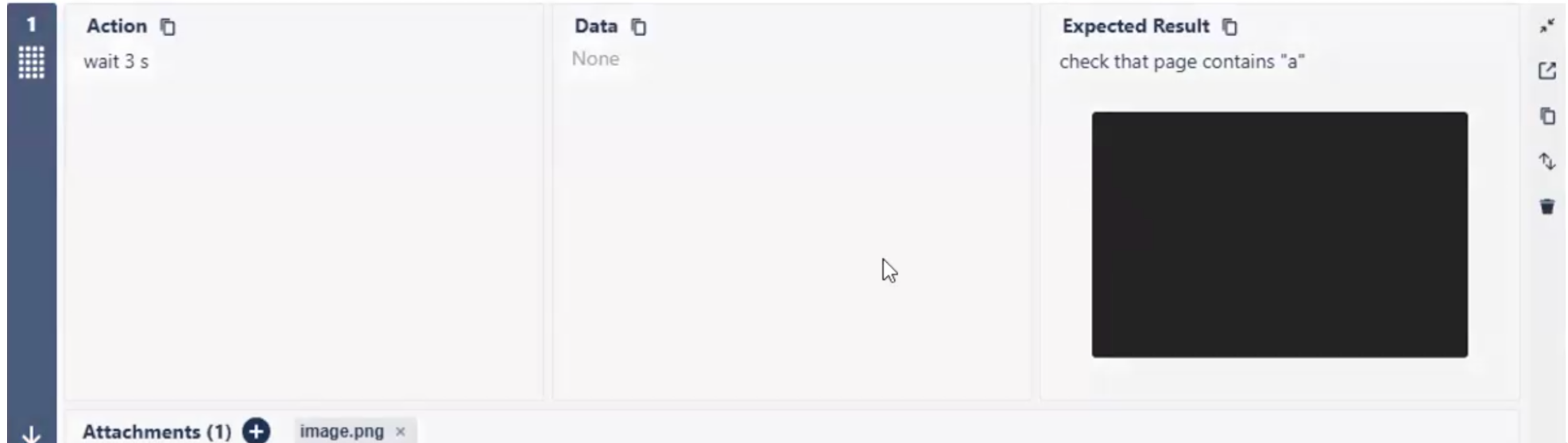
Caption: Xray test case with the Expected Result for a step.
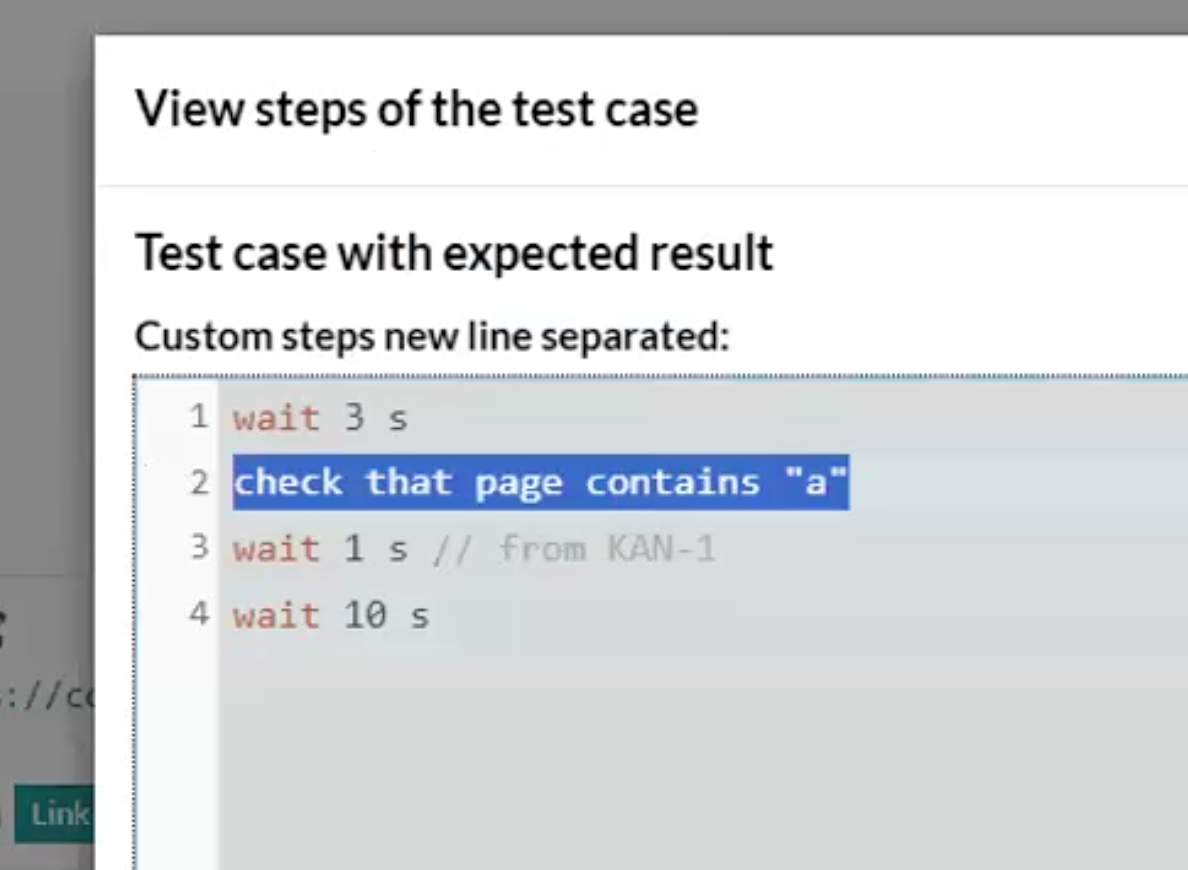
Caption: Imported test case from Xray showing the Expected Result step.
Enhanced AI test generation capabilities
We have enhanced our AI system with a powerful new feature that allows it to upload files, significantly expanding its functionality. This capability works in two main ways: if the files referenced are present in the customer’s dataset within the test data, the AI will utilize those files directly. However, in cases where the customer’s files are unavailable, the system automatically falls back on using sample files from testRigor. By enabling the AI to handle file uploads within test flows, this improvement greatly broadens the scope and flexibility of automated test generation. This advancement allows for more realistic testing scenarios that closely mimic actual user interactions, enhancing both the accuracy and efficiency of test processes while catering to diverse testing needs. This new capability applies by default for the generated test cases, as long as the test interacts with any sort of file upload flow.
This update not only strengthens the AI’s adaptability in handling various file-related test conditions but also streamlines the overall testing workflow, reducing manual intervention. The seamless integration of customer-specific and sample data ensures continuity and reliability in tests, enabling developers and testers to simulate complex scenarios involving file uploads with confidence. By automating these processes, teams can achieve faster development cycles and higher-quality software releases.










