
Release Notes: AI Rule Caching, Generate API Tests
 |
New AI Caching Settings
A new AI Rule caching setting has been introduced to improve performance and consistency in test execution. This feature supports two caching modes: Test Suite Level and Test Case Level.
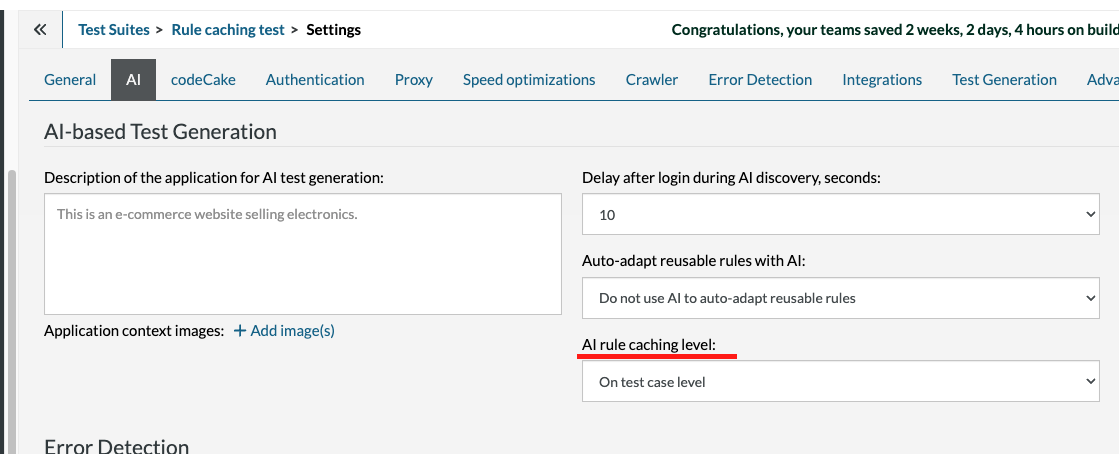
Caption: Dropdown for the AI rule caching setting.
By default, caching is enabled at the Test Suite Level. In this mode, any test case within the same suite that executes an identical AI rule, for example, a command like “Go to BestBuy and search for a laptop”, will automatically reuse the previously generated AI output. This reduces redundant processing and speeds up test execution.
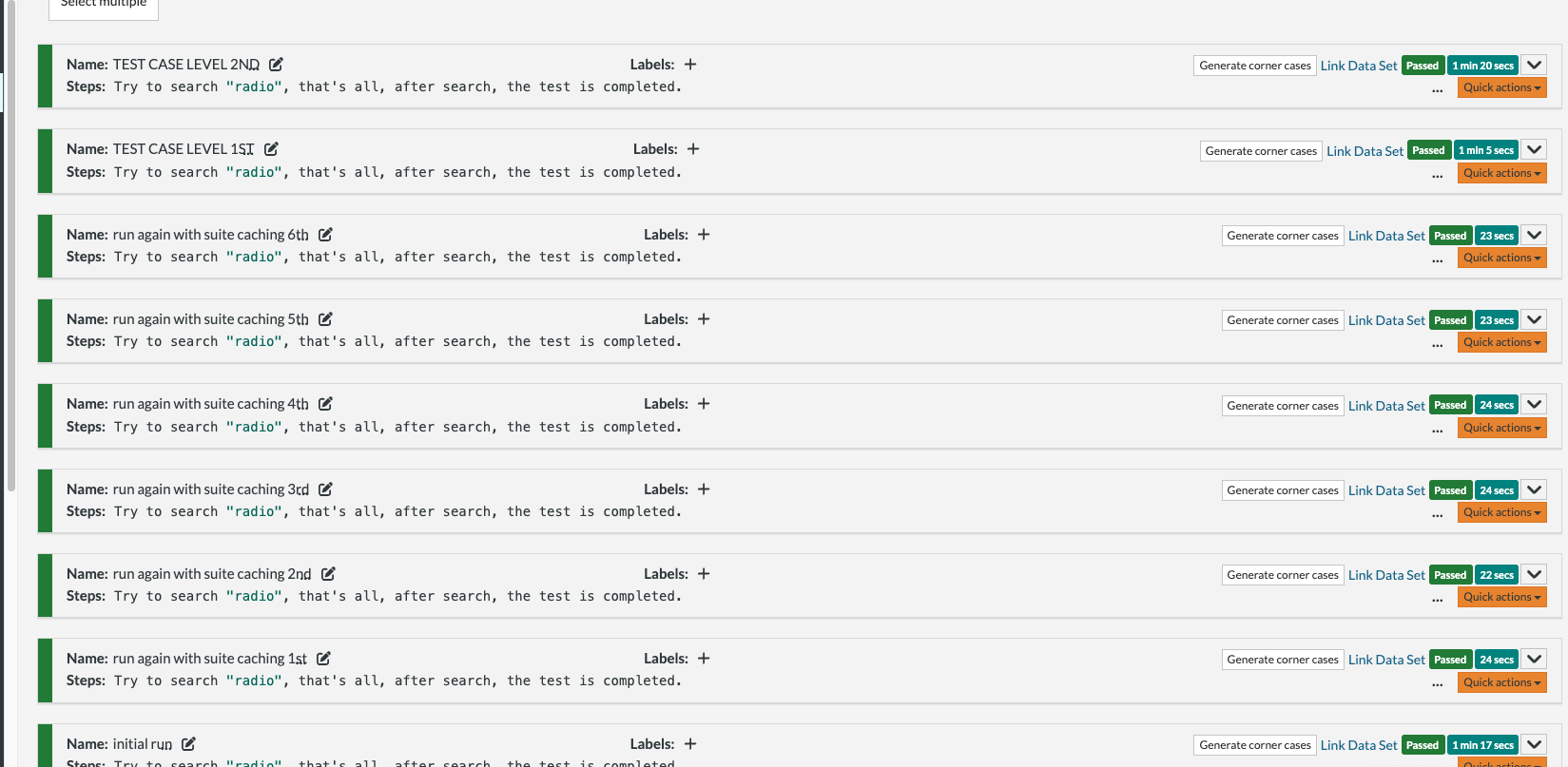
Caption: Multiple test cases using the same AI rule having the Test Suite Level setting enabled.
When caching is switched to the Test Case Level, each test case generates a new result for every run. However, if the same test case is re-executed, the cached result from the previous run will be reused to maintain result consistency while saving compute time. This AI caching configuration helps optimize test performance, improve reusability, and ensure predictable outcomes across repeated AI-based test scenarios.
AI Generated Tests Now Support API Commands
With this update, testRigor now supports AI-based generation of API tests using both test descriptions and contextual data, including during the import process. This feature primarily targets API testing but also allows the use of API calls in regular test types. It applies when generating new tests with AI, completing existing test cases with AI, or creating test cases automatically during import. This update simplifies test creation, enhances test coverage, and reduces manual effort when building complex API scenarios.










