
Email Testing Tools & Best Practices for You in 2026
 |
The return on investment (ROI) for email marketing has been cited as a $42 return for every $1 spent, making email marketing extremely lucrative. So it’s not surprising that so many companies are investing in it. However, email testing can be a nightmare for some teams due to the high level of technical nuances required, beyond what most teams are accustomed to with regular browser testing.
Luckily, some quality email testing tools and best practices in 2026 have made this type of testing far more manageable than in the past. If you’re looking for the latest email testing tools and best practices, this guide is the perfect summary for your needs.
What are Email Testing Tools?
They are specialized software or tools that ensure that the email functionality is working as expected across email clients and devices and that they reach their intended recipients. These tools help marketers, developers, and email campaign managers validate their email’s design, functionality, content, and deliverability.
How do Email Testing Tools Work?
These tools help to test the following areas:
- Design and content: This involves testing the email on different email clients (like Gmail, Outlook, Yahoo, etc.) and various devices (desktop, tablet, smartphone). This is crucial because each email client has its own way of interpreting HTML and CSS. Also, it checks that the content is delivered correctly.
- Deliverability: It checks that the email has not ended up in spam and is delivered to the intended recipient.
- Links and functionality check: It is required to correctly check links, buttons, and interactive elements within the email function.
- Accessibility: Some testing tools have provisions to test the application’s accessibility (email functionality). They ensure emails are accessible to people with disabilities, checking against various accessibility guidelines and standards. Read here how to build an ADA-compliant app.
- Loading time: Some testing tools allow you to analyze the size of email elements and overall loading time. This is crucial for maintaining a good user experience, especially on mobile devices with slower internet connections.
Automated Email Validation vs Manual Email Testing
Testing emails the old way usually means doing things manually – like sending trial messages, looking through inboxes, or scanning how they look. That might be fine for tiny projects, but when you are working with more volume, it falls apart because people make mistakes.
Automated email checks let teams test how emails behave – using code to run them again and again. Rather than reviewing each message by hand, scripts can make sure things work right.
- An email got sent when the person did the right thing
- The email got through to the person it was meant for
- The subject, body content, and links match expectations
- Dynamic values plus custom tags show up right
Testers can set up checks using everyday words – so anyone on the team can run tests, whether they code or not. Due to automatic testing, emails keep working right, even when apps change over time.
Benefits of Using Email Testing Tools
Email testing has the following benefits when done right:
- Improved deliverability: Some email testing tools allow teams to monitor and understand bounces, rejections, spam traps, and other issues with deliverability. It helps maximize the effectiveness of email marketing efforts and eliminates the waste of sending emails that don’t reach engaged users as desired. By identifying and fixing issues that could lead to being marked as spam, these tools help ensure that emails reach the inbox.
- Better user experience: At the most basic level, email testing tools can help teams troubleshoot how emails render in different email clients, web browsers, and devices. Proper and functioning emails across all devices and clients lead to a better recipient experience.
- Improved engagement: Businesses can see higher engagement rates from their email campaigns when they are correct, functional, and have high deliverability.
- Content A/B testing: Email testing tools are also helpful in several other areas, such as A/B testing of different templates and content.
- Saves time and cost: Through testing process automation, you can save time and resources that would otherwise be spent on manually checking emails across platforms, devices, and browsers.
Why Email Deliverability Testing Matters
Email deliverability shapes how users interact with your business and how reliable the system feels to them. Good-looking messages still fall flat when they miss inboxes or show up late.
Testing delivery lets teams check how well messages arrive.
- Detect setup problems before they grow
- Keep an eye on how risky a sender’s reputation might be
- Lower bounce rates while cutting down on spam reports
- Keep lines open so vital tasks run smoothly
Using delivery checks in automated testing helps teams spot problems early – before actual users run into them.
Email Testing Best Practices
Email testing tools help address several unique challenges that QA and email marketing teams face. No matter what solutions you choose, if your team is supporting email marketing campaigns, all of the areas below are critical considerations to ensure the viability of your email marketing efforts.
Test Across Devices, Platforms, and Browsers
Use email testing tools (like Litmus, Email on Acid, etc.) to preview and test how your emails look across various email clients and devices.
Example: Using Litmus, you create an email campaign for diverse audiences. While the email looks fantastic in Gmail on Android devices, it is misaligned in Outlook 2016 on Windows. With this information, you adjust your email’s HTML/CSS to ensure proper display across both platforms.
Check for Spam Compliance
Use spam testing tools to evaluate your email against common spam filters. Adjust your content, subject line, sender reputation, and authentication protocols (SPF, DKIM, DMARC) as needed.
Example: Before sending out your newsletter via Mailchimp, you run it through Mailchimp’s built-in spam filter check. The tool flags your use of “Free” in the subject line as a potential issue. You adjust your subject line accordingly to improve deliverability.
Validate Links and Interactive Elements
Use automation or manually check all links, buttons, and interactive features in your email to ensure they work as intended.
Example: You are sending an email with a special offer with a CTA button linked to your sales page. Before dispatch, you manually click each link and CTA in the email sent to a test account. You discover that one CTA mistakenly redirects to a 404 page. You correct the URL in the email template before the final send-out.
Evaluate Email Accessibility
Make sure emails use accessible design principles, such as alternative text for images, sufficient color contrast, and logical HTML structure.
Example: You design an email with beautiful images and graphics, but realize that screen readers can’t interpret these visuals for visually impaired recipients. You then add descriptive ‘alt text’ to each image, ensuring that all recipients understand the email content.
Test Subject Lines
Conduct A/B testing with different variations of subject lines and preheader texts to see which combinations perform best.
Example: For your monthly newsletter, you decide to A/B test two subject lines: “This Month’s News Inside!” and “Hot Off the Press: Your Monthly Update!🔥” Using an A/B testing feature in your email service provider, you find that the emoji-led subject line significantly increases your open rates.
Perform Load Time Analysis
Optimize images and minimize the use of complex code to ensure your emails load quickly, especially on mobile devices.
Example: Your promotional email includes high-resolution product images, making the email size quite large. Testing reveals it takes over 5 seconds to load on mobile devices. To solve this, you optimize your images for the web, reducing the load time to under 2 seconds and improving mobile user experience.
Review Content for Brand Consistency
Test that the email’s design, tone, and messaging align with your brand guidelines and voice.
Example: Upon reviewing your draft email, you notice that the color scheme matches an outdated version of your brand guidelines. Before finalizing, update the template with your current brand colors and fonts to maintain consistency across all media.
Use Personalization Wisely
Thoroughly test dynamic content and personalization tokens to ensure they display correctly for different segments of your audience.
Example: You send a personalized email campaign where the greeting dynamically inserts the recipient’s first name. In testing, you notice that for some contacts without a first name in your database, the email opens with an awkward “Dear ,” To address this, you set a default greeting for such instances.
Run Inbox Placement Tests
Use tools that simulate sending to real inboxes to see where your email is placed and make necessary adjustments.
Example: Using a tool like Return Path, you send your latest marketing email to a seed list with various email providers. The test reveals that your email lands in the ‘Gmail Promotions’ tab but goes directly to the inbox in Outlook. This information prompts you to adjust your email content to improve inbox placement across all providers.
Monitor Feedback Loops and Analyze
Set up feedback loops and monitor email analytics to understand how recipients interact with your emails. Use these insights to inform future email strategies.
Example: After your email campaign, you analyze the bounce rates, unsubscribe rates, and spam complaints through your email service provider’s analytics dashboard. You notice a higher-than-average unsubscribe rate from one segment of your audience. This leads you to refine your segmentation strategy to better match content with subscriber interests.
Effective email tests in 2026 aren’t just random tries. Instead, try these tips:
- Treat emails like results you can check – more so than unintended outcomes
- Set up automatic checks for emails – make sure they’re sent right, plus the info’s accurate
- Check transactional emails during actual user actions
- Check templates once you tweak the layout or refresh the brand look
- Include email testing in CI/CD pipelines
- Choose tools without coding to cut down on upkeep tasks
These practices help teams maintain dependable email workflows as applications scale.
Transactional Email Testing as a Core QA Requirement
Transactional emails matter a lot in today’s apps. Things like confirming an email address, resetting your password, checking an order went through – these affect how users feel about the app, and whether it works right.
Checking transactional emails means making sure they work right so that each email does what it’s supposed to do when sent out.
- Triggered at the correct point in the user journey
- Delivered without delays or failures
- Secure and correctly personalized
- Functionally correct, including links and tokens
Fewer people realize transactional emails aren’t like regular promo messages. They rely on end-to-end automated tests instead of solo trials. These alerts need real-time verification through complete automation, linking each step from someone’s click straight to inbox arrival and follow-up reaction.
Failing to test transactional emails might block users, cause signup drop-offs, or raise support expenses.
Best Email Testing Tools for 2026
In the world of email testing tools, there are a lot of tools that specialize in one or a few areas. Here is a list of some of the most commonly used email testing tools in 2026.
Litmus
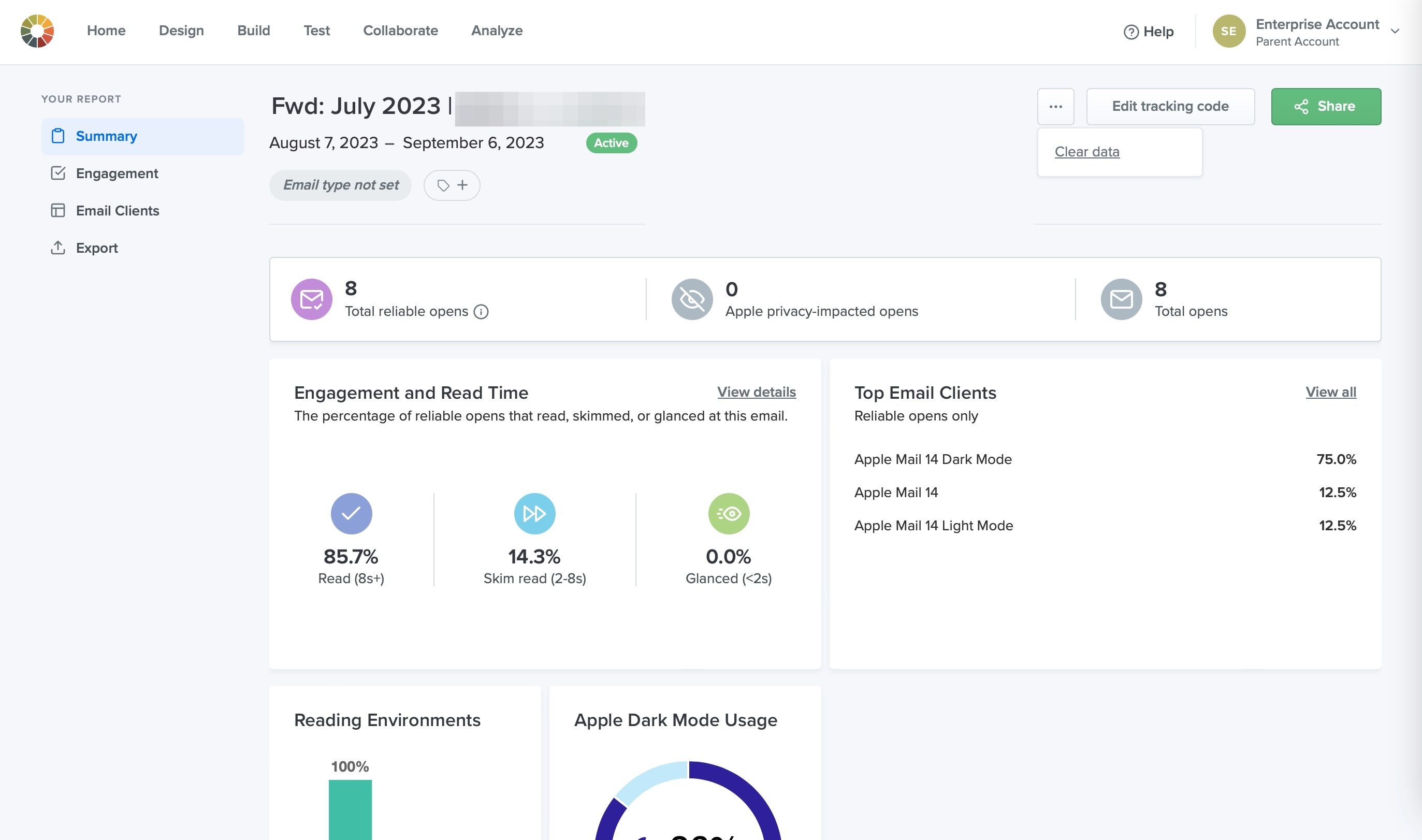
Litmus is one of the leading email testing tools in the market, allowing teams to create, preview, and test emails to resolve issues before sending out bulk mailings. Litmus lets you preview and test emails in over 100 of the most highly used email providers and devices, including Outlook, Gmail, Yahoo Mail, and many more. In addition to testing emails before sending, Litmus provides other tools, such as a spam score and suggestions from the platform about improving mailings.
Unlike traditional tools, where you test only before sending, Email Guardian monitors your emails after they are live. If an email client (like Gmail) updates its code rendering and “breaks” your existing automated emails, Guardian sends you an instant alert. Litmus also provides a specific accessibility checklist that checks for screen reader compatibility, color contrast for visually impaired users, missing ALT text, and proper heading hierarchy.
Email on Acid
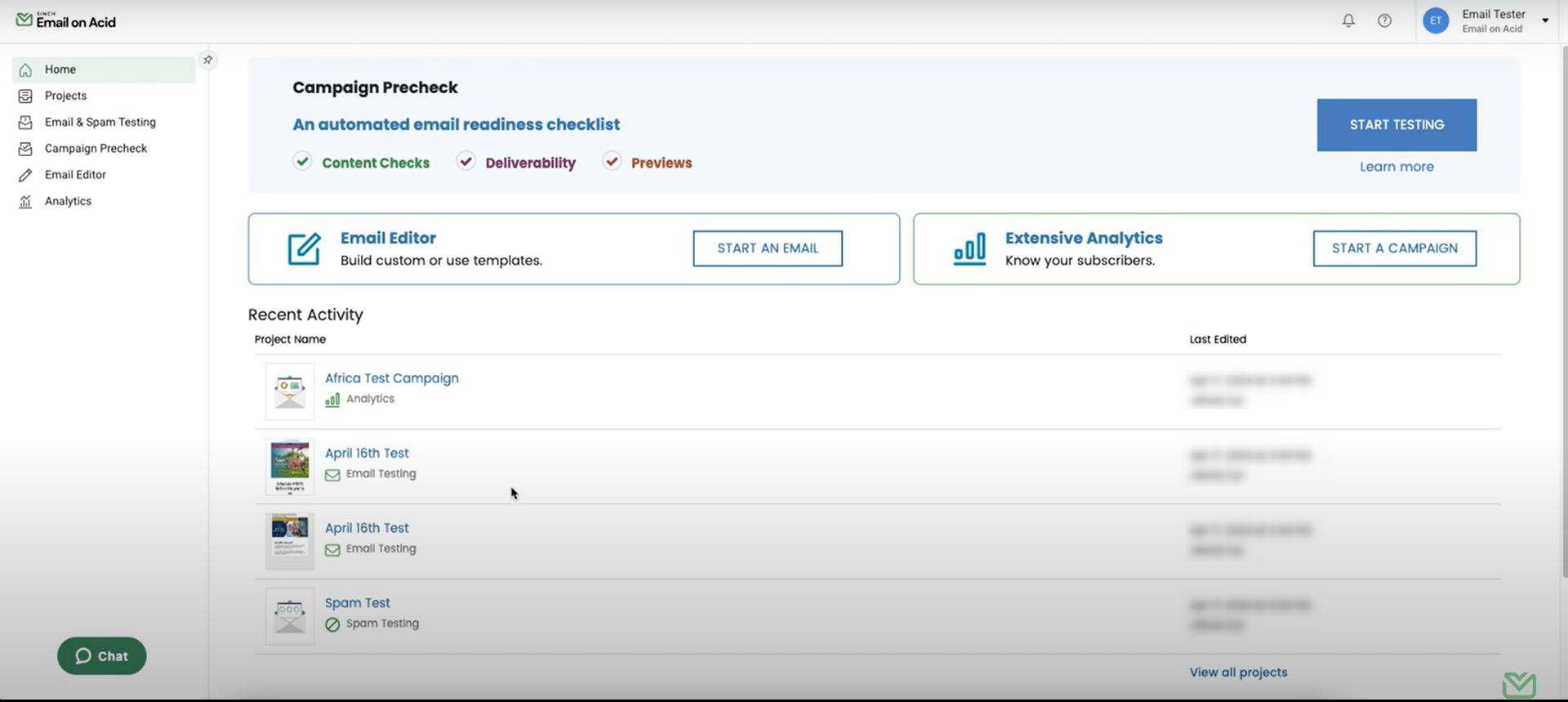
Email on Acid also allows you to test and find issues with mailings before sending them out to your broader email lists, such as broken links, accessibility, image checking, spell checking, and blocklist verification with multiple spam filters. The tool offers a “Campaign Precheck” which forces you to review the “Inbox Display” (subject line/preheader), “Content” (links/accessibility), and “Deliverability” in a single, streamlined process.
Unlike its competitors, which often gate previews behind monthly limits or expensive tiers, Email on Acid offers unlimited previews on every plan. This allows developers to iterate, fix, and re-test hundreds of times without fear of extra costs.
Mailtrap
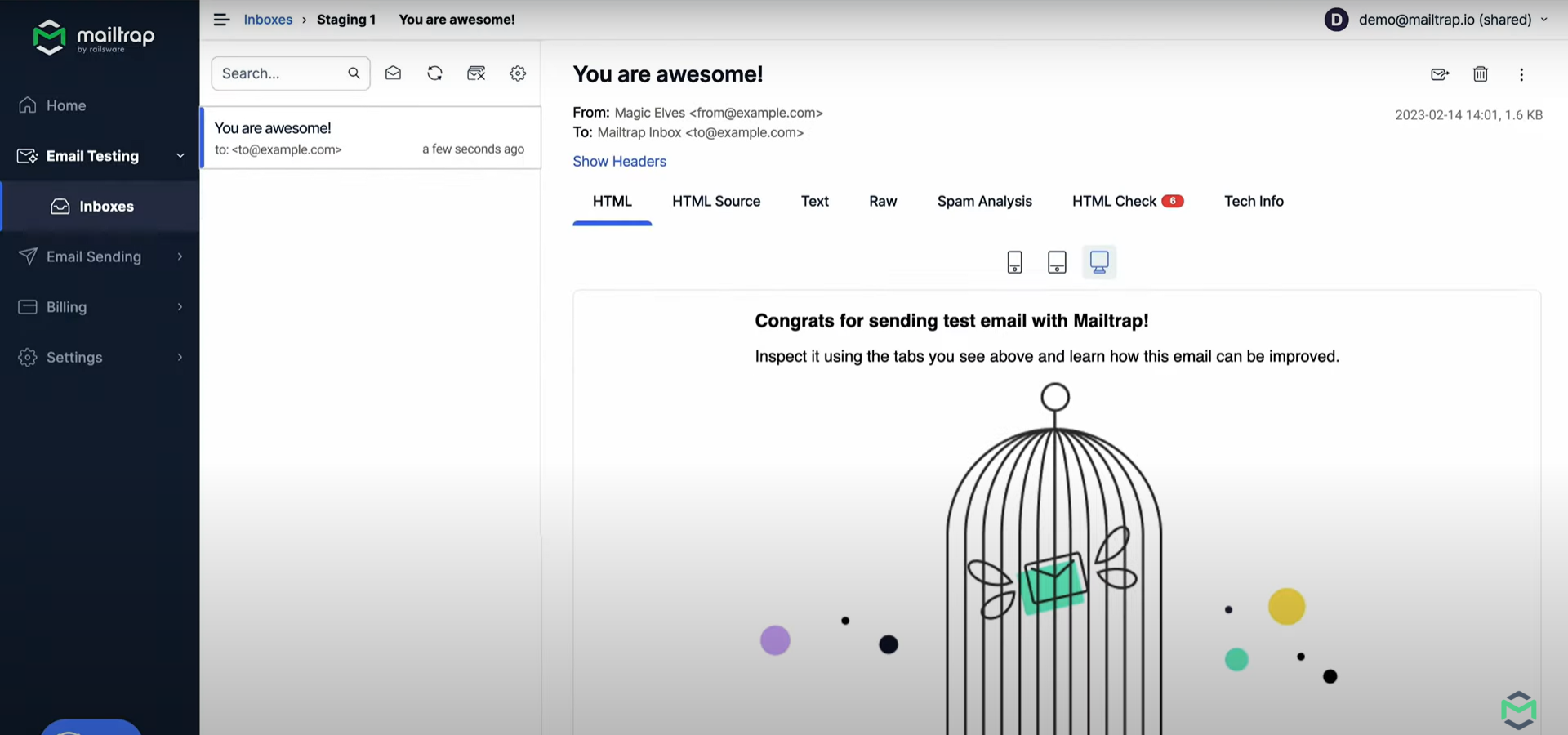
Focuses on a safe email testing environment for developers, allowing them to inspect and debug email samples before they are sent to actual recipients. Mailtrap is especially useful for development teams during testing, preventing accidental email blasts to real users. One of Mailtrap’s biggest advantages is that you no longer need separate tools for testing and production. You can test your templates in the Sandbox, and once ready, switch to the Mailtrap Email API/SMTP for live delivery using the same credentials and logic. For teams using CI/CD, Mailtrap offers a robust testing API that allows automated test suites to verify that an email was actually triggered, programmatically check the content of the email (subject line, headers, links), and validate attachments without any manual intervention.
Mailchimp
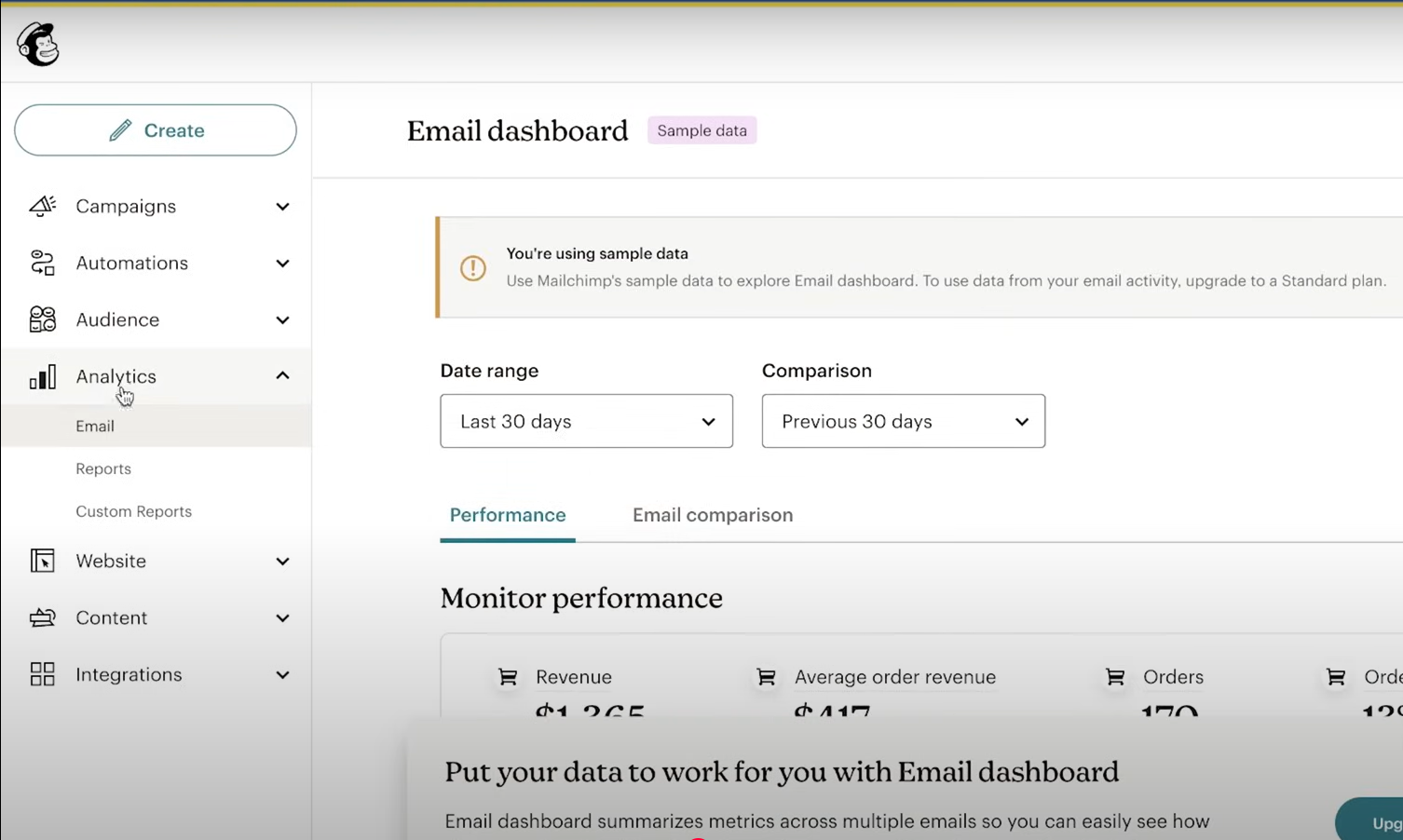
While primarily an email marketing platform, Mailchimp includes features for A/B testing, content optimization, and previews across different devices and email clients. Ideal for small to medium-sized businesses looking for an all-in-one marketing solution with built-in testing capabilities. Mailchimp’s Intuit Assist is an AI agent that doesn’t just test but also generates variations for you. It can automatically rewrite subject lines or headers to be “shorter,” “more urgent,” or “more professional,” essentially pre-testing your copy before it even goes to an A/B split. Before you hit send, Mailchimp runs a pre-send audit that checks for common errors that typical testing misses, like merge tag errors (e.g., ensuring “Hi *|FNAME|*” won’t appear as “Hi Friend”), link validation to ensure no URLs are broken, and image size alerts to prevent slow-loading emails on mobile. With the Customer Journey Builder, you can now “split-test” entire paths. For example, you can test if a “20% discount” email sent 1 hour after cart abandonment performs better than a “Free Shipping” email sent 24 hours later.
GlockApps
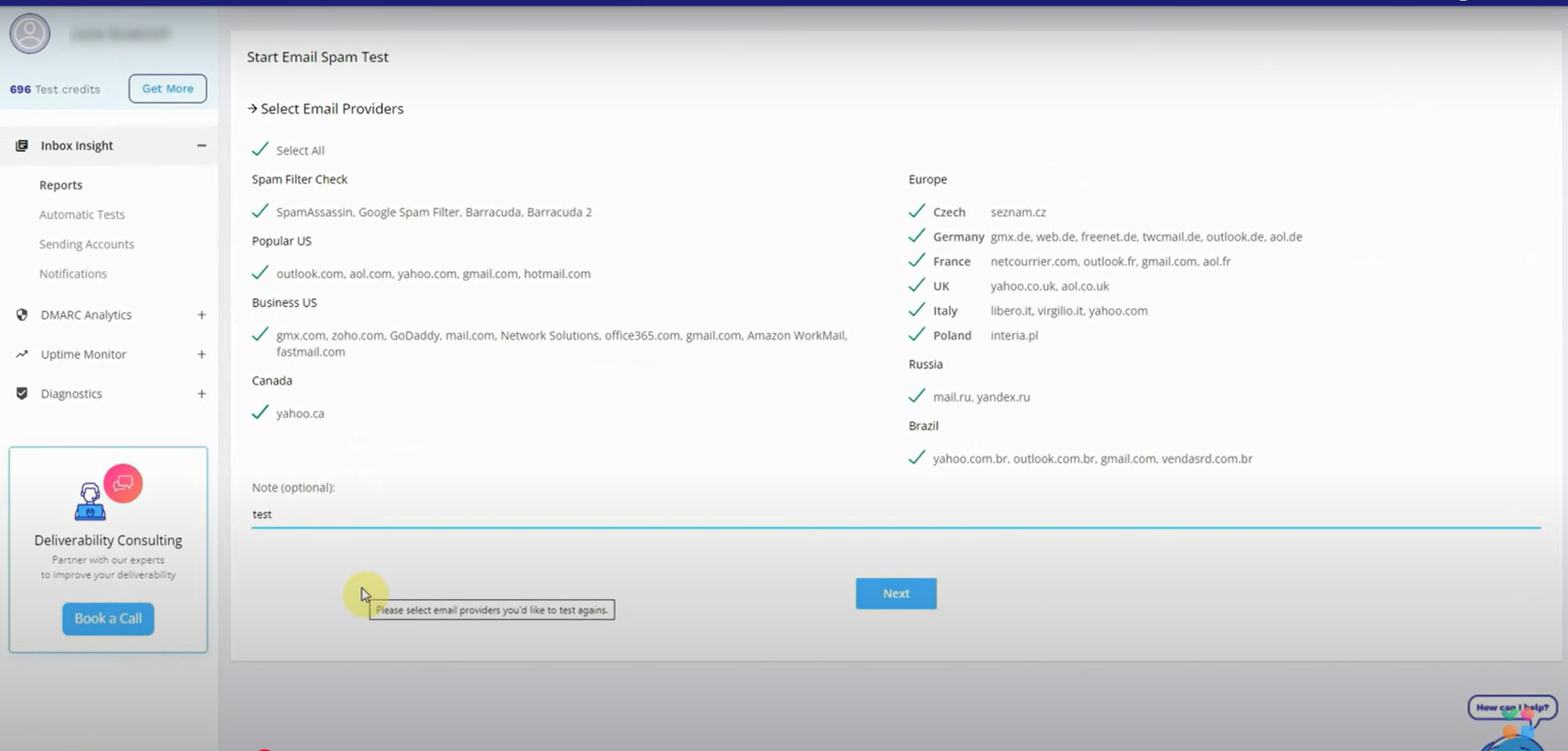
This tool helps you make sure your emails actually reach your recipients’ inboxes and don’t get stuck in spam folders. GlockApps tests your emails by sending them to various email providers (like Gmail, Yahoo, etc.) and checking if they pass spam filters. It also gives you reports on things like subject lines, sender reputation, and potential issues that could affect delivery. The tool supports proxy testing, where instead of manually sending a test to a list of 50 addresses, you send one email to a unique GlockApps proxy address. The tool then automatically distributes that test to its global seed list and aggregates the results, saving hours of manual QA time. Beyond just words, the tool analyzes your HTML weight (large files get “clipped” in Gmail) and checks for broken links or suspicious redirects. It also includes an AI Content Detector that flags phrases that modern AI-driven filters are currently sensitive to.
SendForensics
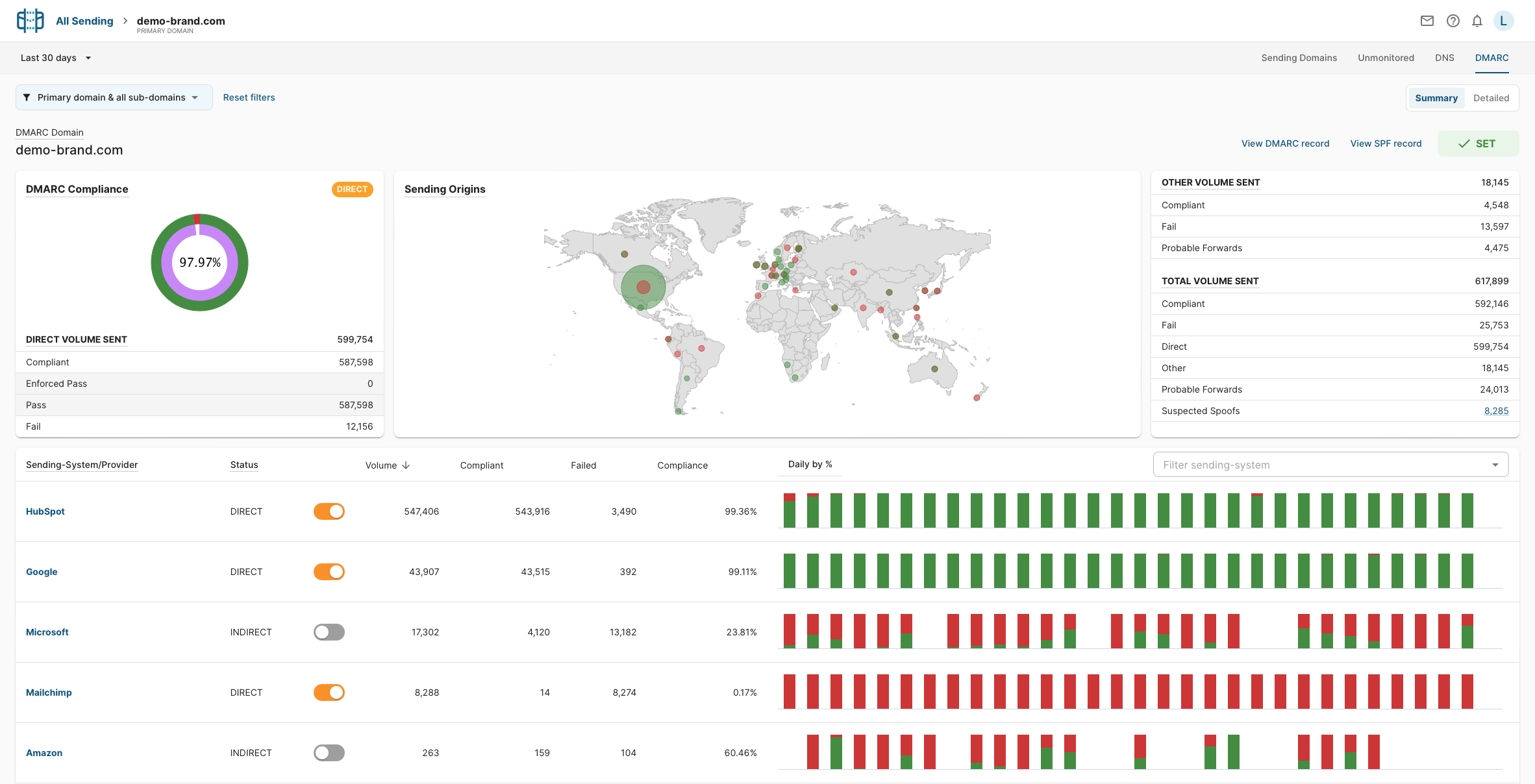
This is another tool focused on email deliverability. It analyzes your email campaigns to see how likely they are to land in the inbox instead of the spam folder. SendForensics checks things like email content, your sender reputation, and how your email compares to best practices. It’s also great at DMARC Compliance. It also gives you insights into improving your email performance by scoring your emails and offering suggestions to improve deliverability. SendForensics scans every URL in your message. If you link to a third-party site (like a partner or a social media profile) that is currently blacklisted, it will flag your email as “High Risk.”
testRigor
For any team that wants to maximize email testing coverage with the least effort, testRigor is the platform to go. It has robust, generative AI-powered testing features that let you write test cases in plain English. It is a powerful tool that allows web, mobile, desktop, and API testing singlehandedly. Use plain English to run complex SMS, phone calls, visual, database, file upload/download, QR codes, emails, 2FA, geolocation testing, and many more complicated functionalities.
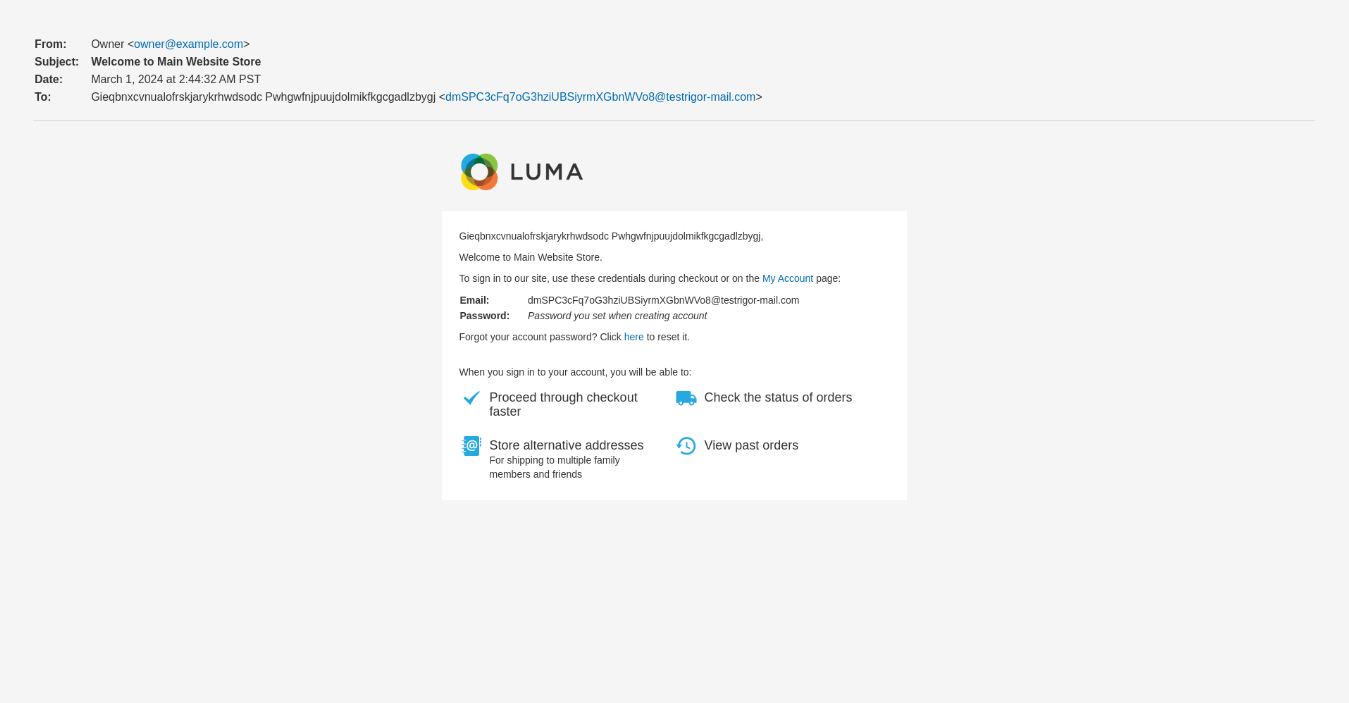
send email to "[email protected]" with subject "Test message" and body "Hi, this is a test, this is just a test message."
check that email from "[email protected]" is delivered
click "Register"
generate unique email, then enter into "Email" and save as "newEmail"
enter "password123" into "Password"
click "Sign Up"
check that email to saved value "newEmail" was delivered
check that page contains button "Confirm Registration"
click "Confirm Registration"
check that page contains text "Successfully confirmed"
With its unique testRigor locators, you can refer to elements by using the text you see on the screen. The tests are ultra-stable since they do not use flaky CSS/XPath locators. Know about other top testRigor’s features.
Take a look at this detailed guide to email testing with testRigor – How to do email testing using testRigor?
If you’re interested in learning more about how testRigor can help your team, be sure to contact us, and one of our friendly team members will help you get the answers you need.
| Achieve More Than 90% Test Automation | |
| Step by Step Walkthroughs and Help | |
| 14 Day Free Trial, Cancel Anytime |











