
Release Notes: Error Navigation, Export Data Sets, Background Jobs
 |
Better Error Navigation on The Execution Page
This release introduces improved navigation on the View Execution page, making it easier and faster to move through test case errors. New navigation arrows let you quickly jump to the next or previous error within a test execution, ensuring a smoother and more efficient debugging experience.
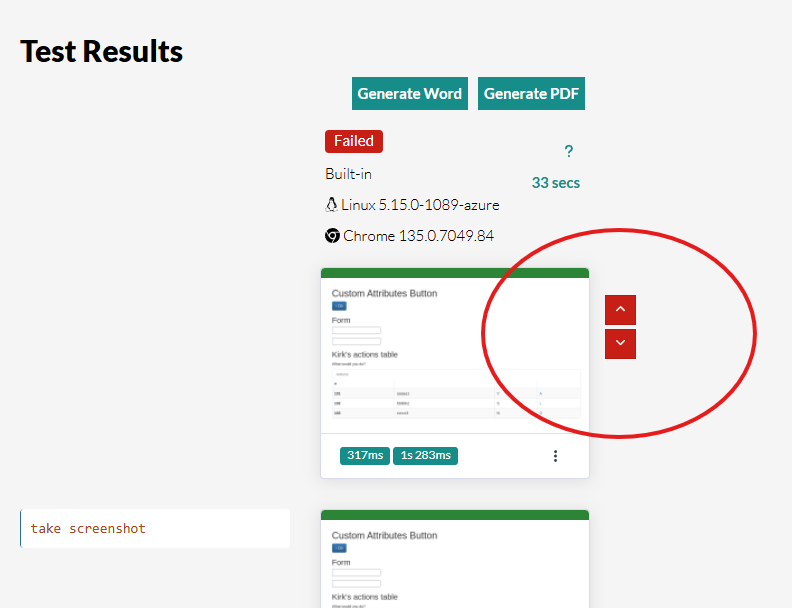
Caption: Navigation arrows on the test execution page for the test errors.
Export Data Sets as a CSV file
You can now export Data Sets in testRigor as CSV files, making it easy to extract and manage your test data. This feature lets you quickly edit variable values in bulk, add new rows with generated data, and perform other advanced data operations outside testRigor.
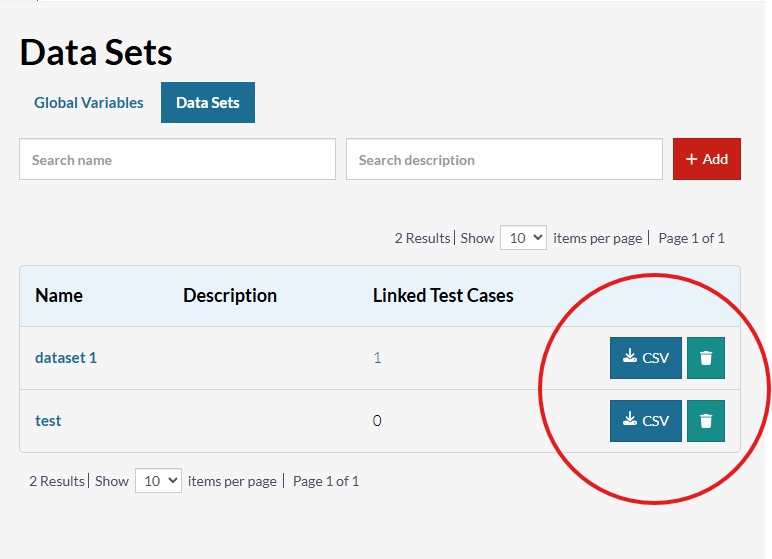
Caption: Download CSV button on the Data Sets page.
To use this feature, navigate to the Test Data page, open the Data Sets section, and download your desired Data Set as a CSV file.
Brand New Background Jobs Page
You can now view and monitor all background jobs within your testRigor test suite, giving you full visibility into automated processes that run behind the scenes. This update helps you better understand and track ongoing operations such as importing tests from TestRail.
Each job displays real-time details, including its current status, progress, and completion results, making it easier to identify ongoing tasks or troubleshoot potential delays. To access this information, navigate to the Background Jobs page in your test suite, where every background process is now listed with clear progress indicators and status updates.










