
The Best API Testing Tools for 2026
 |
When it comes to websites, APIs form an important part of the entire architecture. They are your messengers, the ones that relay information between various components. Testing APIs is an important step to ensure that your website is always up and running. Various tools are available on the market to cater to this need.
What do API Testing Tools Test?
When it comes to APIs, it is necessary to make sure that they are tested for security, performance, and usability. You usually end up checking for:
- Acceptable data type
- Status of the API call (pass or fail)
- Calling another API function
- Error handling in different “illegal” conditions
You need a robust API testing tool to help you with this. Let’s take a look at some of the popular choices available.
The Best API Testing Tools
testRigor
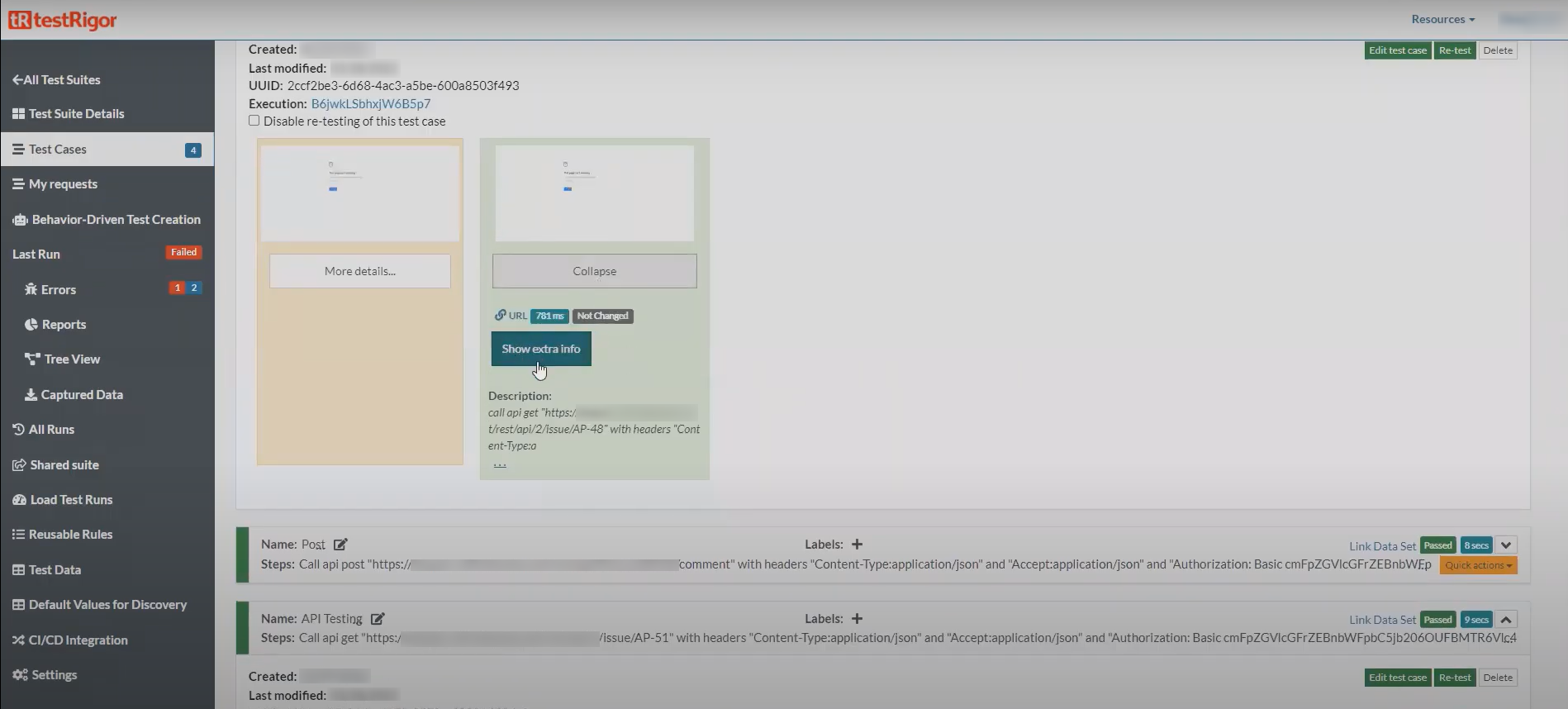
testRigor is an extremely powerful test automation system that features generative AI-powered test creation and the ability to grab your existing manual tests and convert them into no-code executable tests. While API testing is not the primary focus of testRigor, it is an excellent tool for doing it, as it offers a unified platform for UI and API testing. You can also test web apps, native desktop apps, as well as native and hybrid mobile applications. So, in a nutshell, testRigor is a one-stop test automation tool that is ideal for end-to-end testing.
You can use plain English language commands to perform API testing and even mock API responses. Here are some examples.
call api <TYPE> "<API_URL>" with headers "a:a" and "b:b" and body "body" and get "JsonPath" and save it as "variableName"
call api post "http://dummy.restapiexample.com/api/v1/create" with headers "Content-Type:application/json" and "Accept:application/json" and body "{\"name\":\"James\",\"salary\":\"123\",\"age\":\"32\"}" and get "$.data.name" and save it as "createdName" and then check that http code is 200
mock api call "https://jsonplaceholder.typicode.com/todos/1" returning body "{\"mock\": \"mocked response\"}"
You can integrate these tests into your CI/CD pipeline easily as testRigor offers various integrations with such tools. Being a cloud-based solution, you can easily scale your API testing to make sure that everything is verified.
Postman
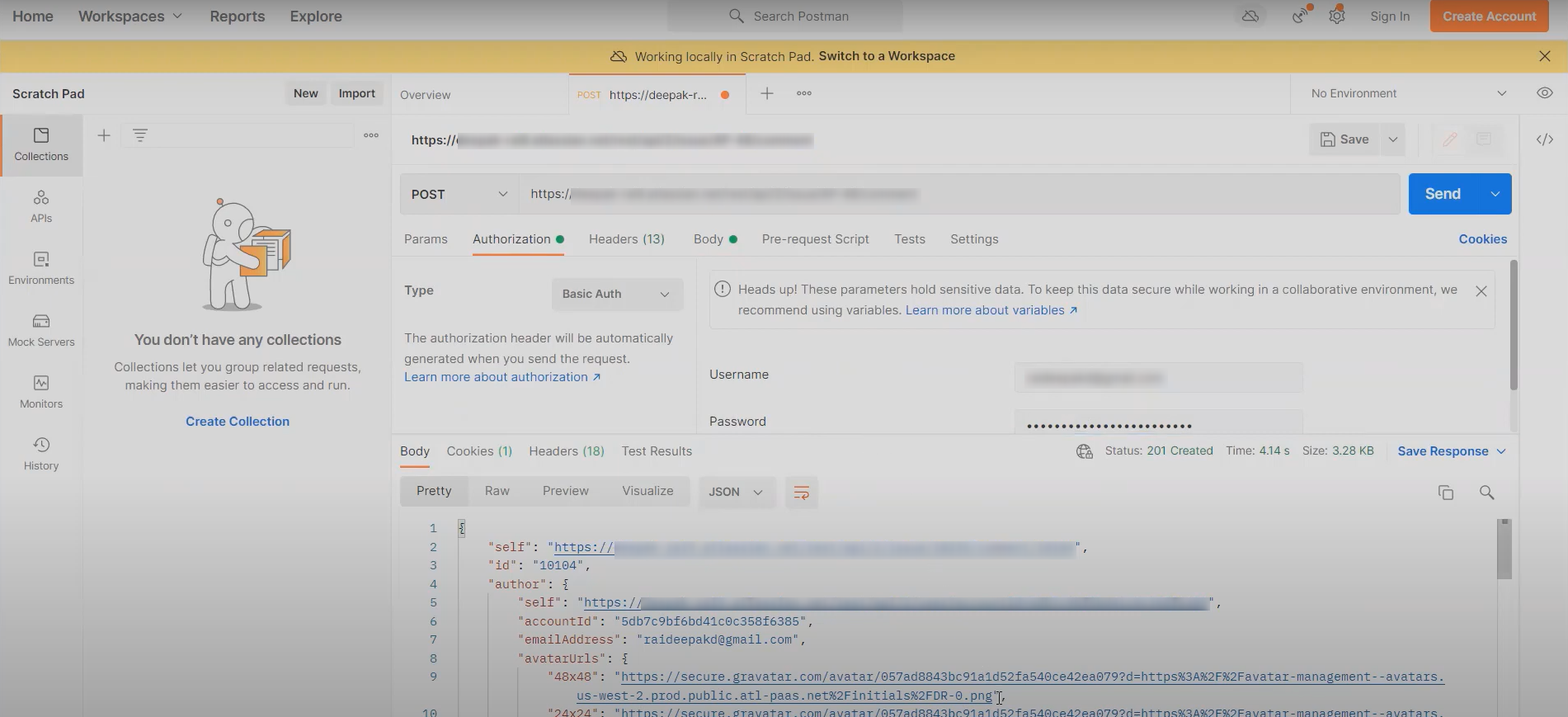
Perhaps one of the most commonly used tools in the area of API testing, Postman is a favorite for many teams working with APIs. This tool is a standalone desktop app or a web app that supports bi-directional sync of your collections and specs with GitHub/GitLab, treating your tests like code.
At its core, the Postman features allow you to monitor APIs, run API requests, perform debugging, and create automated tests. The Postman interface enables you to extract web API data and write Boolean tests without being based on the command line. Postman also supports a range of formats like Swagger and RAML and offers built-in tools, workspaces, and collections.
Postman is a staple, easy-to-use tool for many software teams in the field of software development. Even more so now, since it has introduced features to test LLMs and use a visual, no-code canvas to easily build agents and configure multi-step workflows. Postman also supports MCP, allowing you to connect AI agents directly to your internal APIs and data sources securely. There’s a provision to include built-in load testing capabilities which let you simulate virtual users directly from your collections without needing JMeter.
However, new users might need some getting used to the feature-dense UI compared to the original “simple request builder” experience. Many of the advanced AI features (Postbot, AI Agent Builder) and high-frequency monitoring require paid Enterprise plans, which can be expensive for smaller startups.
Apigee
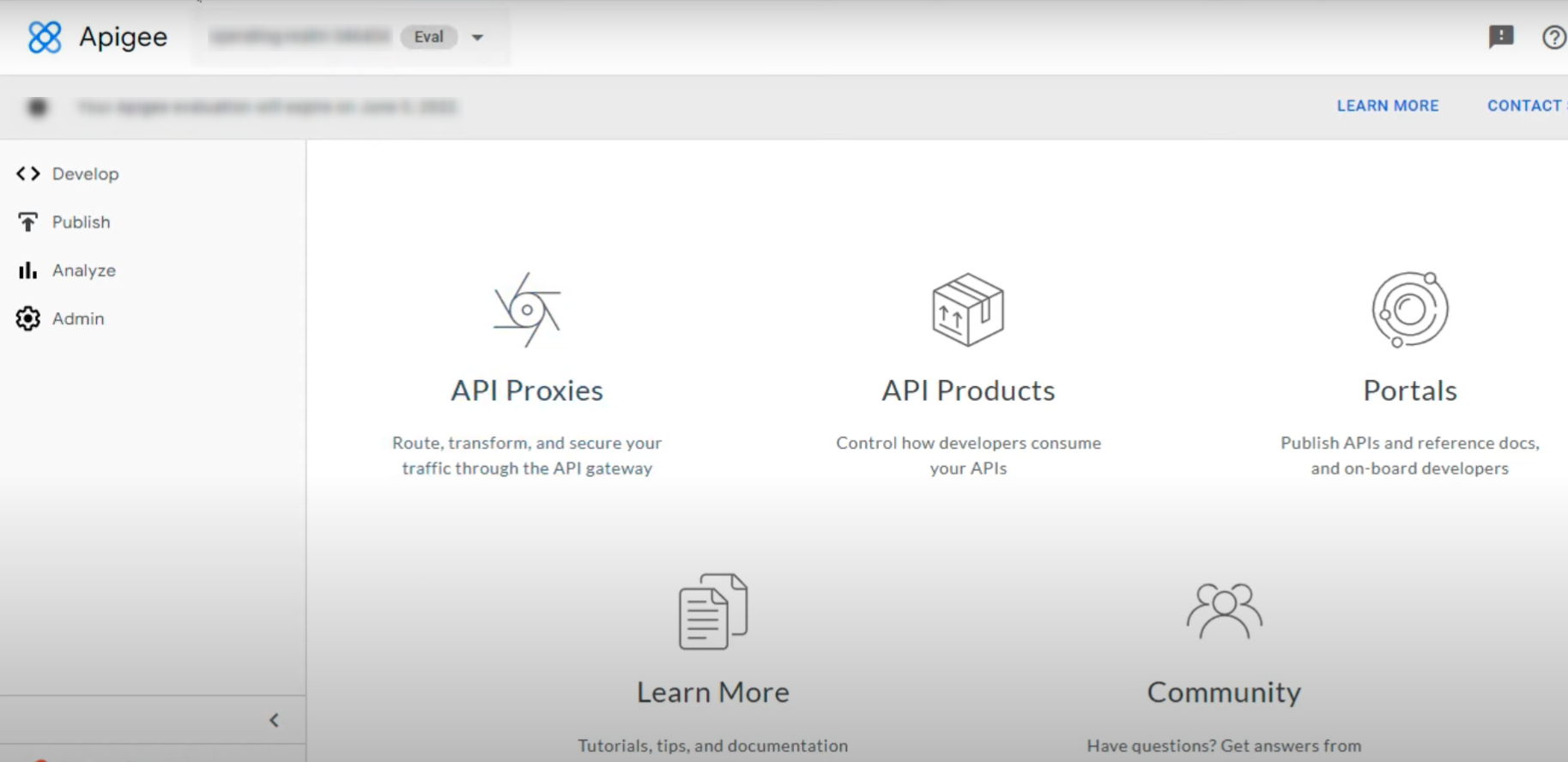
Apigee is another prominent tool in the API testing realm built for cross-cloud API testing and accessible via various editors like Swagger. It is a multistep tool that facilitates measuring and testing performance related to your APIs.
Apigee can allow your team to track API traffic, response time, and error rates, which can really help out a lot when it comes to identifying performance issues related to your APIs. Additionally, Apigee is able to handle APIs that contain large amounts of data, and allows for the creation of API proxies using the OpenAPI Specification with its related cloud deployment. It uses AI-powered models to detect anomalies and “shadow APIs” (hidden endpoints) that traditional testers would never find.
In terms of cost, Apigee invites interested teams to talk to their sales team to discuss pricing. There is also a free trial option to check features and compatibility. All in all, Apigee is more than just a testing tool. It’s a comprehensive API management platform that comprises API lifecycle management, API security, traffic management, integration with Google Cloud Platform, advanced analytics, and a Developer Portal.
However, one might find setting up an Apigee organization, environment, and VPC peering significantly more complex than hitting “Send” in a testing app. Due to “Apigee Test” (synthetics) feature being retired, while you can still “debug” and “trace” calls within Apigee, dedicated functional test automation needs to be handled by integrating Apigee with tools like Postman or GitHub Actions.
SoapUI
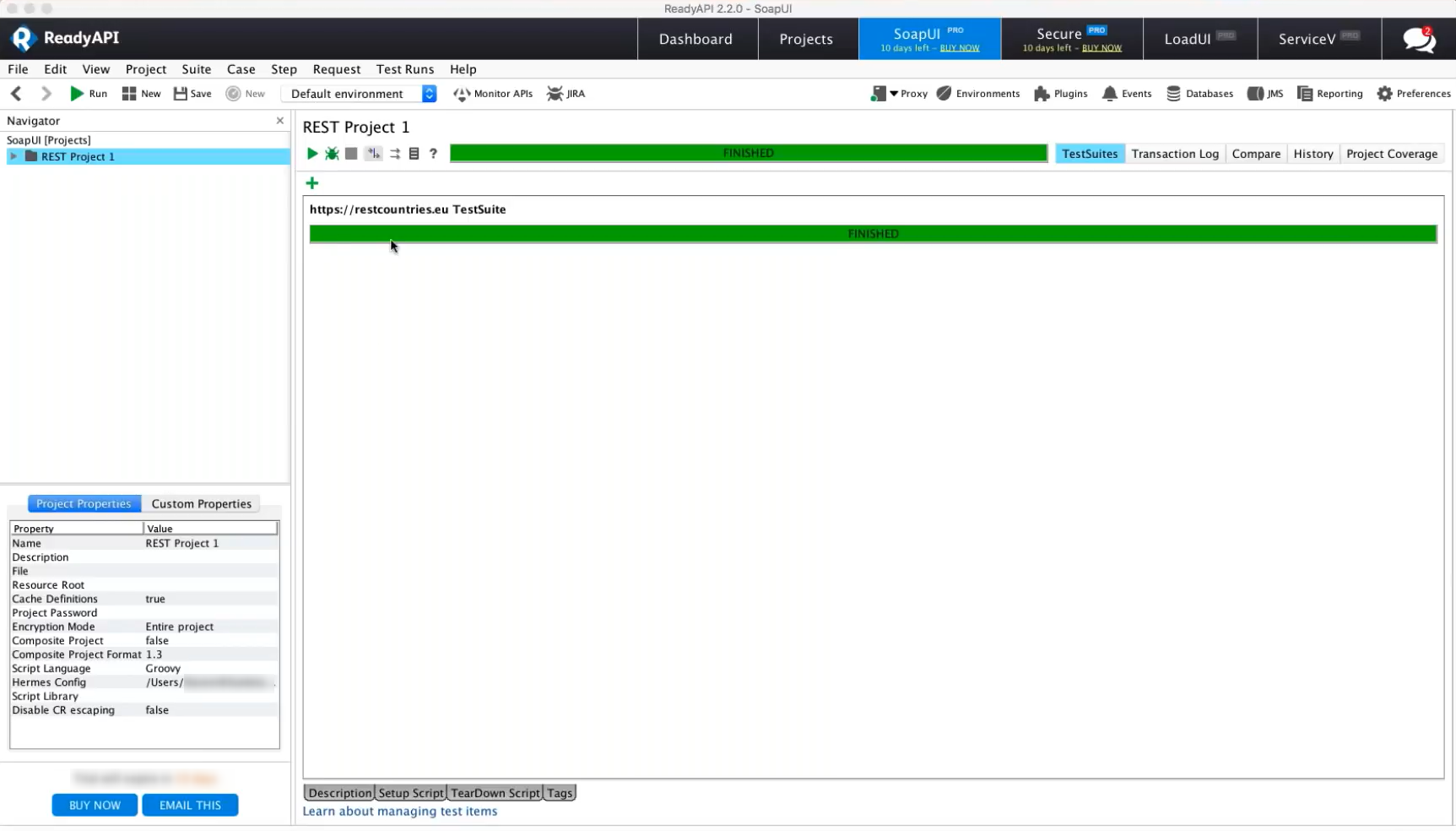
SoapUI is a popular headless functional testing tool that facilitates the testing of REST and SOAP APIs. SoapUI offers both free and paid versions of the product. If you have expertise in programming, then you can build highly complex, dynamic test flows that simple request/response tools can’t handle. One of SoapUI’s best features is its ability to create a “Mock Service” instantly from a WSDL, allowing you to test your frontend before the backend is even built. Beyond just HTTP, it supports JMS (Java Message Service) and JDBC (Database) testing, making it a true “middleware” testing tool.
With the free, open-source version of SoapUI, users have full access to the source code to achieve their needs. This offering is recommended for teams just getting started with automation or those who need a budget-friendly option. Using free SoapUI, users can leverage reusable scripts to re-use load tests and security scans for functional testing, and the product offers both drag-and-drop and point-and-click features for fast, easy test creation.
The caveat with the free version is that many basic features (like data-driven testing from Excel or advanced reporting) are exclusive to the paid ReadyAPI version. The open-source version requires significant manual coding in Groovy to achieve the same results. Moreover, if you’re looking for AI-powered efficiency, then SoapUI Open Source has very few AI-assisted features, requiring more manual effort to maintain tests.
Assertible
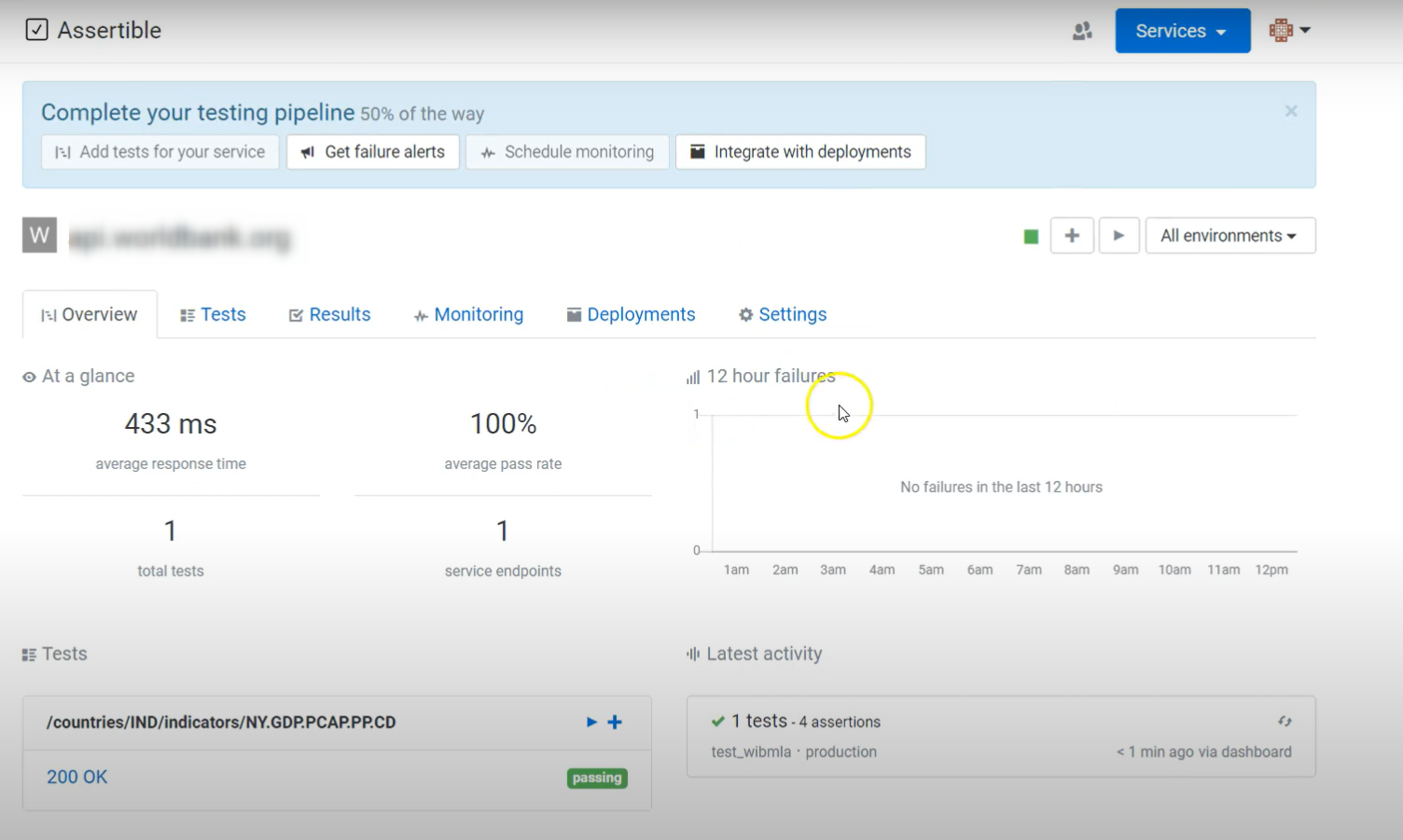
Assertible is another popular API testing tool with a focus on reliability and automation of API tests at every point in the process, including testing and monitoring across deployments and environments.
It allows users to easily create and manage API tests, with a focus on validating API responses through a wide range of assertions. Key features include the ability to check for specific status codes, response body content, headers, and response times. Assertible excels at test automation by enabling scheduled tests and event-triggered tests. If your Assertible tests fail, it can block the PR from being merged, further assisting with automated testing. Since it’s 100% cloud-hosted, there is no need to set up Docker containers or Selenium grids.
Environment management is another strong point, allowing users to configure tests for different environments without altering test definitions. Moreover, Assertible provides comprehensive reporting and analytics to track API performance and identify trends. Its user-friendly, web-based interface makes API testing accessible to users of varying technical expertise. In essence, Assertible provides a robust platform for ensuring API reliability and performance through automated testing and monitoring.
However, the free tier is very restrictive. Because it is a SaaS tool, all your API keys and sensitive environment variables must be stored on their servers, which may not pass security audits for high-compliance industries (FinTech/Gov). Assertible also lacks an AI assistant to auto-generate tests or heal broken assertions when an API schema changes.
Swagger
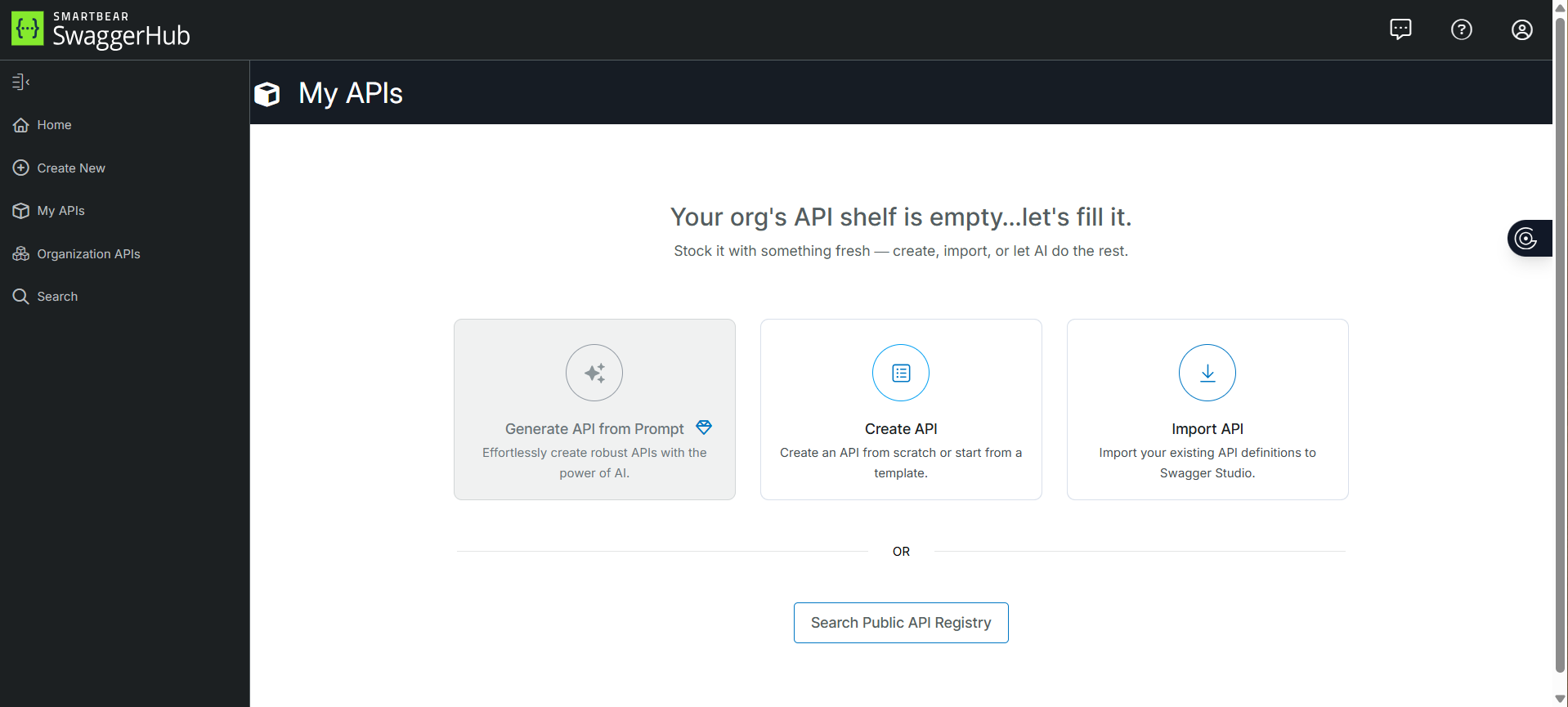
Swagger is a suite consisting of API developer tools for teams and individuals. The entire API cycle, from design and documentation to testing and deployment, can be developed using Swagger.
It comes with a YAML/JSON editor that supports specification validation. Swagger supports AsyncAPI 3.* specification and offers auto-generated interactive API documentation. Swagger Codegen supports over 50 languages and frameworks, including specialized templates for AI Agents and LLM plugins.
Swagger is a free and open-source tool, accessible to all users. However, the advanced testing and deployment features are part of the paid SaaS version. It offers client and server code generation, interacting directly with API endpoints to speed up the testing process. It introduced MCP (Model Context Protocol) Servers and native integrations with GitHub Actions and GitLab CI, allowing for automated “Contract Testing” directly from the spec. For large teams, Swagger also supports automated linting.
Because Swagger UI runs in a browser, it still cannot send Fforbidden headers (like Cookie or User-Agent) during tests due to browser security restrictions. For these, you still need a desktop client like ReadyAPI. The tool cannot perform complex logic testing (e.g., “If API A returns X, then send Y to API B”).
ReadyAPI
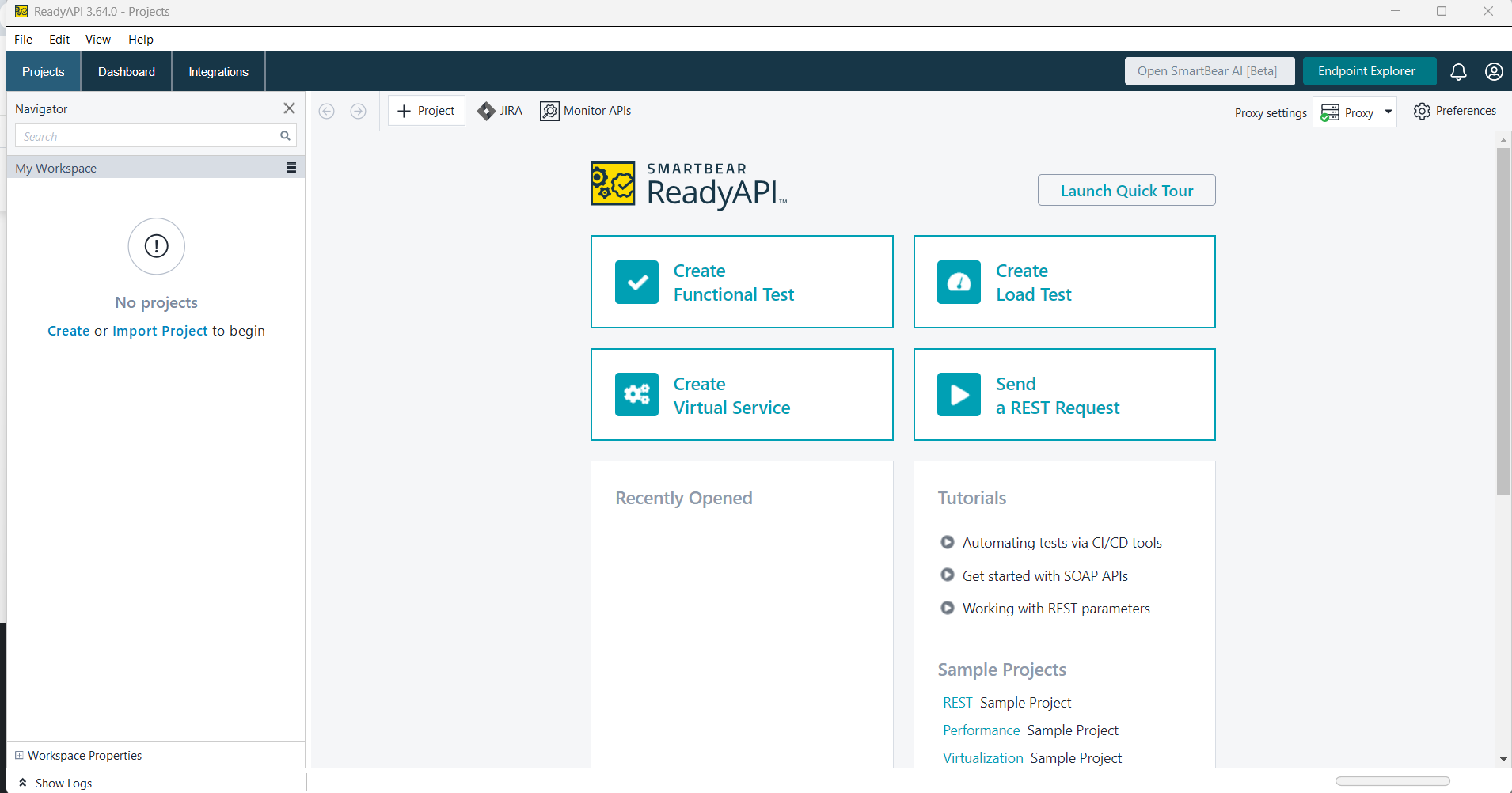
ReadyAPI is a popular API security testing tool. It creates, manages, and executes automated functional and performance tests from an interface to improve API quality for Agile and DevOps software teams.
ReadyAPI offers point-and-click capabilities for API tests without complex scripting to incorporate advanced functionality. It helps to create powerful testing suites by chaining complex API workflows that run in CI/CD environments. An entire API’s test coverage can be measured by importing the OpenAPI specification into the tool. ReadyAPI 3.6+ includes AI scaffolding that generates initial test structures from an OpenAPI spec. You can also import Postman Collections directly into ReadyAPI, allowing teams to promote exploratory developer tests into enterprise-grade automation without starting over.
CI/CD integration with native plugins and CLI is an advantage for ReadyAPI. Test failures can be analyzed effectively using reporting dashboards that log request/response history, in addition to test history, which displays past executions and failure summaries.
A downside of ReadyAPI is that complex tests require more system resources and necessitate knowledge of Groovy for advanced scenarios. ReadyAPI can prove to be costly for individual developers or smaller teams.
Conclusion
API testing becomes an important step in ensuring that all components in your system are integrated properly. The above list is of some of the most popular tools in the market. However, based on your requirements, you can pick from other alternatives available as well. Opt for a tool that fits into your QA ecosystem and is easy to use for your team.
| Achieve More Than 90% Test Automation | |
| Step by Step Walkthroughs and Help | |
| 14 Day Free Trial, Cancel Anytime |











