
Manual Testing vs Automation Testing: What’s the Difference?
 |
Software testing is the process of verifying that the software is behaving according to specifications, and it can be done systematically and experimentally. Testing helps you to ensure the product functions correctly by splitting functionality into many individual pieces called test cases. The next step is validating these test cases one by one to find defects, which are also called bugs. Based on execution, software testing can be divided into two main testing types:
- Automation Testing
- Manual Testing
Automation testing can perform a lot of tests in a limited time frame using automated tools, whereas manual testing utilizes the knowledge and skills of the engineer to test the application. For this reason, the latter is more time-consuming and prone to errors, whereas the former is faster and accurate. Automation software can be used to reduce effort and the possibility of human errors, which both lead to saving significant costs.

Successive software development cycles require executing the same test code frequently, and automation tools make it possible to re-run large test suites as often as desired, as well as almost instantly receive detailed feedback.
| Key Takeaways: |
|---|
|
What is Manual Testing?
In manual testing techniques, an engineer performs testing by describing scenarios and use cases manually, intending to find errors and functional discrepancies. A manual approach is most suitable for ad-hoc testing, usability testing, and exploratory testing. It is a rigorous and laborious process where the tester needs to be watchful, patient, theoretical, creative, speculative, innovative, and skillful.
Read: Manual Testing Cheat Sheet.
When to Use Manual Testing
Manual testing techniques are ideal for usability testing, as the success or failure of an app or website is based on the user’s ability to use it efficiently. Automated testing tools can run a program to check for errors, but only manual testers would be able to interpret how end users will communicate with a certain feature.
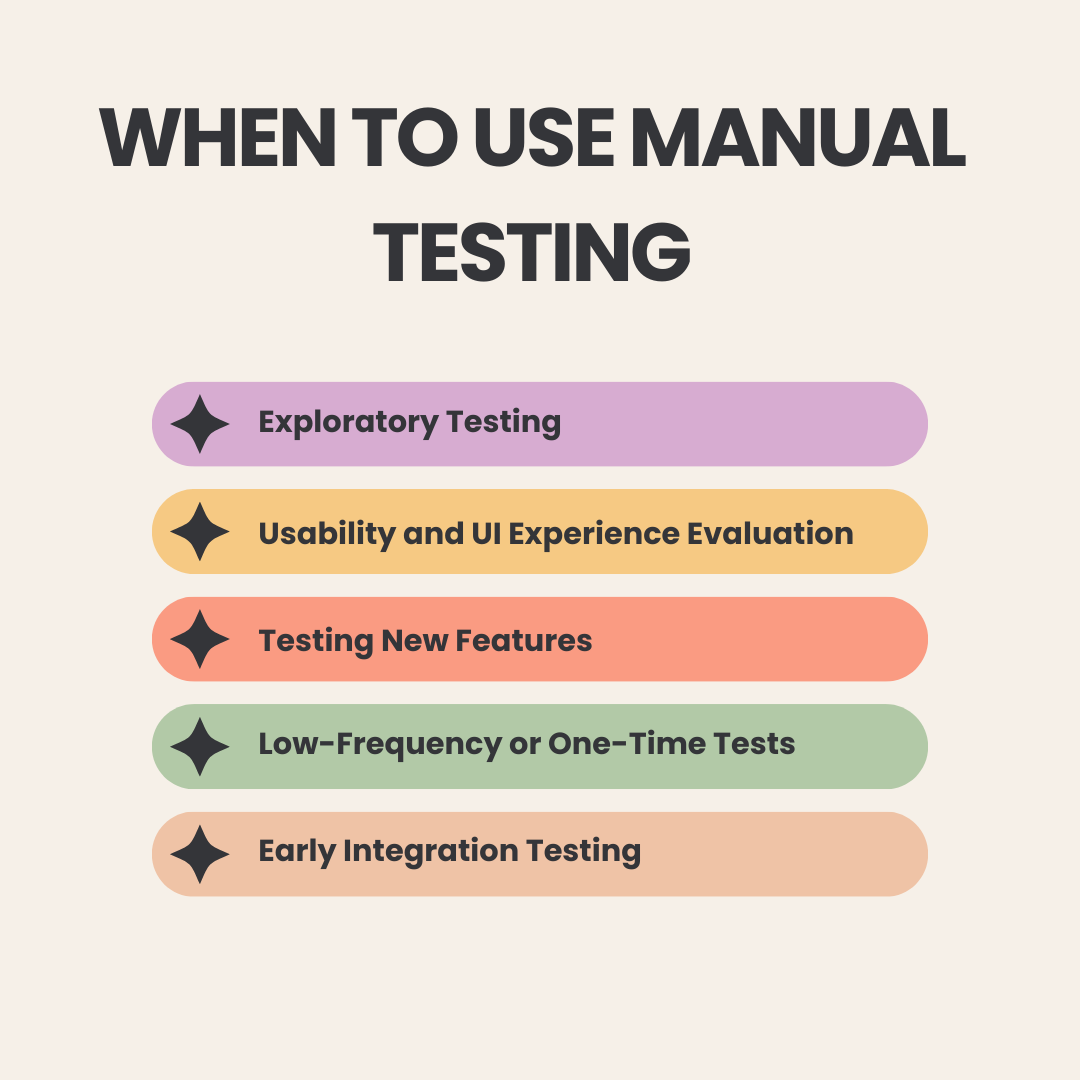
- Exploratory Testing: It is entirely human-driven, allowing testers to investigate the application without predefined scripts. Through intuition, experience, and product knowledge, testers uncover unexpected behaviors and edge cases that structured tests often miss. This approach is highly effective for identifying logical flaws and real-world usage issues. Read: Exploratory Testing: How Do You Approach it as a QA Engineer?
- Usability and UI Experience Evaluation: Automation cannot perceive friction in the user experience, making human judgment essential for usability testing. Testers can evaluate whether workflows feel intuitive, spot confusing patterns, and identify visual or content-related issues. These subjective assessments rely on human perception and, therefore, cannot be automated. Read: UX Testing: What, Why, How, with Examples
- Testing New Features: New features often evolve quickly, with unstable interfaces and frequent design changes that make early automation inefficient. Automating too soon leads to constant script updates and wasted effort. Manual testing allows teams to validate functionality first before deciding what is stable enough to automate.
- Low-frequency or One-Time Tests: Some test cases are executed so infrequently that writing and maintaining automation scripts for them is not cost-effective. In such situations, manual execution provides the necessary validation without creating unnecessary long-term maintenance overhead.
- Early Integration Testing: In the early stages of integration, components may be unstable, incomplete, or inconsistent in behavior. Human testers can adjust their approach dynamically as they explore system interactions. Manual flexibility at this stage often uncovers integration issues more efficiently than rigid automated scripts.
Read: Top-30 Manual QA Interview Questions (+Answers)
Pros and Cons of Manual Testing
| Pros | Cons |
|---|---|
| Excellent for identifying visual, usability, and UX issues, since humans can observe design clarity, emotional response, layout, and overall user experience better than any automated system. | Prone to human error, especially during repetitive or lengthy test cycles, where fatigue and inconsistency may affect accuracy. |
| Highly flexible and adaptable, allowing testers to adjust test flows on the fly, investigate unexpected behavior, and explore scenarios not captured in written test cases. | Slow and time-consuming, as every test must be executed manually, making it difficult to scale for large applications. |
| Ideal for early-stage features, prototypes, and unstable builds where automation would require constant updates and rework due to shifting functionality. | Not suitable for CI/CD, because manual testing cannot match the speed and frequency required for continuous integration or deployment pipelines. |
| Supports exploratory testing, enabling creative discovery of edge cases and logical inconsistencies that structured automation may miss. | Low test coverage compared to automation, as humans cannot execute large volumes of tests rapidly or in parallel. |
| Requires minimal setup and tooling, making it easy to begin testing without waiting for frameworks, environments, or automation infrastructure. | Resource-intensive and costly over time, since scaling manual testing requires additional testers rather than improving efficiency. |
| Provides user-centric insights, as human testers can perceive usability friction, readability issues, and workflow confusion better than automated tools. | Repetitive tasks become tedious, reducing motivation and increasing the likelihood of skipped steps or mistakes. |
| Useful when working with frequently changing UI, because humans can adapt instantly without needing to update scripts or object locators. | Cannot run unattended, limiting testing to working hours and requiring continuous human involvement. |
What is Automated Testing?
With automation testing techniques, the testing engineer writes test scripts and uses automation software tools to test the application. Test execution is done by computers, with more attention and less human effort. Automation delivers the most significant benefits with repetitive types of testing, such as regression, and saves massive amounts of time on each test execution. Excellent automation tools also provide comprehensive test reports.
Read: Codeless Automated Testing.
When to use Automated Testing
Automated testing is recommended for test cases where repeated functional, regression testing, load testing, and performance testing are required.
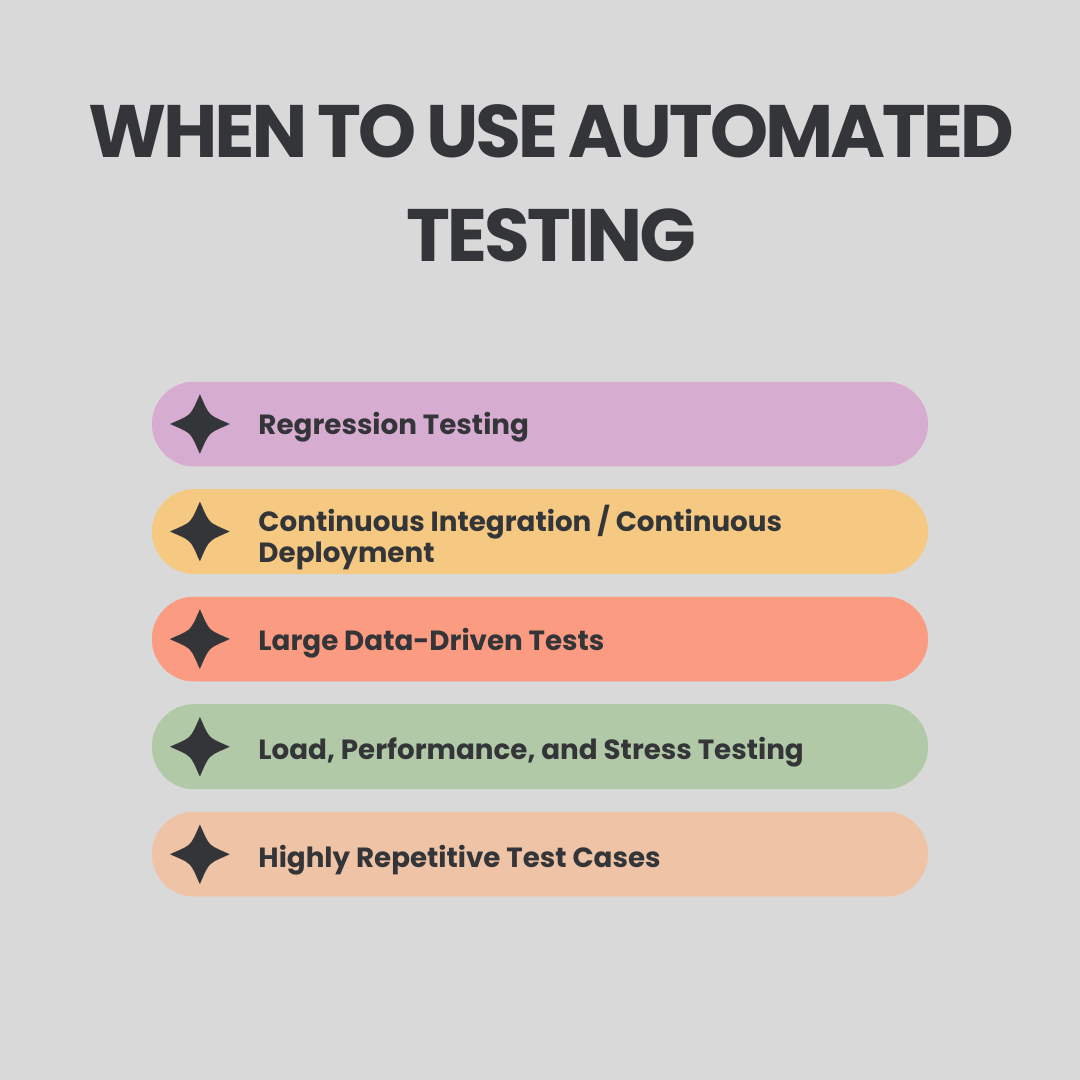
- Regression Testing: These test suites expand significantly as a product matures, making manual execution increasingly impractical. Automation ensures these tests run rapidly and consistently, regardless of their growing size. This allows teams to maintain full coverage without slowing down development. Read: What is Regression Testing?
- Continuous Integration / Continuous Deployment: Modern engineering practices depend heavily on CI/CD pipelines where every code change must be validated automatically. Automation supports build verification, sanity checks, and immediate detection of breaking changes. This enables frequent, reliable releases without compromising quality.
Read: Continuous Integration and Continuous Testing: How to Establish?
- Large Data-driven Tests: Automation is particularly effective for tests involving multiple input sets, form validations, or large datasets. It can handle repetitive iterations quickly and accurately. Manual execution in such cases would be slow, labor-intensive, and prone to human error.
- Load, Performance, and Stress Testing: Only automation can simulate thousands of users, generate significant traffic, and measure system performance under pressure. These tests require precise metrics such as throughput, latency, and resource usage that humans cannot replicate manually. Automated performance testing ensures systems can scale reliably in real-world conditions. Read: What is Performance Testing: Types and Examples.
- Highly Repetitive Test Cases: Some tests must run on every build, across various environments, or for constant validation of critical workflows. Automation is ideal for such repetitive scenarios, ensuring consistent execution without consuming valuable human time. This frees testers to focus on more strategic, exploratory, and high-value tasks.
Pros and Cons of Automated Testing
| Advantages | Disadvantages |
|---|---|
| Eliminates human error, as every step is executed exactly the same way each time, resulting in highly reliable and consistent test outcomes. | Higher initial setup effort, since designing automated tests—especially for complex flows—requires time and stable functionality. |
| Extremely fast and scalable, enabling execution of large test suites within minutes and supporting parallel runs across browsers, devices, and environments. | Not ideal for rapidly changing features, as frequent UI or flow changes can require script updates unless using an intelligent, self-healing tool. |
| Essential for CI/CD, allowing automated checks to run on every build to ensure continuous quality and early defect detection. | Traditional automation often requires technical expertise, including framework setup, architecture decisions, and scripting—unless using a no-code tool like testRigor. |
| Runs unattended, including overnight or during off-hours, freeing QA teams from repetitive tasks and enabling 24/7 continuous testing. | Limited in detecting visual or UX issues, as automation cannot interpret aesthetics, emotional responses, or subjective usability concerns. |
| Greatly increases test coverage, as automated suites can validate large datasets, multiple workflows, and high-volume scenarios that are impractical to do manually. | Maintenance can become a burden if the wrong tool is chosen or if the initial test structure is not designed thoughtfully. |
| Improves efficiency and productivity, since automation handles repetitive validations and allows QA to focus on exploratory testing and strategic quality planning. | May struggle with certain test types, such as CAPTCHA validation, device gestures, or flows requiring nuanced human judgment. |
| Enables monitoring of system quality at scale, consistently validating functionality across versions and environments with transparent, reproducible results. |
Conclusion: The main drawback of automation testing is that it’s rather complex to build such tests, and it requires expensive automation engineers to do that. Luckily, testRigor simplifies this a lot, since now manual QA/testers can spend the same amount of time creating actual automation tests, as previously they would’ve spent creating manual test cases.
Comparing Manual Testing vs. Automation Testing
It’s important to know the main differences between manual and automation testing when deciding which one will work best for your project. Though similar in their goals to improve software quality, they contrast starkly in speed of execution, scalability, and accuracy, as well as long-term impact on the process.
| Manual Testing | Automation Testing |
|---|---|
| Performed by humans, so execution is slower and depends on the tester’s effort. | Runs at machine speed, completing tests much faster with no human involvement. |
| Can have inconsistencies due to fatigue or interpretation differences. | Produces highly consistent results since every step runs the same way each time. |
| Low initial setup effort and easy to start with minimal tools. | Higher initial setup effort, especially if using traditional automation frameworks. |
| Testers can adapt quickly when UI or logic changes. | Scripts may need updates when UI or flows change, unless using intelligent tools. |
| Best for usability checks, exploratory testing, and visual validation. | Best for regression, repetitive tasks, and large-scale coverage. |
| Flexible during execution; testers can adjust flows on the fly. | Follows predefined steps and is less flexible unless enhanced with AI logic. |
| Works well for one-time or infrequent tests where automation is not worth the effort. | Ideal for frequent or repeated tests across multiple environments. |
| Slower feedback since each test is executed manually. | Fast feedback and easy integration into CI/CD pipelines. |
How to Transition from Manual to Automation Testing
With intelligent tools like testRigor, manual testers no longer need to “transition” into automation in the traditional sense, because the automation is created automatically as they design tests in plain English.
Instead of writing scripts or learning programming, testers simply express the intended user behavior, and testRigor converts those steps into stable, AI-driven automated tests. This means manual testers continue doing what they do best, designing meaningful test scenarios while the system handles the automation layer for them.
Because the automation is generated during the test design process itself, it shifts teams closer to a Test-Driven Development (TDD) approach, where tests exist before or alongside implementation. This ensures better alignment between requirements and quality goals, reduces rework, and accelerates feedback loops.
In this model, manual testers become key contributors to automation strategy without changing roles or learning code, demonstrating that modern QA does not require choosing between manual and automation; the two now merge seamlessly through AI-driven testing.
Read: Transitioning from Manual to Automated Testing using testRigor: A Step-by-Step Guide.
Do We Still Need Manual Testing in the Age of AI?
Absolutely, manual testing remains indispensable even as AI dramatically transforms automation capabilities. The software industry has learned that automation does not eliminate manual testing; instead, it shifts its role from repetition to intellectual analysis.
Where Humans Excel Beyond AI
- Understanding User Emotions: AI cannot perceive confusion, frustration, delight, or hesitation the way humans can. These emotional cues often reveal usability problems that only a human tester can identify.
- Interpreting Ambiguity: AI follows predefined rules and cannot interpret ambiguous instructions or unclear behaviors. Humans can analyze context and infer meaning, making them better suited for resolving uncertainty.
- Discovering Edge Cases Creatively: Exploratory testing depends on curiosity, intuition, and creative thinking. AI lacks these traits and therefore cannot generate the unexpected scenarios humans naturally uncover.
- Usability and Accessibility: Human testers can instantly notice contrast problems, layout inconsistencies, or confusing content. Algorithms struggle to detect these subjective elements of user experience.
- Evaluating Business Logic Through Context: Humans understand domain-specific nuances, evolving requirements, and implicit expectations. This contextual awareness allows them to evaluate whether the application truly behaves as the business intends.
Human-in-the-Loop Testing (HITL)
HITL adds an essential layer of validation where automation alone falls short. Even in highly automated environments, human oversight is required to evaluate subjective behavior, ambiguous outputs, and complex decision-making workflows that AI or scripts cannot reliably judge. HITL ensures that automated systems reinforce rather than replace human intuition, contextual understanding, and domain expertise. By combining automation speed with human insight, HITL delivers higher accuracy and prevents critical misinterpretations in testing outcomes.
AI can accelerate regression testing, optimize execution, and reduce manual burden, but it cannot replace human judgment, creativity, empathy, or contextual understanding.
Read: How to Keep Human In The Loop (HITL) During Gen AI Testing?
Role of AI in Automation Testing
Artificial Intelligence is revolutionizing automation testing, paving the way for it to be smarter and more robust, aligned with real user behavior. Legacy automation relies on fragile scripts, which break every time the UI changes, leading to high maintenance. AI-based tools like testRigor remove these constraints by intelligently interpreting natural language and visually seeing the interface to handle changes.
- Automatic Element Detection: Vision AI and AI Context allow testRigor to automatically detect UI elements based on their visual appearance. This is particularly useful in dynamic environments where elements frequently change position, size, or styling. You can mention the element name or its position in plain English, and that’s all. testRigor identifies the element and performs the requested action. To know more, you can read this blog: testRigor locators.
- Visual Testing: testRigor, with the support of Vision AI, helps you perform visual testing. You can do this in one step – “compare screen”. Another option is to take a screenshot of the screen and then save that as test data. You can compare every new run with the saved screenshot to ensure there are no visual changes on the application pages. This is very helpful as it covers an extra step in validation. Read in detail how to perform Visual Testing in plain English with testRigor.
- OCR (Optical Character Recognition): testRigor uses OCR capabilities to read and validate text within images or non-textual elements on the screen. This is particularly useful for applications where text may be rendered as part of an image or graphic, such as in complex UIs, documents, or dynamic visual content. The tool can extract and verify text content to ensure it meets the expected output. Here is the sample command to do so in testRigor:
click “Best value plan” using OCR
Leverage automation testing in your organization and empower everyone in your team, from analysts to managers to engineers, to create automation tests and spend less time doing so.
Conclusion
Both manual and automated testing are important for delivering high-quality software, which complement each other rather than being alternatives to each other. With contemporary AI-based tools like testRigor, teams can combine the best of both worlds, retain human judgment, yet scale their reliability in automation. This synergy enables companies to focus on efficiency gains, cost savings, and release velocity without making sacrifices to user experience.
| Achieve More Than 90% Test Automation | |
| Step by Step Walkthroughs and Help | |
| 14 Day Free Trial, Cancel Anytime |











