
What Is a QA Engineer and What Do They Do?
 |
Be a yardstick of quality. Some people aren’t used to an environment where excellence is expected – Steve Jobs.
In modern software development, speed alone is not enough, quality is what determines long-term success. QA Engineers play a critical role in ensuring that software not only works as intended, but also delivers a reliable, secure, and seamless experience to end-users. As development cycles shorten and systems grow more complex, the QA Engineer’s responsibilities continue to expand beyond traditional testing.
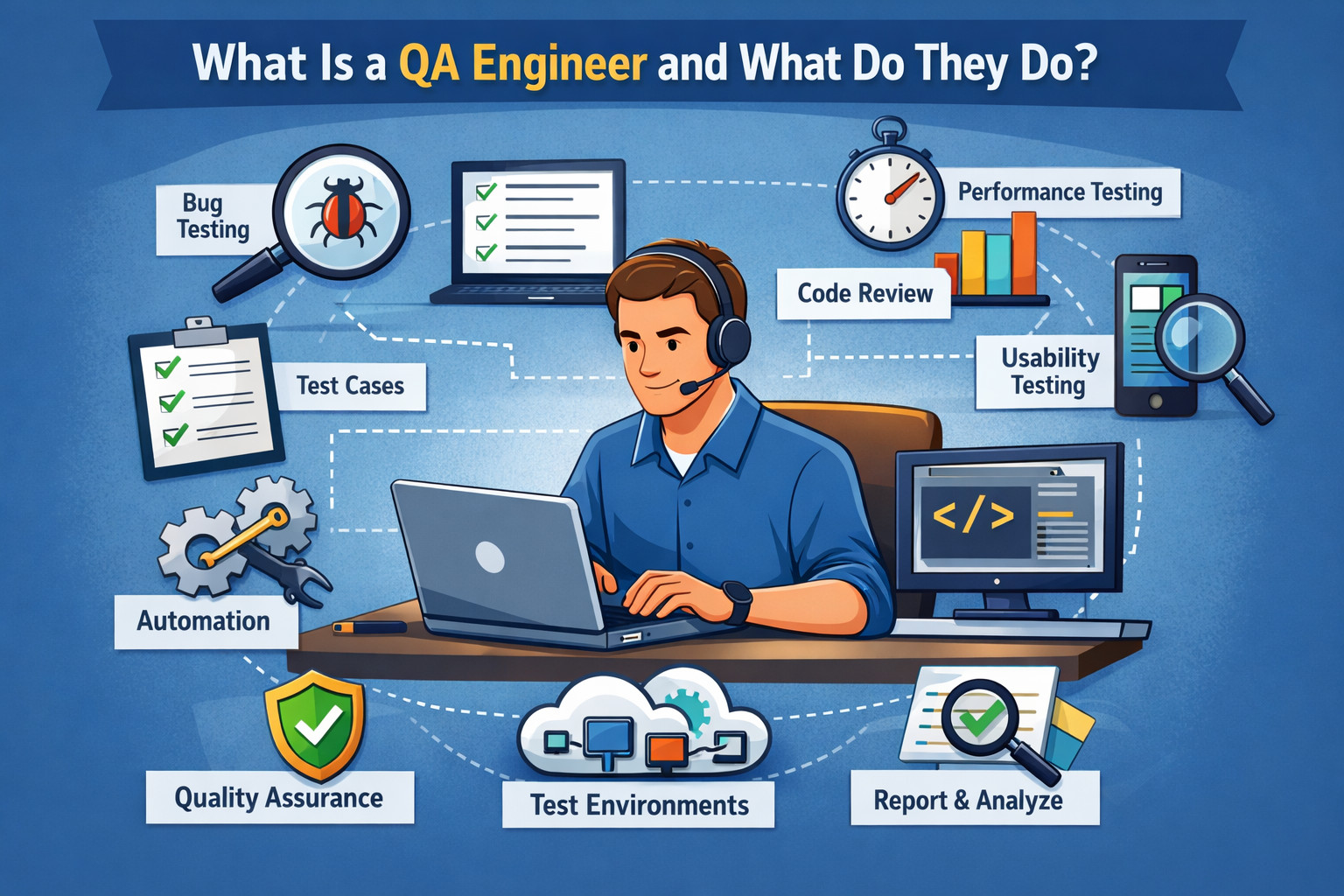
There’s quite a bit of flexibility when it comes to defining the role and responsibilities of a software quality engineer (SQA). It’s easy to get confused since there are multiple related titles used interchangeably within the industry. Today, we’ll talk about how SQA can be different from, say, SDET or a QA/QC Engineer.
Read: SDET vs. Test Automation Engineer: Differences.
| Key Takeaways: |
|---|
|
What defines being a Software Quality Engineer?
On a high level, a quality engineer is responsible for overseeing the quality management system for a software project and testing the software project to ensure it functions as per requirements before releasing it to the end-users.
In terms of the quality management system, the quality engineer is often tasked with monitoring all phases of the software development process, creating and owning the quality standards used for testing the software for reliability, performance, and efficiency.
In terms of testing, quality engineers typically own the tasks of planning, writing, and executing both functional and non-functional test cases for sprints or iterations, and releases.
There are many titles in the QA industry. However, there are no strict role definitions based on the title. Some of the most commonly used titles in the QA space include: QA analyst, QA tester, Manual Tester, SQA, Quality Engineer, Automation Engineer, and SDET(Software Development Engineer in Test).
Typically, the word “Engineer” in the title would imply at least partial involvement in test automation. However, this is not mandatory. For example, there are purely manual testing QA Engineer positions. Thus, it’s most important to look at the job description rather than the title when looking for a QA role.
Beyond executing tests, a Quality Engineer is defined by ownership and accountability for product quality. Rather than acting as a final checkpoint before release, they collaborate closely with product managers, developers, and designers early in the development lifecycle to identify risks, clarify requirements, and influence better design decisions. This proactive involvement helps prevent defects before they are introduced, reducing rework and improving overall development efficiency.
Read: What is QE or Quality Engineering Score?
What Skills are Required for Quality Engineers?
In general, quality engineers typically need strong critical thinking skills, in addition to a high level of attention to detail, mathematical and numerical skills, communication skills, time management skills, and the ability to work well within a team.
Oftentimes, a bachelor’s degree in computer science or a related field is preferred or even required by the employer. Another option can be a certification, like the ASQ quality engineer certification.
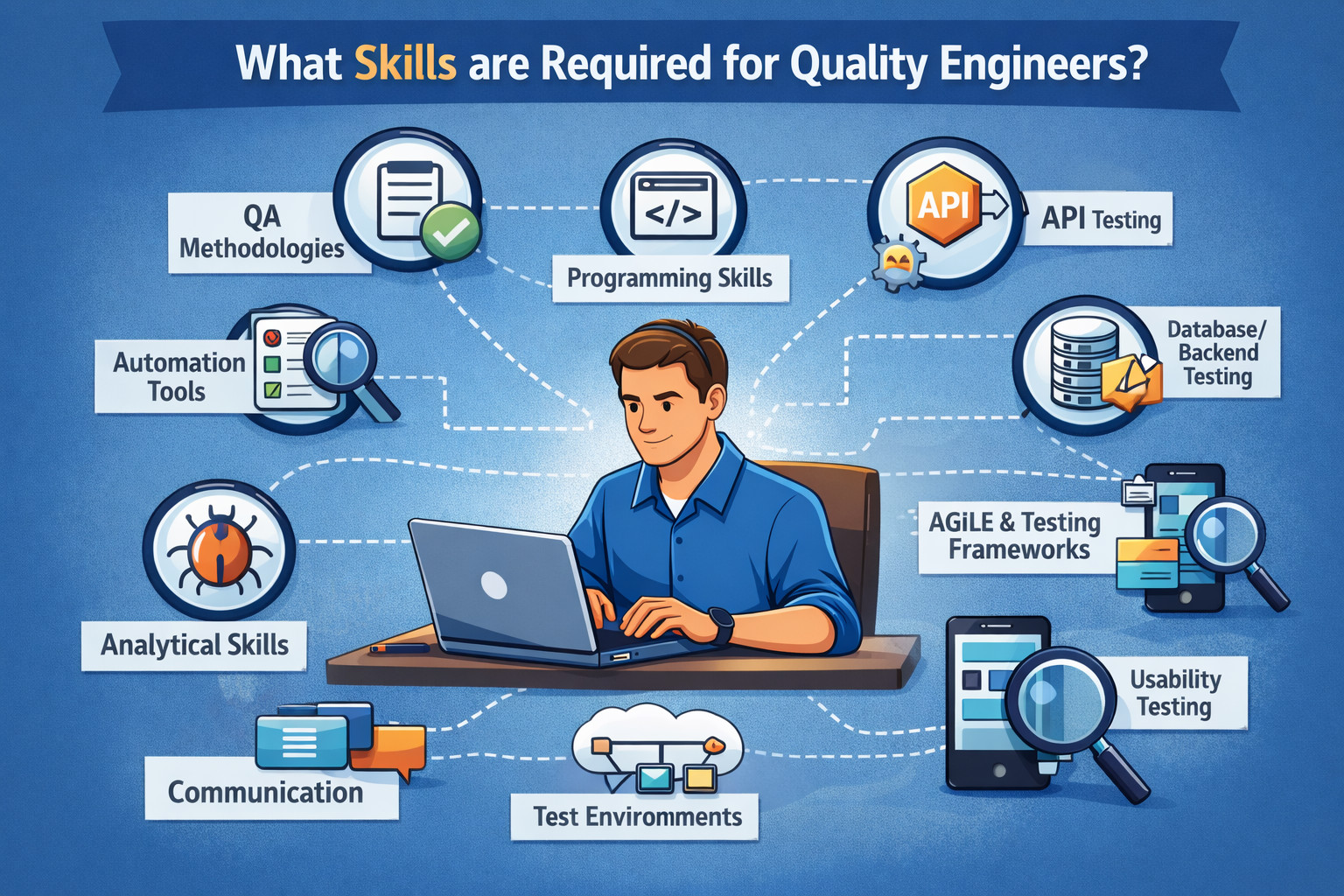
In terms of technical skills, they can vary based on the technology used for the software project, like mobile web vs. native desktop application, for example. Hybrid and automation engineers typically need to know a programming language along with the knowledge of multiple frameworks to build tests with.
Regardless of seniority level or level of involvement in automation, the more the QA person knows about the computer systems and the underlying code structure, the better. Such knowledge helps tremendously in day-to-day activities, both for writing high-quality test cases (that would test for the right things) and for finding software defects.
In addition to technical and academic qualifications, strong product and domain understanding is a critical skill for Quality Engineers. They must be able to think from an end-user’s perspective, identify high-risk areas, and prioritize testing efforts based on business impact rather than just functional correctness. This requires analytical thinking, curiosity, and the ability to ask the right questions, often challenging assumptions in requirements or designs to uncover hidden risks before they turn into production issues.
Read: A Day in the Life of a QA Engineer.
Quality Assurance vs. Quality Control: How is QA Different From QC?
If you’re finding yourself wondering what the difference is between quality assurance and quality control, you can rest assured that you’re not alone. A lot of teams end up wondering this at one point or another.
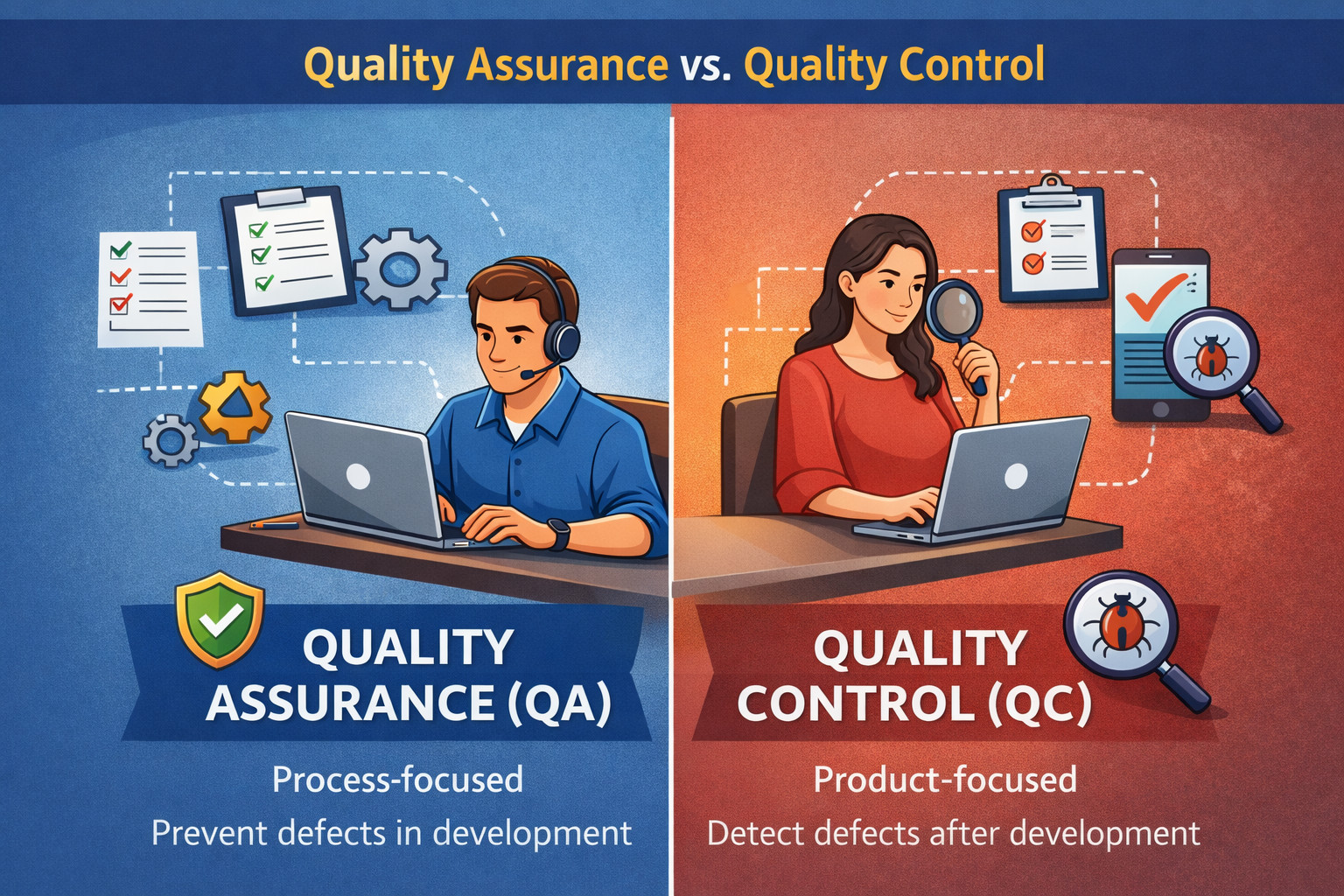
Both quality assurance and quality control are a part of quality management, but quality assurance typically covers the entirety of the quality control systems, whereas quality control usually represents a subset of quality assurance.
Still confused?
QA focuses on the whole process, start-to-finish: “How do we prevent software bugs from happening?”, vs QC focuses on the testing part: “How do we find all of the bugs so they won’t escape to the end-users?”
Read: Quality Assurance vs. Quality Control: Know The Difference.
In practical terms, quality assurance activities include defining development and testing processes, setting quality standards, reviewing requirements and designs, and continuously improving workflows to reduce the likelihood of defects. Quality control, on the other hand, focuses on executing tests, validating outputs, identifying defects, and verifying that the product meets defined acceptance criteria. While QC identifies issues after they occur, QA aims to build processes that minimize the chances of those issues occurring in the first place.
| Quality Assurance (QA) | Quality Control (QC) |
|---|---|
| QA follows a proactive, process-driven approach focused on preventing defects before they are introduced into the software. | QC follows a reactive approach that focuses on identifying defects after the software or feature has already been developed. |
| QA spans the entire software development lifecycle, influencing activities from requirement analysis through post-release improvements. | QC is generally limited to the testing phase, where the finished product or components are evaluated. |
| The objective of QA is to ensure that development and testing processes consistently produce high-quality software. | The objective of QC is to verify that the final product meets defined requirements and acceptance criteria. |
| QA includes defining standards, establishing processes, reviewing requirements and designs, and continuously improving workflows. | QC involves executing test cases, identifying and reporting defects, validating fixes, and confirming expected behavior. |
| QA begins early in the development lifecycle and continues alongside development activities. | QC is typically performed after development work is completed for a feature or release. |
| QA is a shared responsibility across the team, with Quality Engineers guiding and enforcing quality practices. | QC is usually handled by testers or quality control specialists responsible for validating the product. |
| QA aims to reduce defects, rework, and production issues by improving how software is built and tested. | QC ensures that existing defects are detected and resolved before the software is released to end-users. |
Manual Quality Assurance vs. Automated Quality Assurance
These days, software teams around the world are placing an ever-growing emphasis on automation, and quality assurance is no exception.
While a lot of teams are still doing manual quality assurance, more and more are turning to automated quality assurance to reap the benefits of a more streamlined, effective process.
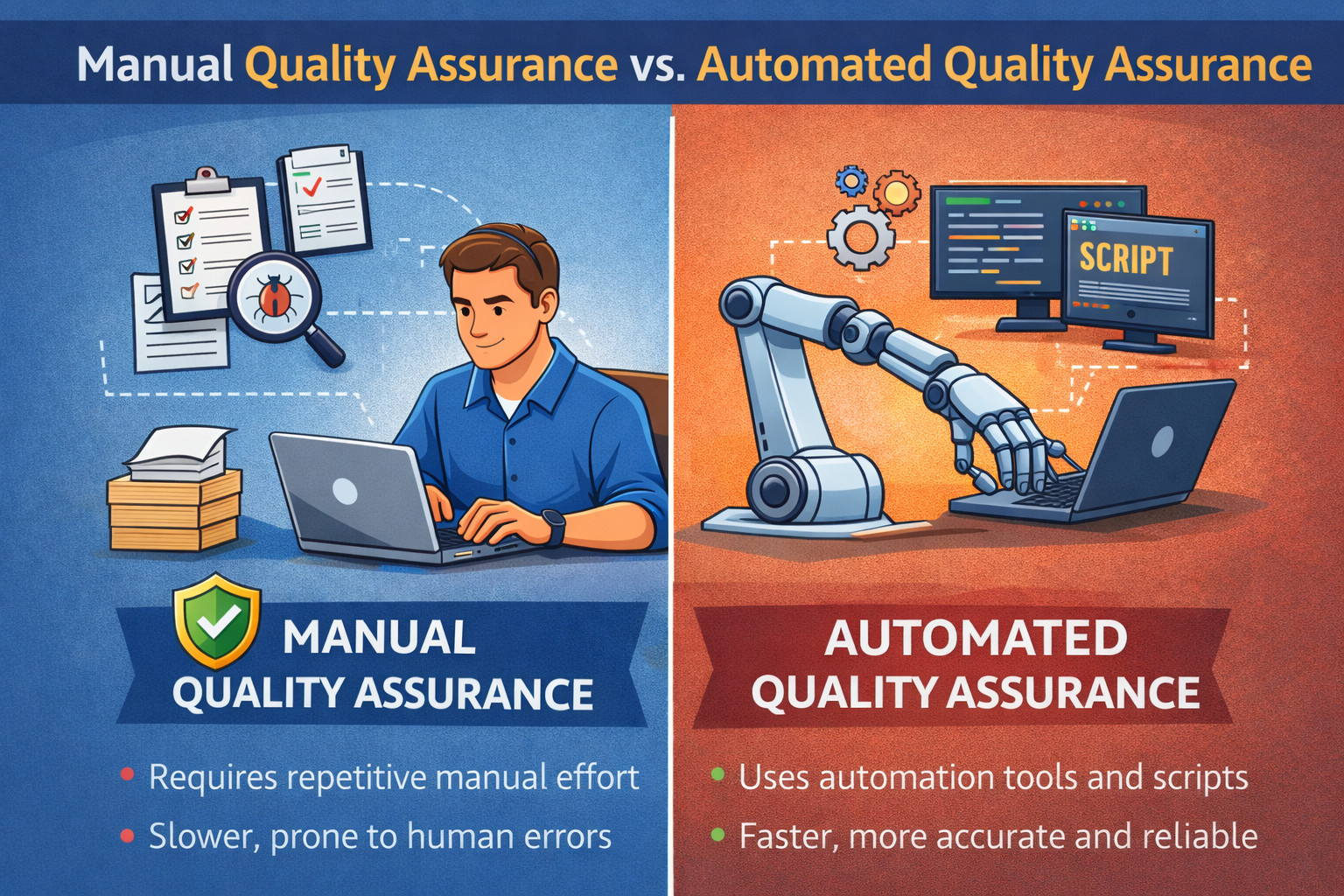
The reasons for the trend towards automation in the quality assurance discipline are many, but it all starts with efficiency gains. By automating the quality assurance testing process, the software team is able to spend less time on tedious and repetitive testing and more time improving test coverage and test quality. In other words, spending more time on QC allows more time to be spent on the whole development process, start-to-finish. Software project leaders find test automation attractive because it allows the project to scale better as it grows over time, since manual testing becomes cumbersome very quickly at scale due to labor intensive processes, whereas automated processes require less overhead to maintain at scale.
Read: Manual Testing vs Automation Testing: What’s the Difference?
Despite the growing emphasis on automation, manual quality assurance continues to play an important role in modern software development. Exploratory testing, usability evaluation, visual validation, and testing of newly developed or frequently changing features often benefit from human judgment and intuition. In practice, most high-performing teams adopt a hybrid approach, combining automated tests for stability and regression coverage with manual testing for scenarios that require flexibility, creativity, and deeper user insight.
| Manual Quality Assurance | Automated Quality Assurance |
|---|---|
| Relies heavily on human effort to execute test cases step by step, which can be time-consuming and prone to inconsistency. | Uses automated scripts and tools to execute tests quickly and consistently with minimal human intervention. |
| Best suited for exploratory testing, usability checks, and scenarios requiring human judgment or subjective evaluation. | Ideal for regression testing, repetitive test cases, data-driven testing, and large test suites that must be run frequently. |
| Testing speed is limited by human availability and execution time. | Tests run significantly faster and can execute in parallel across multiple environments. |
| Becomes difficult to scale as the application grows due to increasing testing effort and resource costs. | Scales efficiently with application growth, allowing teams to expand test coverage without proportional increases in effort. |
| Requires repeated manual execution for every release or change. | Enables reuse of tests across releases, ensuring consistent validation with each build. |
| More suitable for early-stage development or rapidly changing features. | Particularly valuable in mature products and CI/CD pipelines where frequent, reliable feedback is essential. |
| Can miss regressions due to time constraints or human error. | Provides higher reliability and confidence by catching regressions early and consistently. |
How testRigor takes QA Automation to the Next Level
testRigor is playing a key role in improving the quality assurance process. With its Gen AI-driven platform, testRigor is able to further automate the process of writing and maintaining automated tests, pushing quality assurance further into the realm of automation.
For example, testRigor is able to study real user behavior to learn about how users are engaging with the software in the production environment, and use these learnings to adapt and improve automated test coverage and quality. Let’s see a few advantages of using testRigor:
- Generative AI-based Test Creation: testRigor leverages generative AI to automatically create test cases from simple, high-level test descriptions, eliminating the need for manual step-by-step script writing. This saves significant time and allows QA teams to focus on creating meaningful edge cases and improving overall test coverage.
-
Natural Language Scripting: With testRigor, even manual testers can create automation scripts in plain English. Thanks to the Natural Language Processing algorithms, these help not just manual testers, but everyone on the team. People without coding knowledge can create or update automation scripts very easily. This helps to increase the automation coverage by automating any edge cases.
-
No Flaky Tests: Flaky tests are commonly caused by unstable element locators, as UI properties frequently change in modern applications. Traditional automation tools that rely heavily on element attributes often break, leading to unreliable test results and limited insight for product teams. testRigor identifies elements using human-readable names or their position on the screen instead of brittle locators, significantly reducing flakiness and keeping test maintenance minimal.
| Achieve More Than 90% Test Automation | |
| Step by Step Walkthroughs and Help | |
| 14 Day Free Trial, Cancel Anytime |











