
The Difference Between Regression Testing and Retesting
 |
Regression testing and retesting are two fundamental concepts in software testing that often get mentioned interchangeably, especially in fast-moving development environments. While they sound similar, confusing the two can lead to inefficient testing efforts, missed defects, and unnecessary friction within teams.
Using the wrong term may seem harmless, but in practice, it can cause teams to run the wrong tests, at the wrong time, for the wrong reasons. Over time, this erodes trust in test results and slows down delivery.
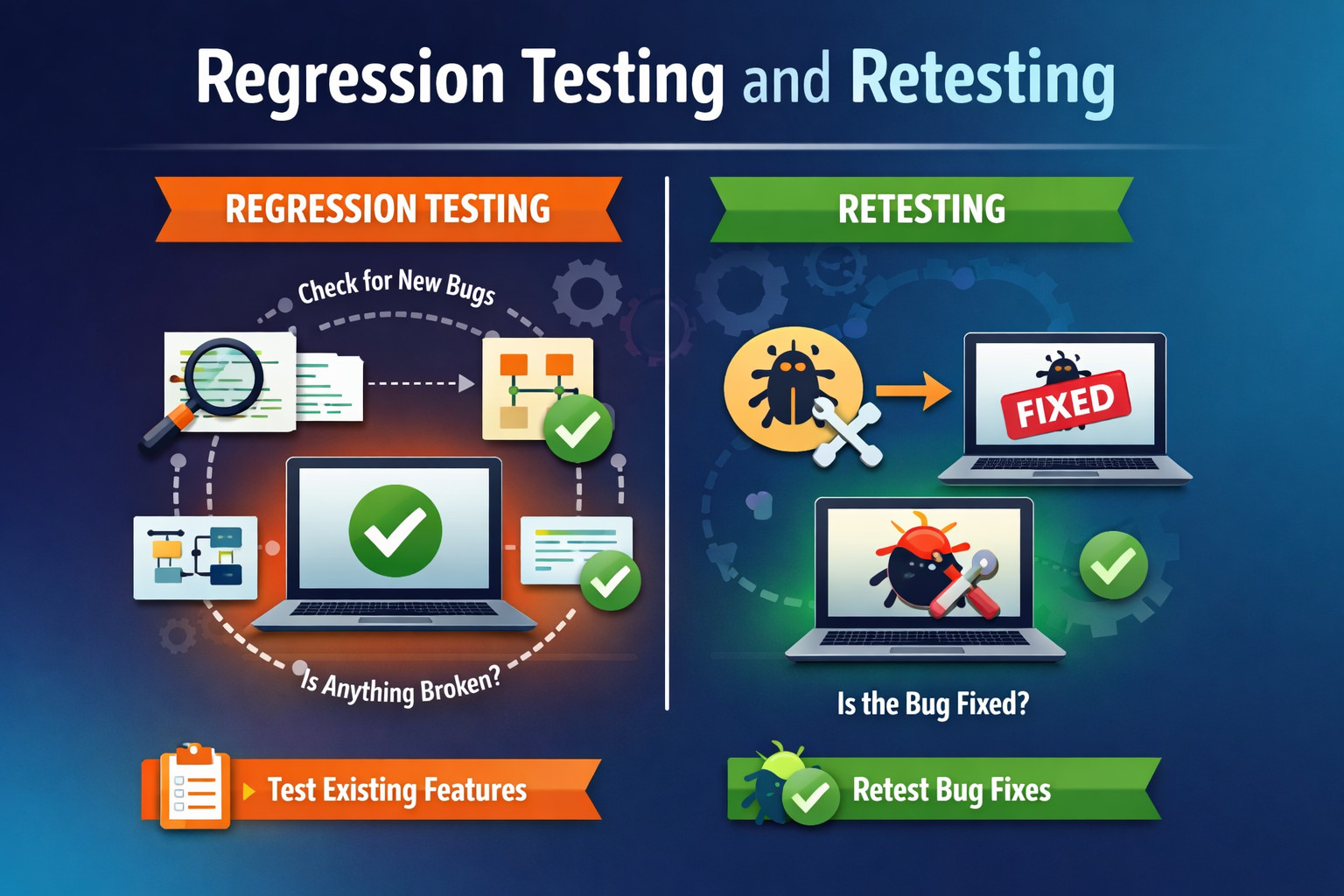
If this confusion exists within your team, it’s more common than you might think. At testRigor, we regularly see experienced teams struggle with this distinction—not due to lack of skill, but because modern software delivery has made testing workflows more complex.
Whether you’re revisiting the fundamentals or adapting to modern testing practices, understanding the difference between regression testing and retesting is essential for maintaining quality without sacrificing speed.
| Key Takeaways: |
|---|
|
What is Regression Testing?
If you’ve worked in the software world for any length of time, you already know that regression testing is a concept that can have an important impact on a daily basis for most modern software projects. At the same time, it’s really easy to forget how to concisely define exactly what regression testing is.
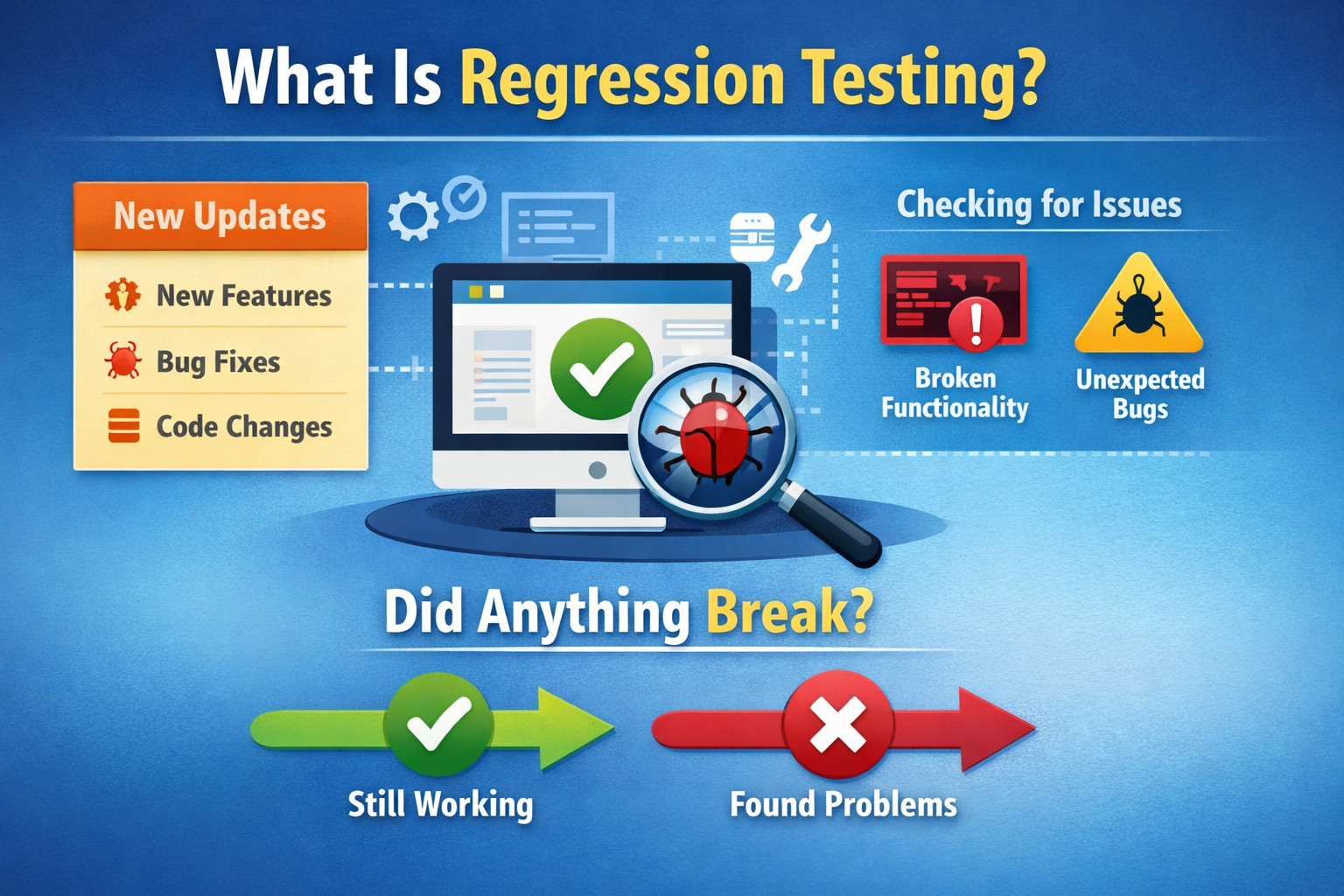
In a nutshell, regression testing is the form of software testing used to check if new updates to the software project have caused any previously working parts of the software to stop working as expected.
To put it even more simply, regression testing aims to verify if anything broke as a result of an update.
Read: What is Regression Testing?
Why is Regression Testing Important?
Regression testing is important because software systems are continuously changing. New features, enhancements, bug fixes, and configuration updates can unintentionally impact existing functionality.
Without regression testing, teams risk introducing defects into areas of the application that previously worked correctly, which can lead to production issues, user dissatisfaction, and loss of confidence in releases. Regression testing helps maintain stability and ensures that progress does not come at the cost of reliability.
Read: Automated Regression Testing.
When Should Regression Testing Be Used?
Regression testing should be used whenever changes are made to the software, including when new functionality is added, existing code is modified, bugs are fixed, or system configurations and integrations are updated.
It is also commonly performed before major releases or deployments to confirm that the application continues to function as expected after recent changes.
Read: Visual Regression Testing.
What Does Regression Testing Cover?
Regression testing focuses on previously validated functionality, such as:
- Core business workflows
- Critical user journeys
- Integrations with external systems
- APIs and backend logic
- Data processing and calculations
- UI behaviors that users rely on
The scope depends on:
- The size of the change
- The risk involved
- The affected areas of the application
Types of Regression Testing
- Corrective Regression Testing: Used when no major changes are made to the existing functionality, only validation that things still work.
- Selective Regression Testing: Only tests the parts of the system affected by recent changes.
- Progressive Regression Testing: Used when new features are added. Ensures new functionality does not break existing behavior.
- Complete (Full) Regression Testing: All existing test cases are executed. Typically used before major releases or after large architectural changes
- Partial Regression Testing: Tests related modules plus those indirectly affected by the change.
Read: Iteration Regression Testing vs. Full Regression Testing.
Regression Testing with testRigor
When talking to our customers who really excel at implementing software testing best practices with testRigor, many are now even harnessing the power of AI within testRigor to ensure their regression tests stay current and valid without the need to perform costly manual updates, as testRigor automatically adapts to changes in the software project over time. This is how testRigor does this: Self-healing Tests.
What is Retesting?
When it comes to retesting, it may be tempting to assume that it simply means to test again, but retesting is more nuanced in reality.
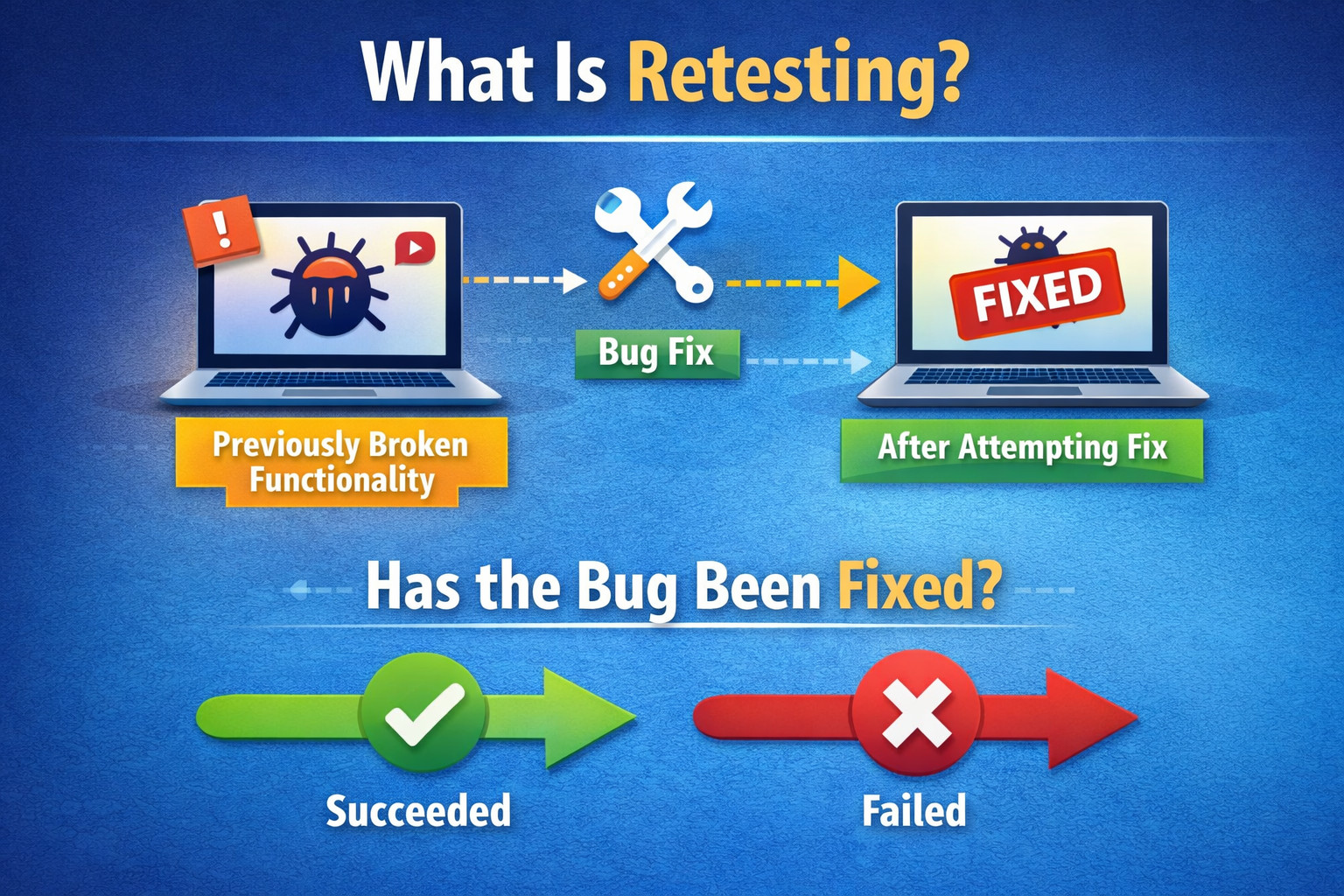
To provide a definition, retesting is the form of testing used to check whether some broken functionality has been corrected or not.
As the definition implies, usually retesting is done when you already know that a bug exists, and usually it is performed after some update has been made with the intention of fixing the bug.
In other words, retesting checks to see if you have fixed the bug successfully or not. Since the bug is usually not expected behavior and is intended to be fixed, retesting is usually tactically applied to specific bug situations and is not usually part of a comprehensive automated test suite. That said, you may need to perform specific retesting multiple times if efforts to fix the bug are not immediately successful.
Read: What is Retesting?
Why is Retesting Important?
Retesting is important because it provides direct confirmation that a reported defect has been resolved. Without retesting, teams may assume a fix works without verifying the original failure scenario, which can result in unresolved or partially fixed issues reaching later stages of development or production.
When Should Retesting Be Used?
Retesting should be used after a defect has been fixed and deployed to an environment where verification is possible. It is most effective when validating known failures, especially in situations where the fix directly addresses a specific user-reported or system-detected issue.
What Does Retesting Cover?
Retesting focuses on the exact conditions under which the defect occurred. This includes the specific inputs, workflows, data states, and environments associated with the original failure. Its scope is intentionally narrow and does not extend to unrelated areas of the application.
Retesting with testRigor
Using a solution like testRigor can help a lot in this situation, by making test writing as simple as typing in plain English while the platform translates the test into code behind the scenes and allows you to quickly reapply it on the fly whenever you need it. This can allow your team to spend less time on manual work related to tedious test writing for tests that have low reusability value.
Read: Flaky Tests – How to Get Rid of Them.
Why Retesting Alone is Never Enough
A common misconception in software teams is the belief that successful retesting automatically means a safe release. While retesting confirms that a defect has been fixed, it does not guarantee that the fix did not introduce new problems elsewhere.
Bug fixes often involve:
- Code refactoring
- Shared component updates
- Data model changes
- Configuration or dependency updates
Any of these can unintentionally affect unrelated functionality. Retesting validates intent, but regression testing validates impact.
Teams that rely solely on retesting often experience “fix-and-break” cycles, where closing one defect silently creates another. This is why high-performing teams always follow retesting with at least a targeted regression pass, even for seemingly small fixes.
Retesting answers: “Is the bug fixed?”
Regression testing answers: “Did the fix cause anything else to break?”
Both questions are required for confident releases.
Regression Testing vs. Retesting
So, when trying to keep regression testing and retesting straight in our heads, how should we think of the two as distinct forms of testing?
One way is to remember what each form of testing is used for. Regression testing is for things that you expect to be working, when you want to confirm they have not changed or regressed to a prior state of not functioning as needed. On the other hand, retesting is for things that you already know have been broken, and you want to confirm that they have changed to not being broken anymore.
Another way to distinguish the two is to consider when each form of testing is used. While regression testing is often performed in an automated fashion to monitor and confirm the functionality is working as needed on an ongoing basis as part of an automated test suite, retesting is usually done on an as-needed basis since you’re not expecting the broken functionality to persist as broken.
Now that you’re up to speed on regression testing vs. retesting, be sure to make the most of your newly updated understanding of these two types of testing by using this knowledge on a daily basis. The more you practice it, the more it will sink in and become second nature for you.
A Quick Comparison
| Regression Testing | Retesting |
|---|---|
| Regression testing is performed to ensure that recent changes have not broken existing, previously working functionality. | Retesting is performed to confirm that a specific reported defect has been fixed successfully. |
| It focuses on validating expected behavior across the application after changes are introduced. | It focuses only on validating the exact scenario where the defect originally occurred. |
| Regression testing typically covers a wide set of features or user flows. | Retesting is limited in scope and targets a single defect or a small set of related scenarios. |
| It is usually executed repeatedly as part of a regular test cycle or automated pipeline. | It is executed only when a fix has been delivered for a known issue. |
| Regression testing often detects unexpected defects introduced by new changes. | Retesting verifies known defects and checks whether they still exist after a fix. |
| It is highly suitable for automation and commonly integrated into CI/CD pipelines. | It is often performed manually or with lightweight automation due to its short-term nature. |
| Regression testing helps maintain long-term system stability and release confidence. | Retesting helps confirm immediate fix correctness before moving forward with a release. |
Choosing Between Regression Testing and Retesting
Choosing between regression testing and retesting depends on the type of change being validated and the risk involved. Understanding when to use each helps teams test more efficiently and avoid unnecessary or misplaced testing efforts.
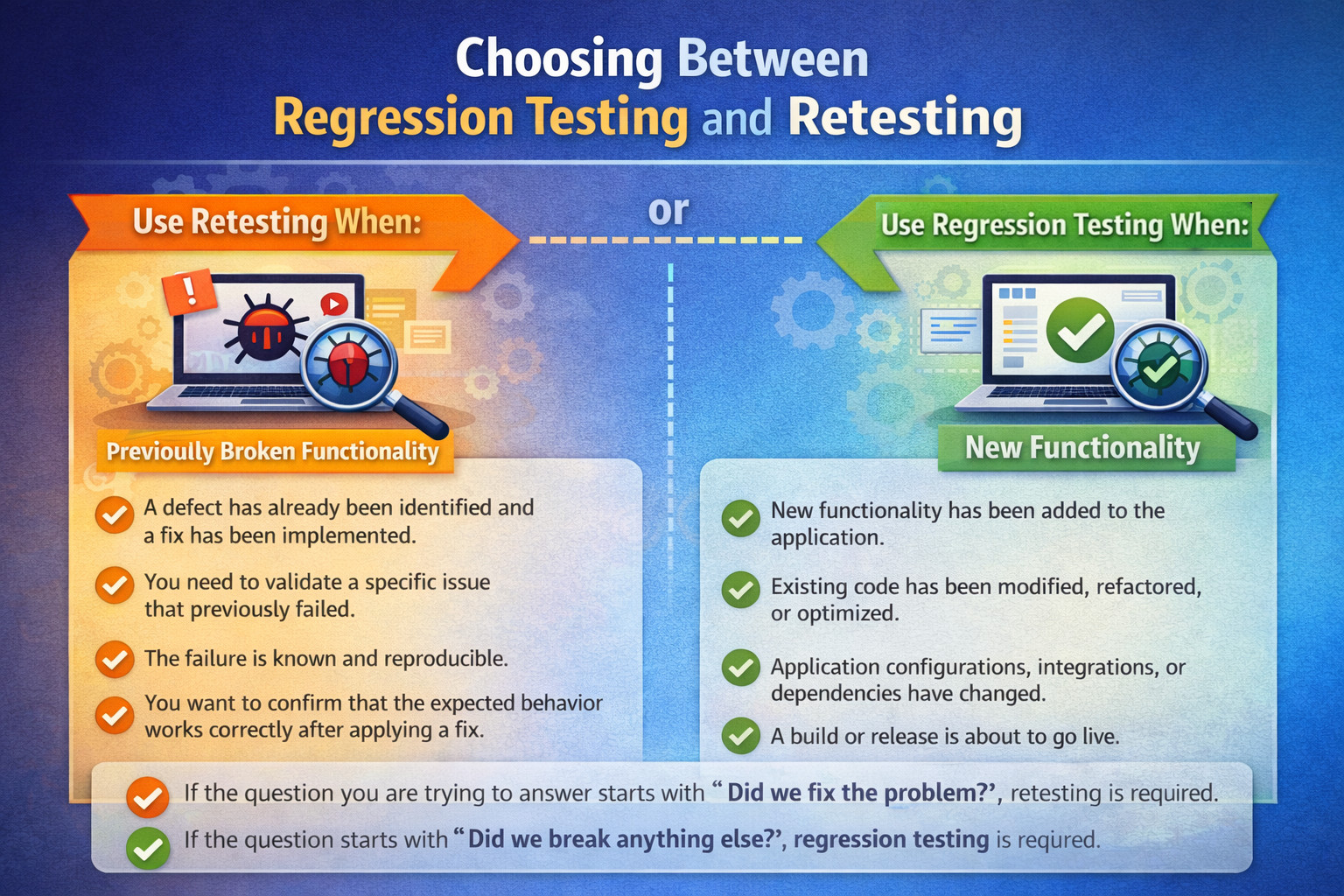
Use Retesting When:
- A defect has already been identified and a fix has been implemented.
- You need to validate a specific issue that previously failed.
- The failure is known and reproducible.
- You want to confirm that the expected behavior works correctly after applying a fix.
Use Regression Testing When:
- New functionality has been added to the application.
- Existing code has been modified, refactored, or optimized.
- Application configurations, integrations, or dependencies have changed.
- A build or release is about to go live.
- You need confidence that previously working features still function as expected.
If the question you are trying to answer starts with “Did we fix the problem?”, retesting is required.
If the question starts with “Did we break anything else?”, regression testing is required.
Why Regression Testing Scales, But Retesting Does Not
Regression testing is designed to scale with the product. As features accumulate, regression suites grow to protect past investments in functionality. Automation and AI make this growth manageable.
Retesting, by nature, does not scale. Each retest exists because of a specific failure at a specific point in time. Once the fix is validated and the risk is mitigated, the retest either becomes obsolete or is selectively absorbed into regression coverage—if it represents a recurring risk.
Understanding this difference prevents teams from turning temporary validation checks into permanent maintenance burdens.
Conclusion
Regression testing and retesting serve different but equally important purposes in software testing. Retesting verifies that a known defect has been fixed, while regression testing ensures that recent changes have not impacted existing functionality. Relying on only one of these approaches can leave critical gaps in quality and erode confidence.
Tools like testRigor help teams apply both testing types more effectively by simplifying test creation and reducing maintenance through AI-driven automation. As development cycles accelerate, understanding and executing this distinction consistently is key to delivering stable, reliable software.
| Achieve More Than 90% Test Automation | |
| Step by Step Walkthroughs and Help | |
| 14 Day Free Trial, Cancel Anytime |











