
Release Notes: Test Run Filtering, Expanded Test Cases & iOS Improvements
 |
Test suite run page improvements
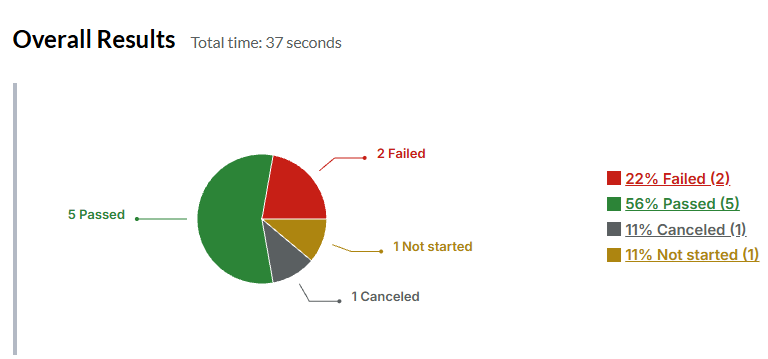
Since our latest update, users will be able to filter by test case status (Failed, Passed, etc) by clicking on the status shown on the overall results page of a test suite run.
New option for getting the visibility of native elements (iOS)
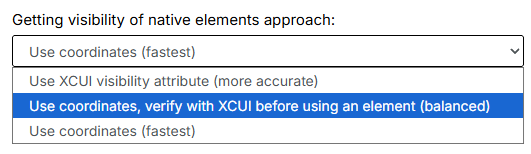
Our team has released a new option that modifies how we get the visibility of native elements on iOS “Use coordinates, verify with XCUI”, which works as a middlepoint between the two already existing options. To find this setting, head over to the Speed optimization tab -> Getting visibility of native elements approach.
Expanded test cases
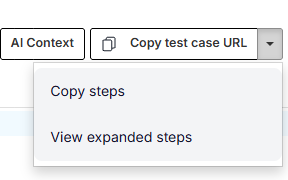
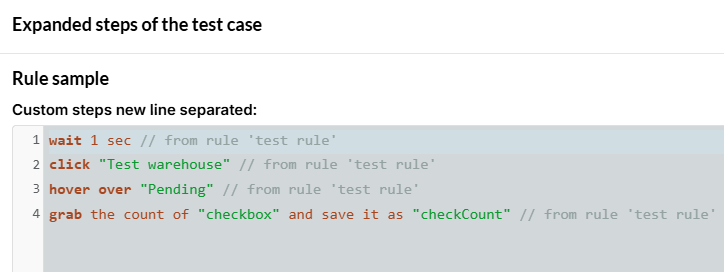
If we go to the edit page of a specific test case we will now have the option to see its expanded steps (without any reusable rules being applied to it).
If we have a test case that uses reusable rules:
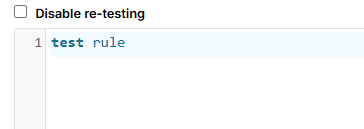
We will see the following expanded steps when using the option to visualize the expanded steps:
Shift-tabbing through command parameters
When autocompleting commands that use parameters, we will now be able to shift-tab through them. Which will help populate params faster when typing steps manually.










