
Starbucks Phishing Breach 2026: Lessons for QA Teams
 |
| Key Takeaways: |
|---|
|
A fake login page. 889 employees. Their Social Security numbers, bank account details, dates of birth: everything leaked.
In short, this was the massive data breach that happened to Starbucks in early 2026. If your first thought is “this wouldn’t happen to us,” this is exactly meant for you.
The Starbucks Cyber Attack: What Actually Happened
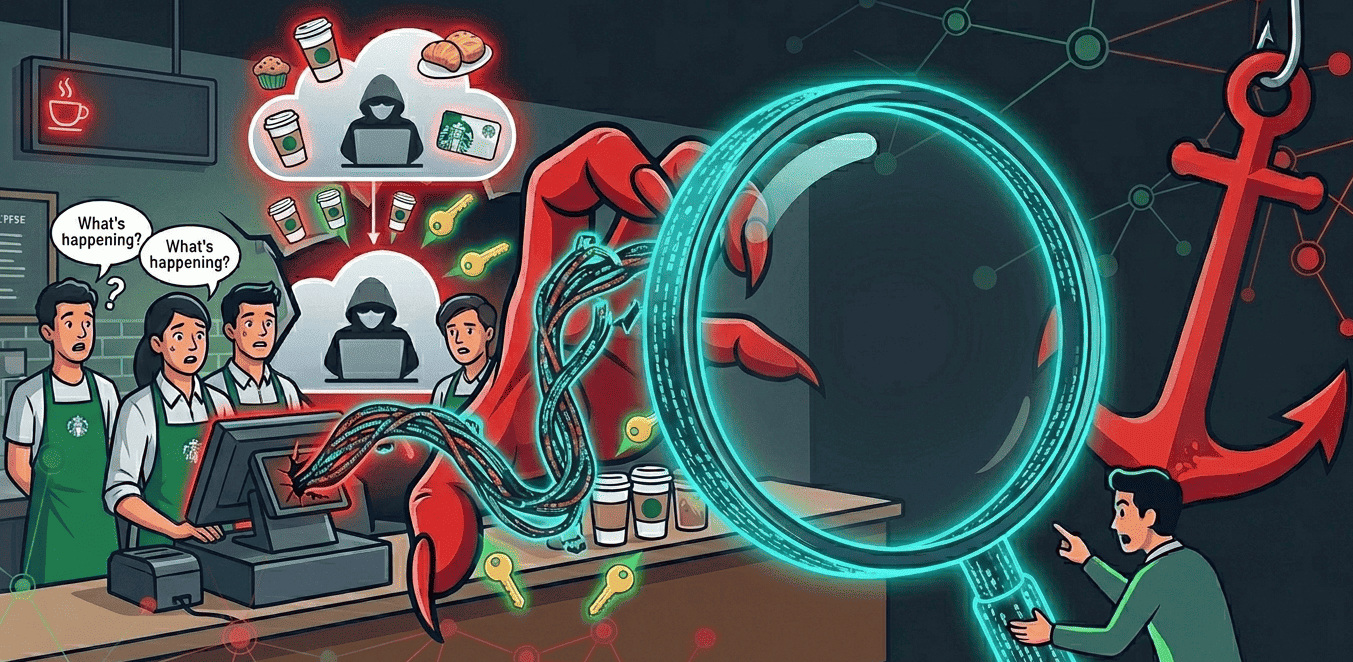
On February 6, 2026, Starbucks noticed something was wrong with its employee portal, Partner Central. Someone had accessed the system that contains employee information. The investigation revealed a well-planned phishing scam. Hackers created fake websites that mimicked the original login page and then stole the information of employees who logged in. They then used that information to access real accounts.
The breach went on for about three weeks, from January 19 to February 11, and affected 889 employees. Names, Social Security numbers, dates of birth, and bank account and routing information were all exposed in this major information breach.
Starbucks said that,
“The investigation has determined that an unauthorized third party accessed certain Starbucks Partner Central accounts after obtaining the login credentials through websites impersonating Partner Central. Based on the types of information viewable within those accounts, some of your personal information may have been impacted.”
Starbucks immediately reported the incident to law enforcement and strengthened its system security. In addition, it has offered 24 months of free security services (Identity Protection) through Experian IdentityWorks to affected employees.
How to Identify whether a Phishing Email is Real?
The 2026 Starbucks breach was through a fake page that mimicked the original internal HR portal, Partner Central. This is what makes phishing emails so dangerous and why they still exist today.
- Messages that sound urgent or scary (“Your account will be locked soon”)
- Websites that look similar to the original but with some minor changes.
- Requests to log in via a link in the email instead of going to a login page and entering information.
- Email addresses that look different, even if the sender’s name is correct
If in doubt, type the website address directly into your browser and enter the site without clicking on the link. Never click on links in emails from unknown or unexpected sources. If you suspect anything unusual, always report it internally. Similar to how employees are advised to report Starbucks phishing email incidents promptly.
The hackers in the Starbucks case didn’t need much technical knowledge. All they needed was patience and the ability to be convincing to steal the credentials of 889 employees. It takes very little effort to attack, but the cost of recovering from its impact is high. This characteristic keeps phishing as one of the biggest initial access threats in the cyber world today.
A Note of Caution
Starbucks is not a small company with outdated security systems. It is a global organization with advanced security teams. Yet this security breach went undetected for approximately three weeks, not because of a system failure, but because employees entered their credentials into fake websites.
Starbucks hacked? Not directly, but indirectly.
The hard truth is that phishing data breaches exploit our trust more than our technology. Not all employees are cybersecurity experts. While they are busy with their work, hackers design their scams to steal their information. The Partner Central scam succeeded because it replicated a fake page that closely mimicked the original.
Organizations that rely solely on employee vigilance as their security shield are taking a huge risk. Because human attention spans are limited, but hackers’ efforts are not.
There’s something we need to seriously think about: If a large organization like Starbucks can have its accounts accessed by hackers for three weeks without detection, how robust is the security monitoring of the internal systems that our teams use every day?
Why Should Testers Care?
Login flows, authentication portals, internal systems used by employees: they’re all software. All software requires proper test coverage.
- How thoroughly are we testing our authentication flows?
- In addition to functionality, are we also testing the behavioral integrity of a session?
- Can our system detect even the smallest anomalies that occur during login?
- Is it enough to just look at common scenarios?
Security testing of authentication systems often focuses on whether a legitimate user can log in. But teams rarely check what happens after credentials are compromised. It’s important to have alerts for anomalous session behavior, such as logins from unusual times or locations.
Cybersecurity testing should be a continuous activity. Automated testing methods that continuously validate authentication flows can help establish a baseline. Deviations from this baseline, if they’re caught early, can prevent weeks of data breaches.
The Starbucks incident is a reminder that even the best security measures can be undone by a well-timed phishing email. QA teams that incorporate continuous, security-aware test coverage into authentication systems are closing security loopholes that hackers are waiting to exploit.
Don’t Wait for the Notification Letter
The real cost of a data breach is not the cost of fixing it or the security services provided to employees. Rather, it lies in the window between first access and detection. The weeks during which an attacker moves freely through systems while the business continues as usual.
In Starbucks’ case, that window was 23 days. The 889 employees whose bank details were compromised will face consequences that extend far longer.
Any organization that operates its own employee portals and other internal systems should ask itself: “If something like this happened to our system, could we know within hours, not weeks?” To achieve this, you must transition from reactive checks to a hybrid testing model that combines human intuition with machine-speed oversight.
Only testing methods that are continuous and automated, rather than relying solely on human vigilance, can truly protect your assets.
See how testRigor helps QA teams build consistent, security-focused test coverage for their most critical systems.
Start your free trial today.
| Achieve More Than 90% Test Automation | |
| Step by Step Walkthroughs and Help | |
| 14 Day Free Trial, Cancel Anytime |











