
The Role of Testing in Deployment Strategy
 |
In software development, deployment is frequently referred to as the last mile in a pipeline. Code is developed, tested, built, and finally “pushed” into production. This linear framing, however, is a dangerous misconception. But deployment is not just an operational exercise. It is a critical business risk decision. Each deployment is a risk analysis of customer confidence, revenue continuity, brand image, legal liability, and operational integrity.
Testing sits at the very heart of this decision.
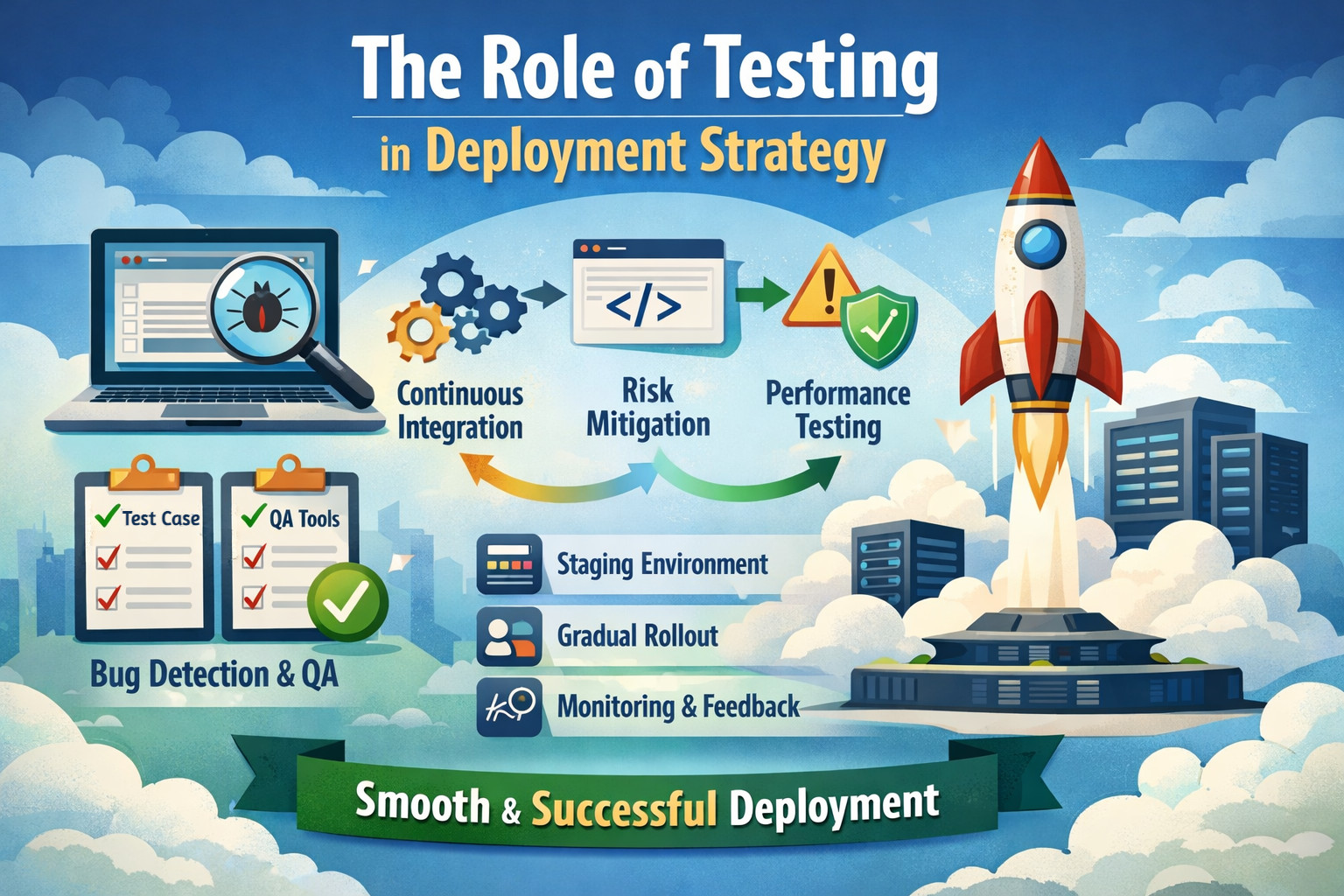
Without testing, deployment becomes a guessing game. Without sufficient testing, deployment becomes irresponsible. Combined with properly designed, strategically aligned testing, deployment becomes a managed business practice that is controlled by following predictable, repeatable processes.
| Key Takeaways: |
|---|
|
Deployment in Software Testing
A deployment strategy isn’t just about shipping code to production. It is a thoughtful method of change management that safely guards users, systems, and business impact. It shows how organizations can balance velocity with stability, increase risk during change, and build confidence both prior to code reaching a live user as well as in production.
What is a Deployment Strategy?
A deployment strategy dictates how changes to software are manifested within target systems, ensuring the ideal trade-offs between speed, safety, and impact on business. It decides how frequently changes are released, how risk is siloed or shared and how failures are identified and rolled back when things go wrong. It also influences a user’s mindset of change and how confidence is built in teams before and after releases.
There are several standard deployment techniques like big bang releases, rolling deployments, blue green deployments, canary releases, and feature toggles, described in the language of infrastructure and tooling. But whether these strategies actually succeed is more a matter of testing maturity than deployment machinery. A fancy deployment is like a jet plane with no instrumentation.
Read: Continuous Integration and Continuous Testing: How to Establish?
Why Testing is Central to Software Deployment Methodology
Testing is frequently perceived on the one hand as a means of quality control. However, in fact, it fills a considerably bigger role in the deployment strategy. Thus, serving as a risk management layer validating functionality, performance and security/reliability prior to changes hitting production. This influences confidence in release readiness, rollout confidence, and lastly, how fast we can recover when things inevitably go wrong.
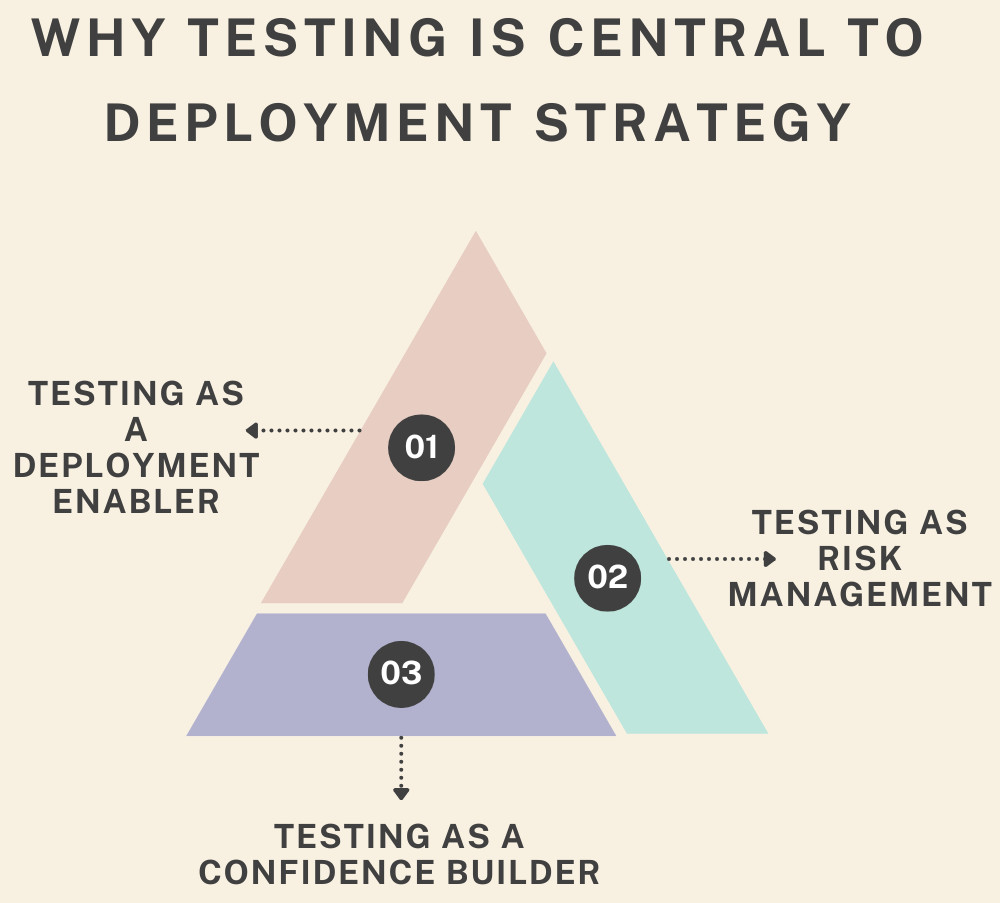
Testing as Risk Management
Every deployment introduces risk. Code changes may lead to failures, code slowdowns, or security issues or can also have unintended side-effect interactions. Testing enables us to identify, measure, and reduce that risk before changes land for users. The better and more predictable the testing, the less uncertain the deployment.
Read: Technology Risk Management: A Leader’s Guide.
Testing as a Confidence Builder
Confidence is an important but often ignored aspect of deployment. Teams that do not believe shift right back, introduce manual approvals, and slow deployment cadence. Teams that have a lot of confidence in their testing are able to release faster and respond to failures more quickly. Testing transforms deployment from an act of courage into an act of routine engineering.
Testing as a Deployment Enabler
Canary releases, or continuous deployment, are not really feasible without a very strong automated test suite. These schemes are based on detecting defects at a very early stage and finding the field failures in time.
Testing and the Deployment Approach
Testing in deployment pipelines has changed from a last, late verification step into an early and integral part of how releases are made. With the acceleration of delivery, the increase in system complexity also meant that testing was transformed from a phase to an embedded function throughout deployment.
Traditional Deployment and Testing
In traditional waterfall models, development would be done first and then testing would happen at the end of the lifecycle, with deployment really only occurring after lots of manual verification. Because testing occurred so late in the process, defects were being discovered at or near release time, and successful fixes were costly, while rollbacks were both expensive and not always an option. Thus, testing became a strict gatekeeper that would more often prevent than enable releases.
Modern Continuous Deployment
In current pipelines, the testing process is constant and smart tests are automatically performed at each stage of the delivery process. Flexible deployments in increments, roll back quickly, often with automation, making high-frequency updates less risky. Through this, testing transforms into a fast feedback mechanism that upholds deployment decisions rather than becoming a bottleneck.
This evolution fundamentally changes the role of testing from a final checkpoint to a continuous deployment partner.
Read: Continuous Deployment with Test Automation: How to Achieve?
Types of Testing that Influence Deployment Techniques
Different types of testing influence deployment decisions differently and affect how often software can be released with a given level of confidence. They jointly set release readiness and risk thresholds, as well as the type of deployment teams adopt (partial rollouts or all-in-now).
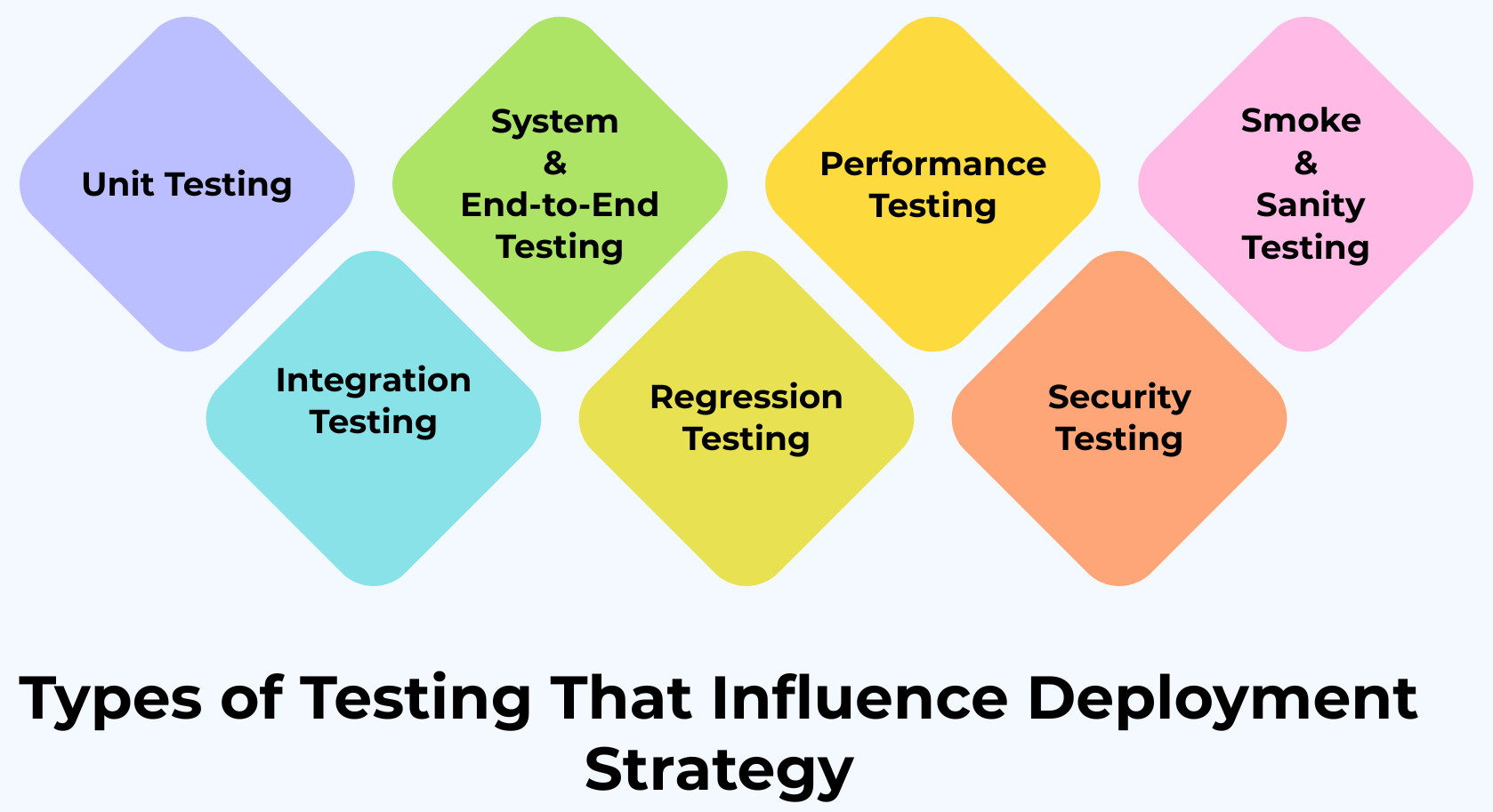
Unit Testing
- Enables rapid code changes
- Reduces fear of refactoring
- Supports frequent deployments
Without robust unit testing, the teams end up batch changing code, and the deployment risk goes up.
Read: Unit Testing: Best Practices for Efficient Code Validation.
Integration Testing
- Ensures service compatibility
- Reduces failures in distributed systems
- Supports microservices and API-driven deployments
Integration testing is of vital importance for rolling deployments (or partial deployments), when old and new versions of the code are running side by side.
Read: Integration Testing: Definition, Types, Tools, and Best Practices.
System and End-to-End Testing
End-to-end and system tests validate complete user journeys across the application. They ensure that all integrated components work together as expected from the user’s perspective.
- Confirms business-critical flows
- Protects customer experience
- Provides release confidence
These tests ensure that core functionality does not break for rollout plans that open up more to users.
Read: What is System Testing? – testRigor AI-Based Automated Testing Tool.
Regression Testing
- Prevents unexpected breakages
- Enables frequent releases
- Supports safe rollback decisions
Automation is essential here. Manual regression testing significantly limits deployment cadence.
Read: What is Regression Testing?
Performance Testing
- Prevents performance regressions
- Supports scaling decisions
- Enables capacity planning
Deployments may work fine if there’s no performance testing, but they won’t actually work.
Read: What is Performance Testing: Types and Examples.
Security Testing
- Protects sensitive data
- Ensures compliance
- Reduces post-deployment incidents
This makes security testing in our automated deployment pipelines even more crucial.
Read: Security Testing.
Smoke and Sanity Testing
- As a deployment canary.
- Enables fast rollback
- Supports automated promotion
Such tests are often the last line of action before roll-out to the world.
Read: Smoke Testing vs. Sanity Testing.
Testing and Deployment Models
Testing is a major factor in determining the approach you take to manage risk and reliability with different deployment models. Each deployment strategy adds its own set of challenges to testing, so that releases can stay stable and predictable.
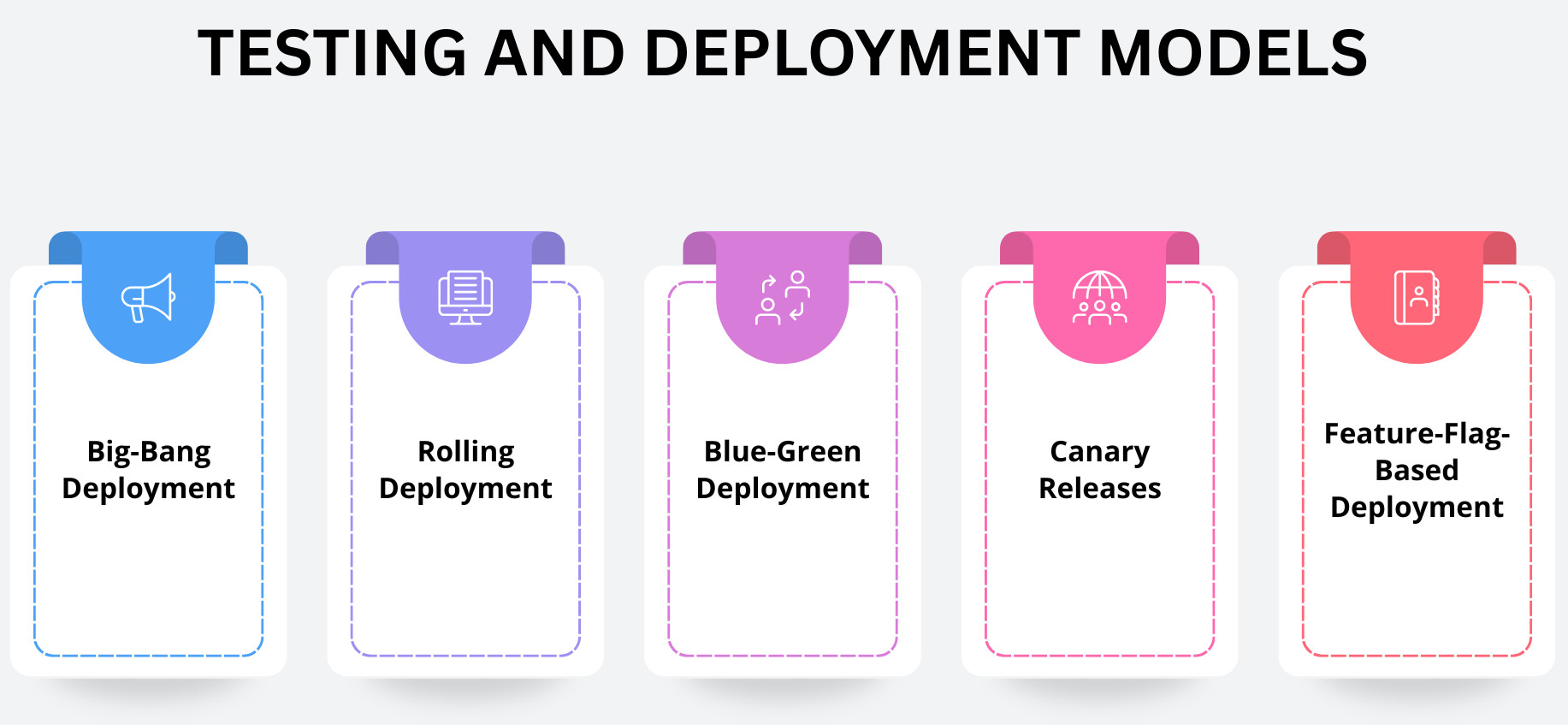
- Big-Bang Deployment: In a big-bang deployment, all the changes are deployed to production in one go. This makes any failure highly visible and impactful. And since there is no piecemeal introduction, the testing needs to be exhaustive and have deep regression coverage, along with long stabilization before launch. In such a model, testing replaces the cost of risk by acting as the first barrier to prevent potential production disasters.
- Rolling Deployment: Rolling deployments, a small number of changes to an instance of the system at a time, rather than large amounts all at once. The tests focus on compatibility, interaction between old and new versions, and validation through real-time observation. It is to make sure that mixed-version environments work fine while upgrading.
- Blue-Green Deployment: A blue-green deployment is a strategy in which there are two identical environments, one of which is live and serves production traffic, while the other serves staging or test traffic for the new release. The testing focuses on parity of environment checks, pre-switch accepts, and post-switch smoke test so as to mitigate risk during the transition. This way, the new environment is battle-hardened before user traffic goes through it.
- Canary Releases: They allow some users to experience a new version before it’s available to everyone. Testing combines pre-deployment automated testing with runtime validation, monitoring and A/B comparison to evaluate real-world behavior of the system. In this model, testing happens in production and is highly integrated with observability to inform rollout decisions.
- Feature-flag-based Deployment: Feature-flag-driven deployment separates releasing the code from deploying features, so you can make them dynamic, turning things on and off. Testing is about verifying behaviours with the particular flag on and off, testing various combinations of flags to make sure they all play nicely together and checking safe rollback scenarios. And this is making certain that feature toggles do the right thing in a predictable and safe way, no matter what.
Shift-Left Testing and Deployment Strategy
Shift-left testing is about focusing on ensuring functionality, quality, and risk at an earlier stage of the development lifecycle than too late. Teams that find defects earlier shave down the amount of unresolved risk building up later in the system’s progress toward deployment.
The bottom line is that deployment becomes easier and less uncertain because we literally have fewer unknowns. With shift-left testing, deployment transitions from a stressful, high-stakes experience to a routine, repeatable event.
Read: Shift Left Testing – Software Testing Done Early.
Shift-Right Testing and Observability
Shift-right testing is about verifying what the software does in the production environment or in real-world conditions. Another practice teams can use is synthetic monitoring, chaos testing, and user behavior analysis to understand how the system behaves outside of closely managed pre-production environments.
With a deploy strategy, testing ‘shift-right’ verifies assumptions made earlier in the pipeline and allows for ongoing improvement through real-world data of how it’s being used. It also enables progressive delivery styles, reinforcing that testing doesn’t stop at deploy but transitions to monitor-led verification.
Read: Shift-Right Testing: What, How, Types, and Tools.
Automation as the Backbone of Deployment Testing
Manual testing cannot keep pace with the speed and frequency of modern deployments, and is not enough for continuous delivery. Automation allows for consistent test runs, fast feedback cycles, and fact-based deployment decisions. Hence, automated testing is a requirement for deployment, not an optional enhancement.
Platforms like testRigor strengthen this automation-first approach by enabling teams to create stable, end-to-end tests in plain English that are resilient to UI changes. Its AI-driven element identification and self-healing capabilities reduce test maintenance, ensuring fast and reliable feedback even as applications evolve rapidly. This allows deployment decisions to be based on trustworthy automation results, supporting frequent, low-risk releases at scale.
From Deployment Gates to Deployment Signals
The role of testing in deployment has shifted from acting as a rigid blocker to serving as a source of actionable insight. Instead of enforcing simple pass-or-fail decisions, modern testing provides continuous signals that help teams make informed, risk-aware deployment choices.
| Testing as a Deployment Gate (Traditional) | Testing as a Deployment Signal (Modern) |
|---|---|
| Blocks deployment when a test fails | Guides deployment decisions using test insights |
| Relies on binary pass/fail outcomes | Uses risk-based interpretation of results |
| Performed late in the release cycle | Executed continuously across the pipeline |
| Often slows down releases | Enables faster, safer deployments |
| Failures halt the entire release | Failures trigger mitigation or controlled rollout |
| Ownership lies mainly with QA | Shared responsibility across engineering and operations |
Testing, Rollbacks, and Recovery
No deployment plan is perfect without clear rollback procedures; even if your pre-release validation has been perfect, things can and do go wrong. Testing is important because it proves backwards compatibility, makes sure of a safe database migration, and validates downgrading paths.
By testing rollback ahead of time, teams can be confident that they’ll be able to recover quickly and safely. Well-practiced rollback procedures make deployments less scary and enable a higher frequency of releases.
Common Pitfalls When Testing is Misaligned with Deployment
When testing does not follow the deployment strategy, risks go unnoticed until the time of going live. These misalignments frequently result in organizations having to delay their deployments or use release practices that are overly risk-averse.
- Over-Reliance on Manual Testing: Manual testing cannot keep pace with frequent releases, leading to delayed feedback and higher deployment risk.
- Insufficient Test Coverage: Gaps in test coverage allow critical defects to slip into production, increasing uncertainty during deployment.
- Ignoring Non-Functional Testing: Skipping performance, security, or reliability testing results in production issues that functional tests alone cannot detect.
- Treating Testing as a Phase Instead of a Process: Limiting testing to a single stage reduces its effectiveness and concentrates risk near deployment time.
- Lack of Production Validation: Without monitoring and validation in live environments, teams miss real-world issues that impact deployment confidence.
These pitfalls force organizations into conservative deployment strategies.
Designing a Testing Strategy that Supports Deployment
A testing strategy that really enables rapid deployment has to be intentional and closely linked with how engineers are delivering software. Testing shouldn’t be done in a silo. It should reduce the risk of deployment, increase confidence, and allow for faster decision-making.
This demands aggressive automation, immediate and frequent testing, and being tightly linked with CI/CD pipelines. By mapping tests against the risks they bear to a deployment and making decisions based on testing outputs, teams ensure testing serves their deployment needs.
Conclusion
Testing isn’t the last checkpoint before deployment. It is a decision-making process that makes deployment an informed, controlled, repeatable business decision and no longer a gamble. When testing is well-integrated into deployment strategy across shift left prevention, shift right validation, and automation-led feedback, it turns risk into a measurable and controllable signal. Institutions that have testing as a partner in continuous deployment, not the gatekeeper of it, are able to achieve faster releases, safer rollouts, and maintain confidence at scale.
Ultimately, the role of testing in deployment strategy is simple yet profound: The better you test, the better you deploy.
| Achieve More Than 90% Test Automation | |
| Step by Step Walkthroughs and Help | |
| 14 Day Free Trial, Cancel Anytime |











