
Release Notes: Live mode commands
 |
Live mode recorder: generate meaningful commands using Click
While using live mode recorder, meaningful command (click / enter / validate) would be generated based on type of clicked element.
-
If the user clicks on a button, it should generate a
clickcommand. -
If the user clicks on an edit field (textbox), it should generate an
entercommand. -
If the user clicks on a label, it should generate a
validatecommand.
Example:
1. We can use the Generate Command and Execute option, and when combining it with “Execute Input Automatically“, it will generate a new random name, email or value depending on the type of input we’re fulfilling.
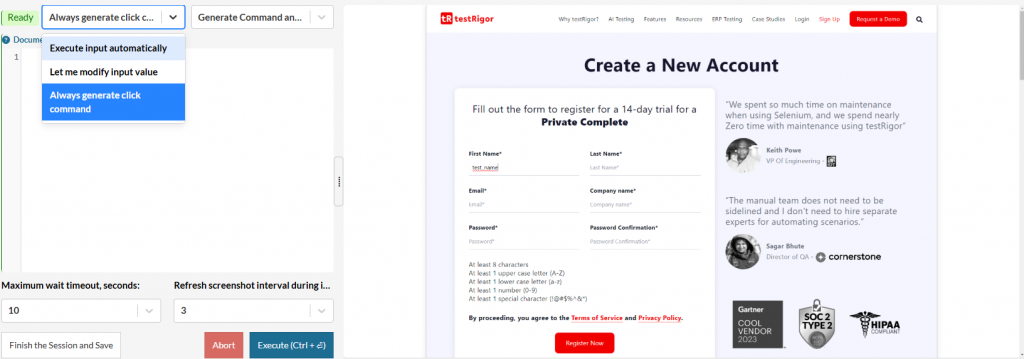
Caption: Generate Command and Execute location.
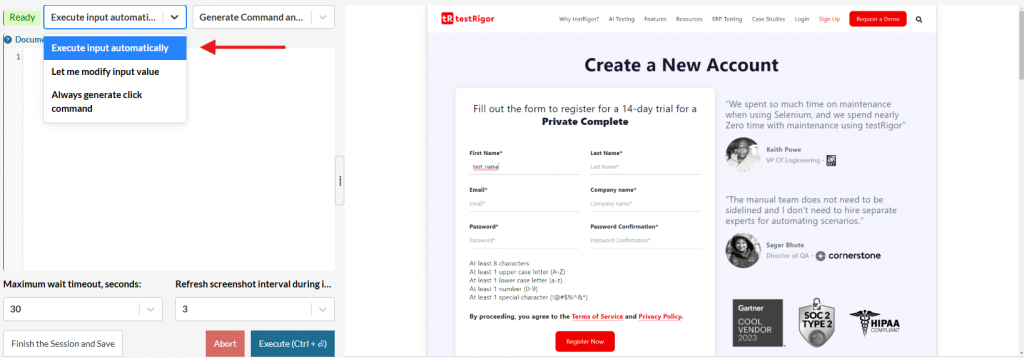
Caption: Execute Input Automatically location.
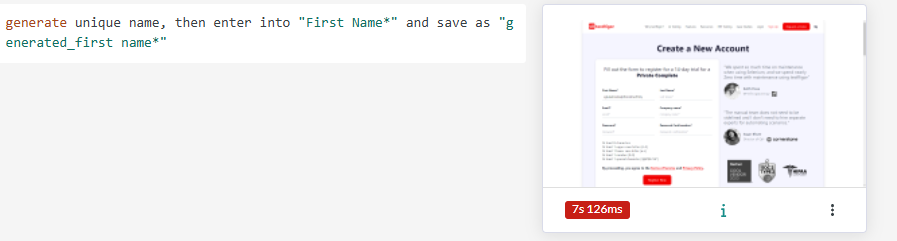
Caption: Command result.
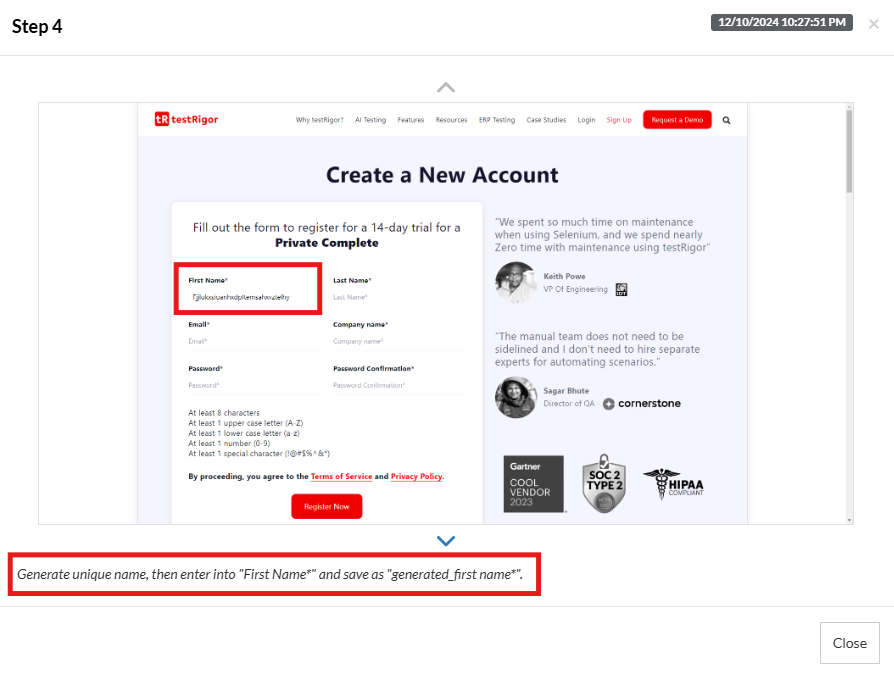
Caption: Image result.
2. In case we use Let me modify input value, it will allow you to add a value before it’s inserted in the text box:
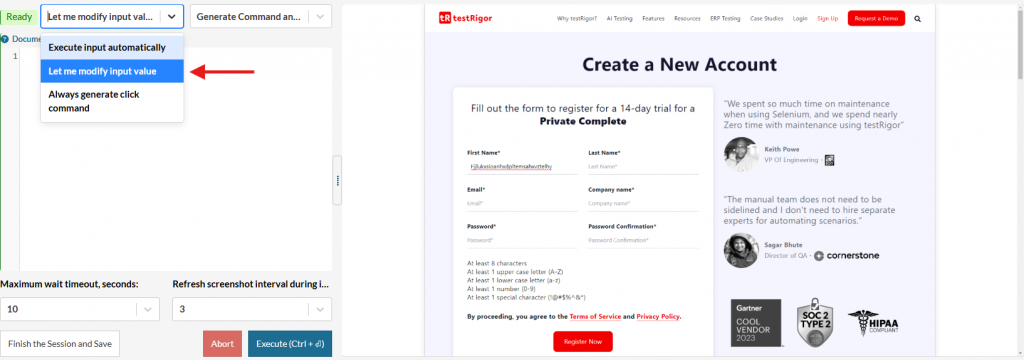
Caption: Let me modify input value location.
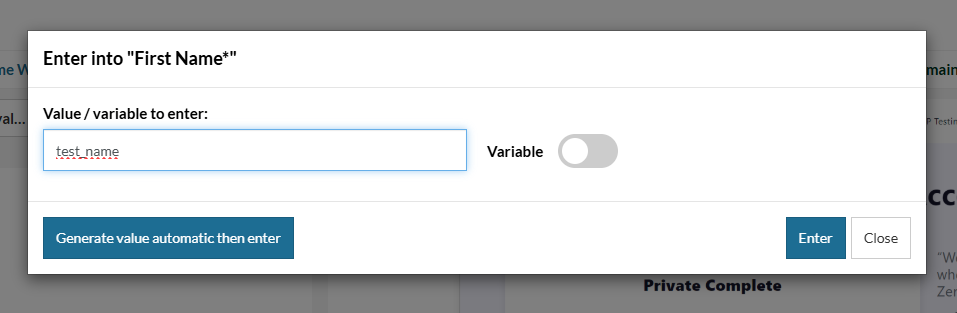
Caption: Value entered.
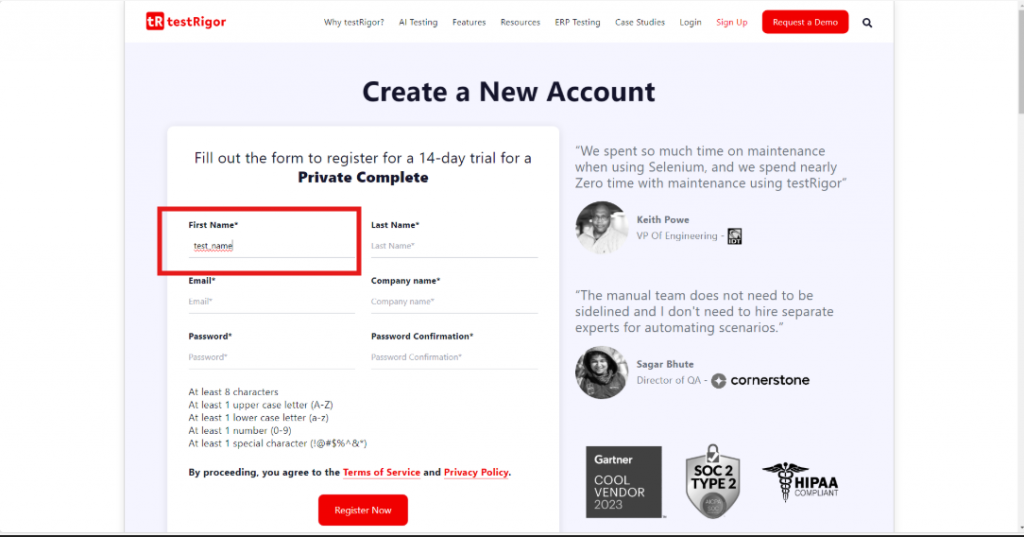
Caption: Result of custom value.
Now, in case you use the Variable option, it will use a stored value to enter into the field. Make sure the stored value exists before to use it in Test Data section.
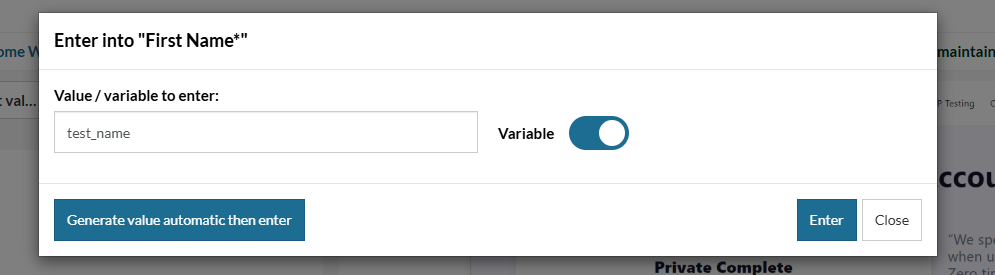
Caption: Value option.
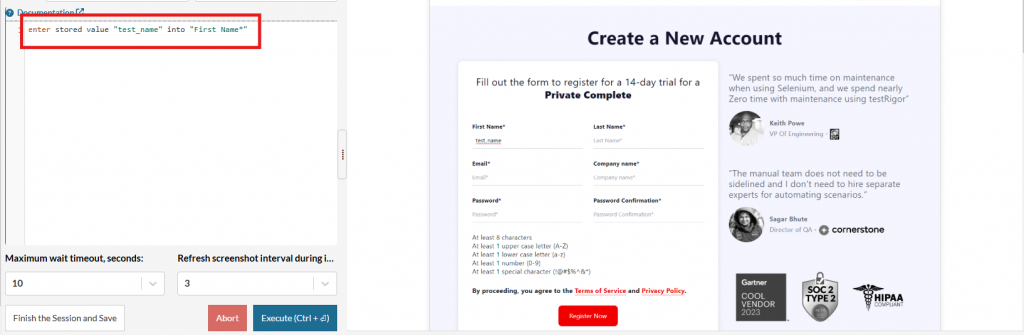
Caption: Generated command using stored value.
3. And when we’re using the Always generate click command, it will just add a click with the location of the element you’re clicking on.
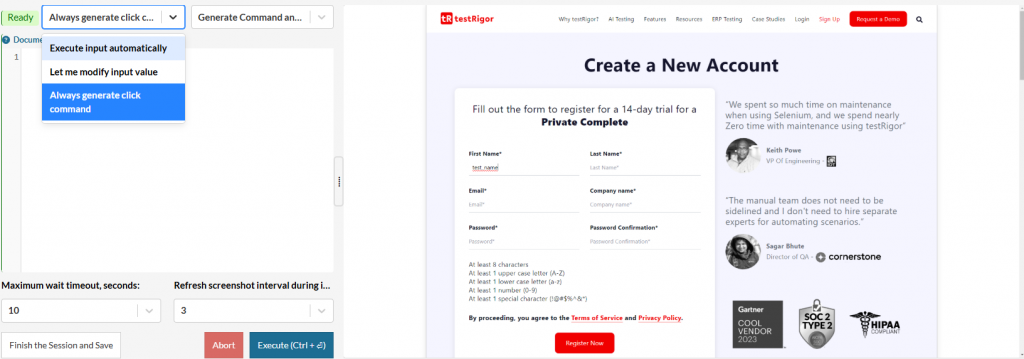
Caption: Always generate click command location.
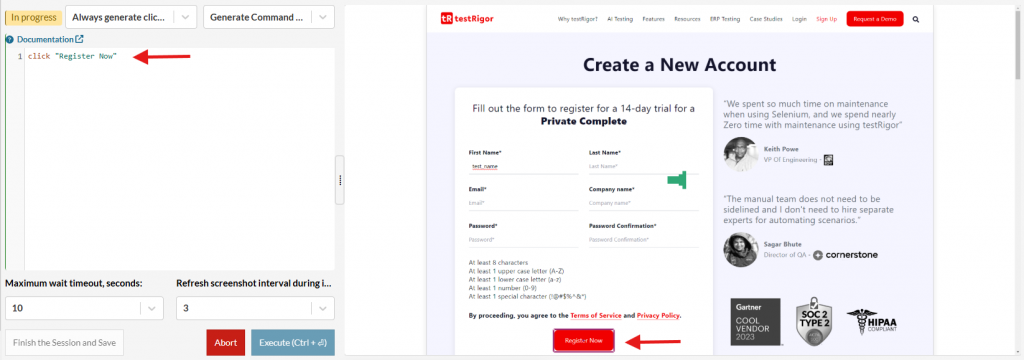
Caption: Result when using click command.










