
testRigor Release: Color Validation, Qase Integration & More
 |
Color validations
We now support color validations based on color groups rather than specific hexadecimal (HEX) codes. This allows users to validate an element’s color without specifying an exact color value.
For example, you can use the following commands:
check that "element" color looks red
check that "element" background color looks blue
check that "element" border color looks purple
check that "element" color doesn't look green
check that "element" background color doesn't look yellow
check that "element" border color doesn't look pink
These validations support the following colors:
- white
- yellow
- red
- purple
- pink
- orange
- green
- gray
- brown
- blue
- black
Variable inspector for Live Mode
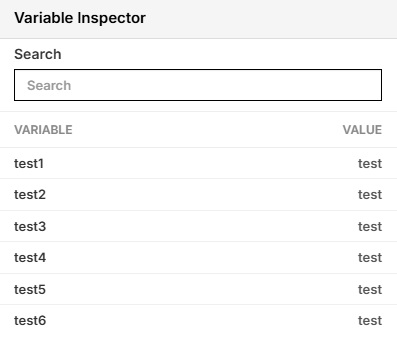
We’ve introduced a new Variable Inspector for Live Mode. Whenever variables are created during a Live Mode test session, they will automatically appear in the Variable Inspector, allowing users to easily view and track their values.
Qase Integration
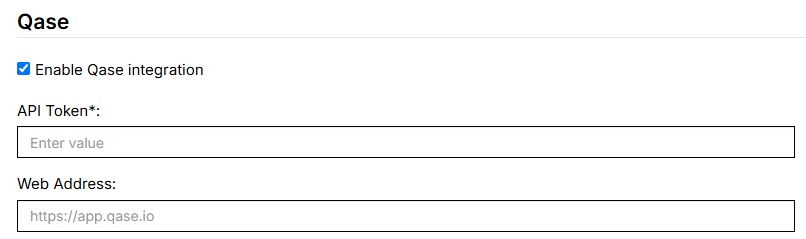
Test suites can now be integrated with Qase. To enable this integration, navigate to Settings > Integrations, locate the Qase integration section, and enable it.
Setting Camera Images on Mobile Devices
The set camera image to command is now supported on testRigor-provided mobile devices.
Previously, this functionality was only available on Sauce Labs devices. With this update, users can now set camera images directly on testRigor’s own emulators.










