
Cursor Request Limit Bug: What QA Teams Can Learn
 |
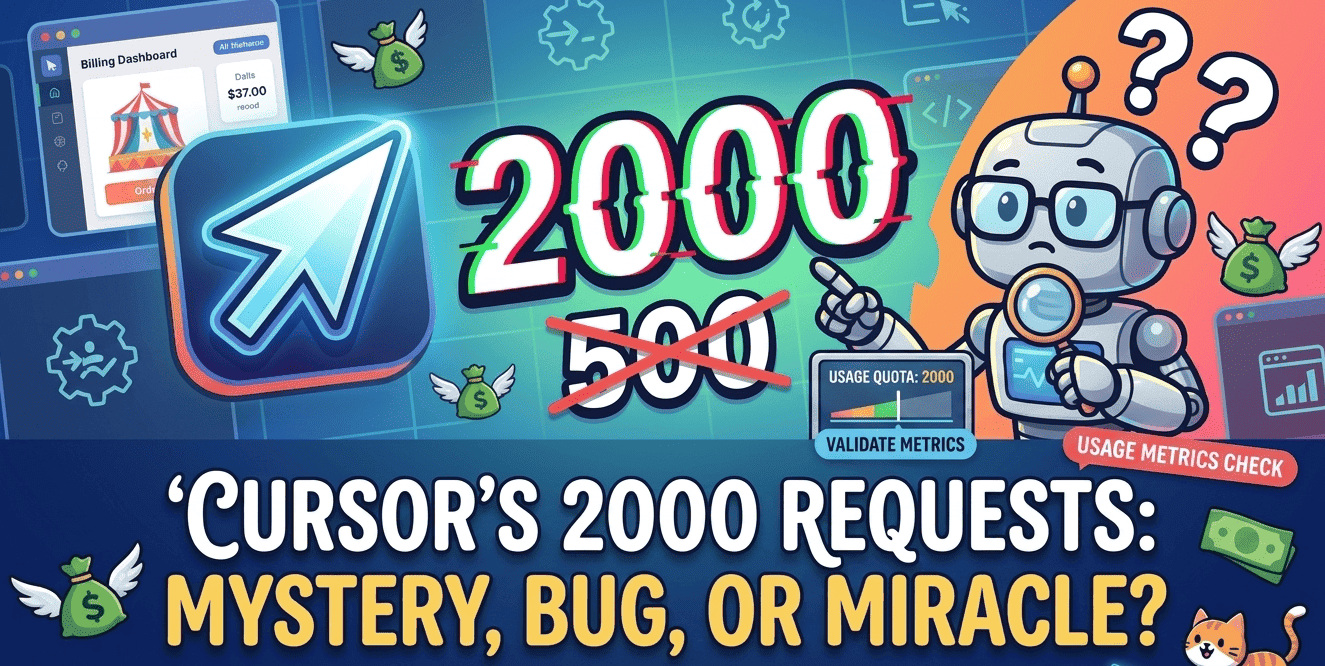
On April 15, 2026, users noticed unusual changes in their billing dashboard.
When Cursor users opened their billing dashboard, many users were surprised by what appeared on the dashboard. Without any notification, their Cursor request limits had increased from 500 to 2000! There was no changelog, no email, and no official announcement about this.
The Cursor community forum quickly filled with questions and speculation.
“Does this mean the request quota has actually increased from 500 to 2000? Or has Cursor changed the way it counts requests?”
— User, Cursor Forum.
There was no clear answer to this question. Everyone was confused.
| Key Takeaways: |
|---|
|
A Bug or Feature?
Within hours, it became clear from the forum discussions that everyone had a different experience. While some users saw a 2,000-request limit, others still saw the original 500-request quota. One user, Brian Safdie, noticed that his usage counter had jumped from 44 to 176 overnight without him doing anything. He suspected it was a UI bug.
Cursor’s support team finally responded. It wasn’t a new pricing plan or a secretly implemented system. According to Colin, a Cursor support engineer, the problem was that a UI error had caused this confusion.
The “2,000” displayed on the dashboard was actually the $20 Pro subscription price shown in cents. Although the screen displayed the wrong figures, the standard 500-request limit remained enforced on the backend. In reality, the backend quota system had not changed.
But the discussion did not end even after this explanation. Many people commented that this incident pointed to a larger problem: Cursor still lacks clarity about how requests are counted, especially in Agent Mode.
Users were complaining that credits were running out very quickly, even during normal use. Even when we enter a prompt in Composer or Agent Mode, there are many processes going on in the background that we cannot directly see, such as file reading, terminal commands, tool calls, and code edits. Some users reported that individual tool calls and intermediate actions appeared to consume separate credits. against the premium quota.
For teams that use Cursor every day, there was a bigger concern than the display bug: how these agent-based tools were becoming too complex to predict and how they would reduce credits. The incident also sparked wider discussions around AI coding assistant billing, hidden Agent Mode usage limits, and how Cursor Agent Mode credits are consumed in the background.
A Word of Caution
While this incident happened due to a UI bug, it revealed some serious truths about modern AI development tools. When pricing systems, request counting methods, and agent workflows are so complex that users may struggle to understand how they operate, even the smallest error can lead to major panic and distrust.
For developers and QA teams, the real problem here isn’t just unexpected bills. The main challenge is that many AI workflows now operate with limited visibility into internal actions where we don’t know how they work. When we issue a prompt, there may be dozens of actions going on in the background, but users have no way of knowing how these will affect their limits and costs.
As AI coding assistants become part of testing and CI/CD workflows, transparency is as important as speed. Teams need tools that perform predictably and accurately reflect credit usage. Otherwise, even a small mistake in the interface could turn into a major professional crisis.
This confusion also exposed how difficult modern credit-based billing systems can become when AI agents perform multiple hidden actions in the background. For many users, the biggest concern was not the UI mistake itself, but how quickly credits could disappear without clear visibility into what the tool was actually doing. This has increased concerns around Cursor usage tracking and overall AI tool transparency.
In fact, this UI issue is something very serious. Incidents like this also raise questions about how UI validation, billing verification, and release testing are handled in AI-driven platforms. Even if the company says it was a UI display issue, many users may still find it difficult to trust such mistakes.
Why Should Testers Care?
This incident is not just a billing dashboard bug. It’s a reminder that even AI tools need to undergo proper testing and validation before they’re released.
Thousands of users were confused overnight because of a small error in the UI. Something as trivial as showing the pricing value in the wrong column led to a huge amount of panic and distrust among the community. This raises an important question for QA teams: If such a simple issue, like mapping a subscription price variable to a quota limit field, cannot be caught in internal testing, what about more complex issues within AI workflows?
Modern AI coding assistants now interact directly with repositories, terminals, APIs, and CI/CD systems. They interact directly with files, terminals, APIs, repositories, and testing environments at the same time. Even small logic or tracking errors can affect billing accuracy, automation reliability, and CI/CD stability.
Testers need to pay close attention to the difference between what the user sees on the screen and what the AI system actually does in the background. In agent-based workflows, even one action that is visible on the outside can cause dozens of other actions to happen on the inside. Without proper transparency and monitoring, it can be difficult for teams to assess the performance, cost, or failures of such tools.
The Cursor incident reminds us that testing AI tools is not just about seeing if the features work. It also includes usage metrics, transparency in workflows, UI accuracy, and user trust. For teams working on AI testing workflows and CI/CD automation testing, visibility into AI actions is becoming more important.
The Lesson
This quota incident in Cursor may have been just a UI bug, but it points to a lack of transparency. As AI assistants become an integral part of testing, automation, and CI/CD workflows, teams can’t just trust that these tools are working properly. There needs to be clarity around how requests are counted, how billing is calculated, and how agent workflows are running in the background.
This sudden increase in the usage limit is a reminder that even AI tools need to be tested, monitored, and validated on a regular basis. This is where automation testing platforms like testRigor come in, ensuring stable, predictable automation and full infrastructure-level visibility rather than treating testing as a black box.
Have you encountered unexpected billing behavior or unclear usage tracking while using AI coding tools? Moreover, are your current testing systems able to detect these financial impacts before they occur?
| Achieve More Than 90% Test Automation | |
| Step by Step Walkthroughs and Help | |
| 14 Day Free Trial, Cancel Anytime |











