
Release Notes: New UI, Database Proxies, Double Quotes, Find and Replace, Suite Folder Changes
 |
New UI Design
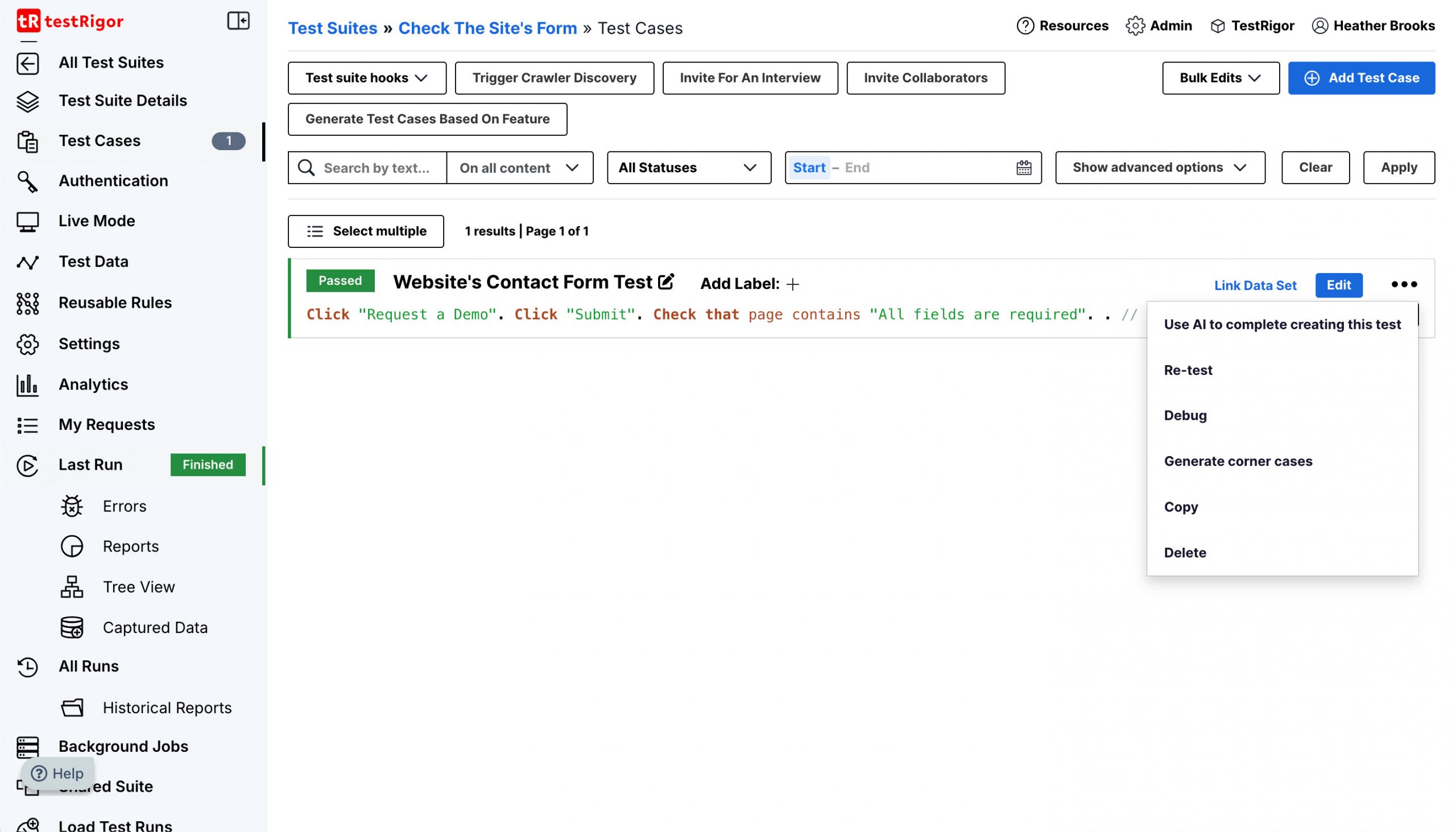
A new UI design has been released. Below there’s a snippet of how the new UI looks:
Database Proxies Authentication
With the latest update databases that connect through a proxy will now use the credentials provided on the “proxy” tab of the settings for authentication.
Double Quotes
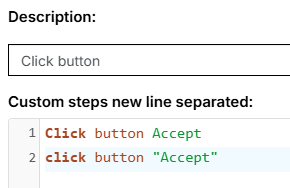
Our team has improved the existing command parser. Now commands without quotes will be accepted.
Find and Replace on Test Case Level
The option to “Find and replace” will now be accessible on the edit page of a test case. When using said option on the test suite edit page this will only affect that test case in particular.

Suite Folder Changes
- Team members that do not have access to the whole folder tree will now be able to fully visualize the subtree that they have access to (previously it would simply show all the test suites at root level if there was a parent folder that the customer did not have access to).
- Company admins will now be able to visualize and edit all folders and test suites










