Release Notes: Pre-defined Variables and Reusable Rules, UI Changes, Filtering Inputs by Values, Saving Dates into Variables
 |
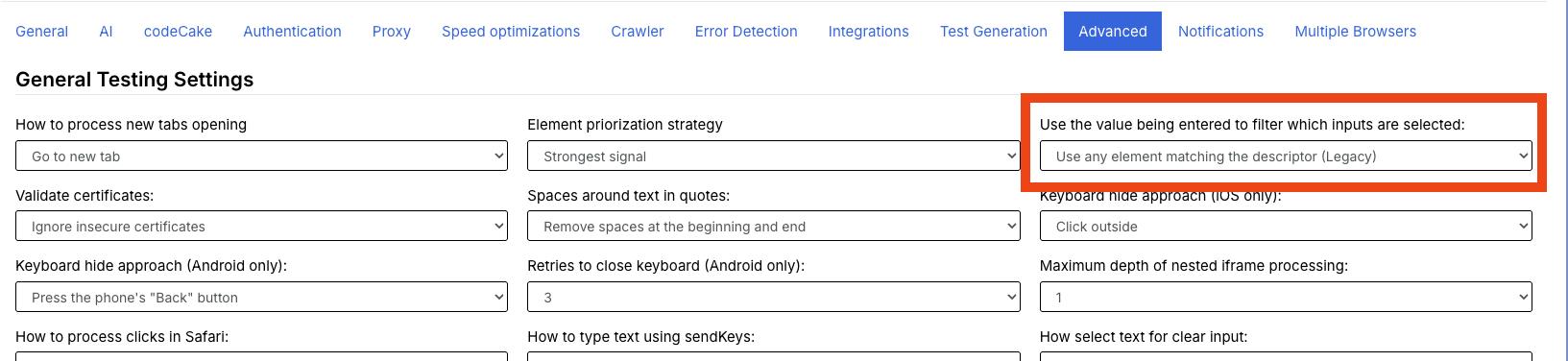
Filtering inputs by values
Now there is a new setting on the Advanced tab which will allow us to filter inputs based on the values they can accept (in the case of dropdowns).
Pre-defined variables additions
New pre-defined variables have been introduced since our latest changes, these store information regarding the current test suite run:
- testSuiteRunExecutionUrl – stores the url of the current test suite run.
- testSuiteRunId – stores the id of the current test suite run.
- testSuiteRunBranchName – stores the branch name of the current test suite run (it will be blank if it isn’t a branch run).
- testSuiteRunCommitName – stores the commit name of the current test suite run (it will be blank if it isn’t a branch run).
Saving dates into a variable
Our team has introduced the ability to store generated dates into variables to use later on the test case flow, for more information you can check the documentation here.
Example, you can save tomorrow’s date into the variable “tommorowDate” as follows:
save day of the month "tomorrow" as "tommorrowDate"
Built-in login rule changes
We can now specify with which credentials we want to perform the login when using the “login” built in reusable rule.
login with "username" and stored value "stored_password"
login with username "username" and password from stored value "stored_password"
For more examples about the its usage you can check the documentation.
UI Changes
New changes were made to the UI after the latest release, those are the following:
-
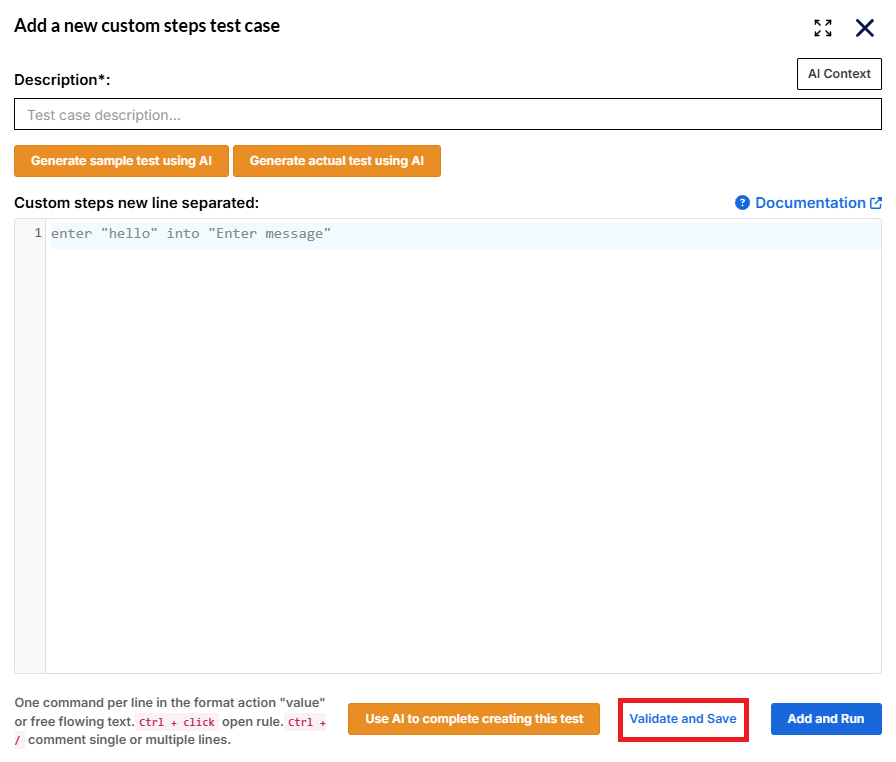
When creating a new test case, you will now have the option to validate and save it. This won’t run the test case and it will show up as “Not Started” on the test case page after creating it.
-
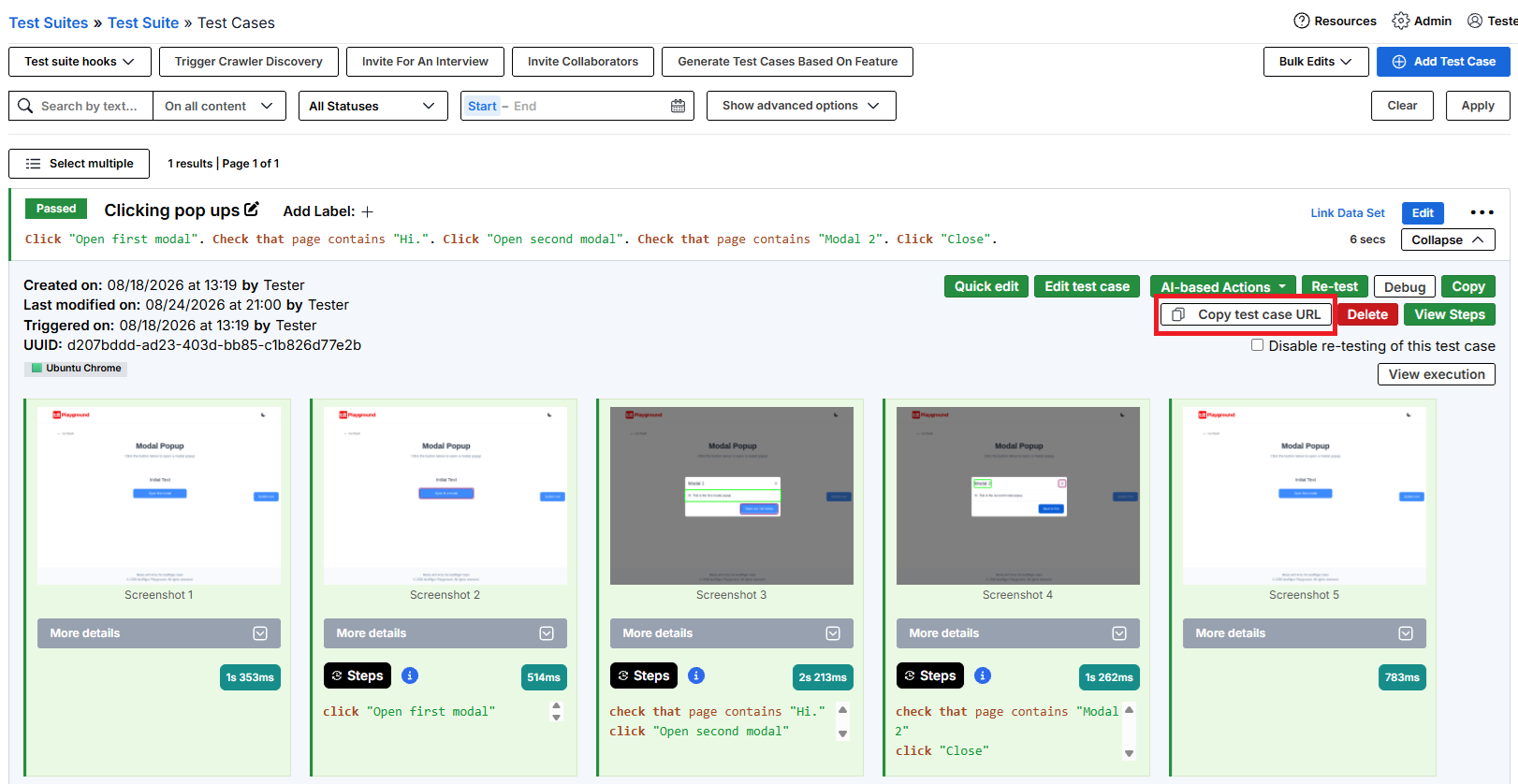
The button “Copy test case url” has been added to the test case page. It will be visible when expanding a test case.