
Cert-In Warns of WhatsApp Security Flaw: What QA Teams Need to Know
 |
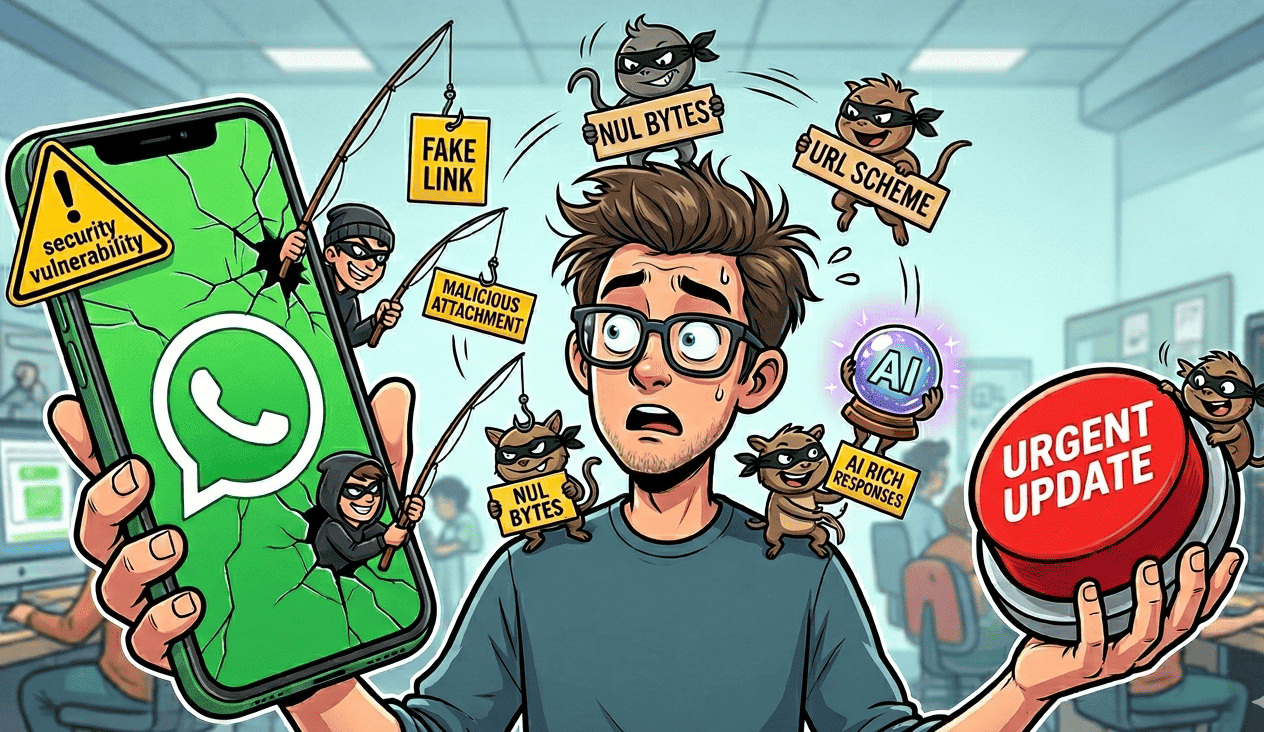
Cert-In, a cybersecurity agency, issued an official warning on May 7 about serious security flaws in WhatsApp versions (tracked as CVE-2026-23863 and CVE-2026-23866). The issue may affect WhatsApp applications on iPhone (iOS), Android, and Windows platforms, which are used by billions of people worldwide. The biggest danger is that hackers may be able to spoof file types or trigger malicious URL schemes on your phone and install harmful software (malware).
This WhatsApp message security issue is caused by an error in handling attachment filenames (specifically embedded NUL bytes) and a failure to properly check AI-generated rich response messages. Clicking on a fake file or link sent by a hacker can lead to a WhatsApp virus infection, the theft of information on your phone, or someone else taking control of your phone.
- iOS: v2.25.8.0 to v2.26.15.72
- Android: v2.25.8.0 to v2.26.7.10
- Windows: versions earlier than v2.3000.1032164386.258709
WhatsApp has announced that these issues have been resolved through new WhatsApp updates. They stated that these flaws were noticed through the company’s bug bounty program and that there is currently no evidence that anyone has exploited them. However, to be safe, update your WhatsApp to the latest version immediately.
Read ➤ Cybersecurity Testing
| Key Takeaways: |
|---|
|
Why QA Teams Need to Pay Attention to This Security Issue
Security vulnerabilities in an application are not just technical glitches. There are testing gaps that need to be addressed during the development phase itself. If proper testing methods had been followed, such flaws could have been found before the app was released.
Nowadays, we rely heavily on messaging apps for both personal and professional purposes. Therefore, a medium-severity issue can still have a significant impact on customers. Even a cyberattack carried out through a small file attachment is enough to destroy the credibility of a company. This incident reminds us that when building mobile and desktop apps quickly and bringing them to market, it’s necessary to test file handling, link validation, and media processing.
Read ➤ File Testing
Quality Assurance (QA) Perspective: Where Testing Practices Need to Change
A few points become clear when you look at testing teams that have been chasing deadlines for years. Often, testing focuses only on the normal functioning of the app. But negative testing, which checks how the app responds to incorrect or dangerous inputs is often not taken seriously enough.
- Boundary & Negative Testing: Do we test how the system handles unusual file names? (e.g., NUL bytes and special characters).
- Depth of Security Testing: Do we test AI-generated rich media and external links as thoroughly as the app’s main features?
- Accuracy across Platforms: Can we ensure that the same security standards are met across all versions, such as iPhone, Android, or Windows?
- Observability: Can our automation systems quickly detect changes in the system when unexpected data enters the app?
These are not just technical discussions, but issues that directly affect the reliability of an application. When automation testing is limited to just the UI structure, many important security checks are omitted. This is where the importance of shift-left testing comes in. If such errors are detected during development before they are reported by a national cybersecurity agency, it can reduce costs and ensure security.
Conclusion
It’s easy to ignore this WhatsApp issue as a medium-severity issue. But both quality assurance and engineering teams need to learn some lessons from this incident. These types of security issues don’t just happen overnight. It’s the minor aspects we overlook during development or testing that turn into big problems later.
In today’s world, it’s not enough to just check whether an app’s features work. You also need to check how it behaves when you input something dangerous into the system. Testing your app with a virus file or a fake link can help you find these vulnerabilities early. Early detection not only reduces risk but also helps your team release your product with confidence.
The next security threat could be hiding inside your app. Are your testing methods strong enough to detect it before hackers do?
Want to streamline your quality assurance process? See how testRigor can help you test complex user flows and edge cases quickly and accurately. Contact us for more information.
| Achieve More Than 90% Test Automation | |
| Step by Step Walkthroughs and Help | |
| 14 Day Free Trial, Cancel Anytime |











